ScreenshotStyle.com vs Canva
A purpose-built screenshot editor that's faster and simpler than Canva for screenshot beautification.
Try ScreenshotStyle.com FreeFeature comparison
| Feature | ScreenshotStyle.com | Canva |
|---|---|---|
| Price | Free forever | Freemium ($13+/mo) |
| Purpose | Screenshot beautification | General design tool |
| Signup Required | No | Yes (account required) |
| Learning Curve | None — drag and export | Moderate (many menus) |
| Screenshot Backgrounds | 100+ optimized presets | Manual setup needed |
| Device Frames | Safari, Chrome (light/dark), Arc, Polaroid | Via templates only |
| 3D Effects | Perspective tilt & rotation | Not available |
| Animations | 20+ presets, keyframes | Basic page animations |
| Video Export | MP4, WebM, GIF | MP4 (Pro only) |
| Export Resolution | Up to 5x scale | Up to 3x (Pro) |
| Free Forever | Yes, all features | No |
ScreenshotStyle.com
- Purpose-built for screenshot beautification
- No account or signup required
- 3D perspective transforms
- Animation timeline with 20+ presets
- Video export (MP4, WebM, GIF)
- 100+ backgrounds optimized for screenshots
- Free forever, no watermarks
- Instant workflow — drag, style, export
Canva limitations
- General-purpose tool — not optimized for screenshots
- Requires account creation
- Complex interface with steep learning curve
- No 3D perspective effects for screenshots
- No screenshot animation timeline
- No video export from screenshot animations
- Slow workflow for simple screenshot tasks
The verdict
Canva is a powerful general design tool for presentations, social posts, and branding. But for screenshot beautification specifically, ScreenshotStyle.com is faster, simpler, and more capable with purpose-built features like 3D effects and animation presets — all free, no account needed.
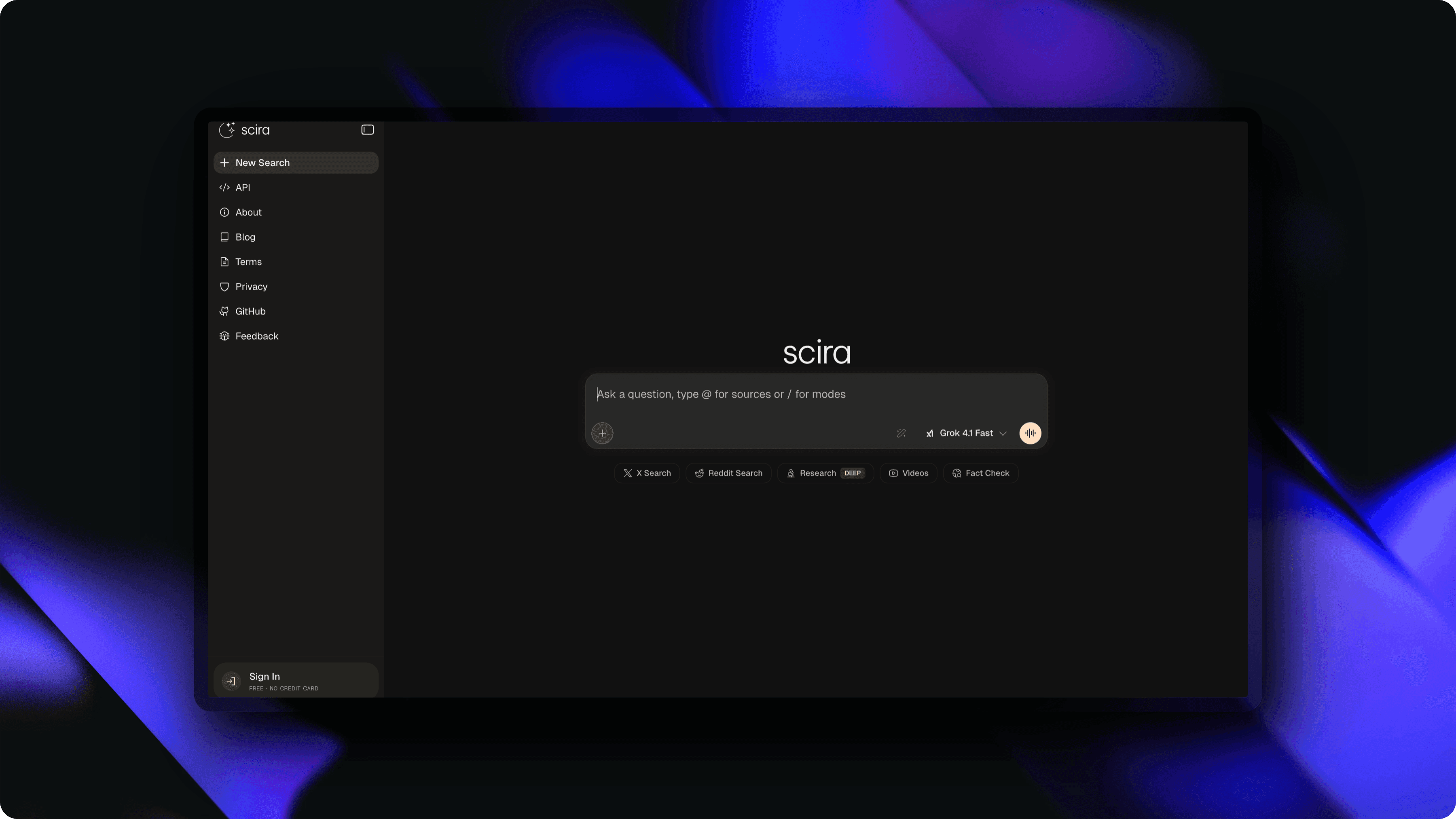
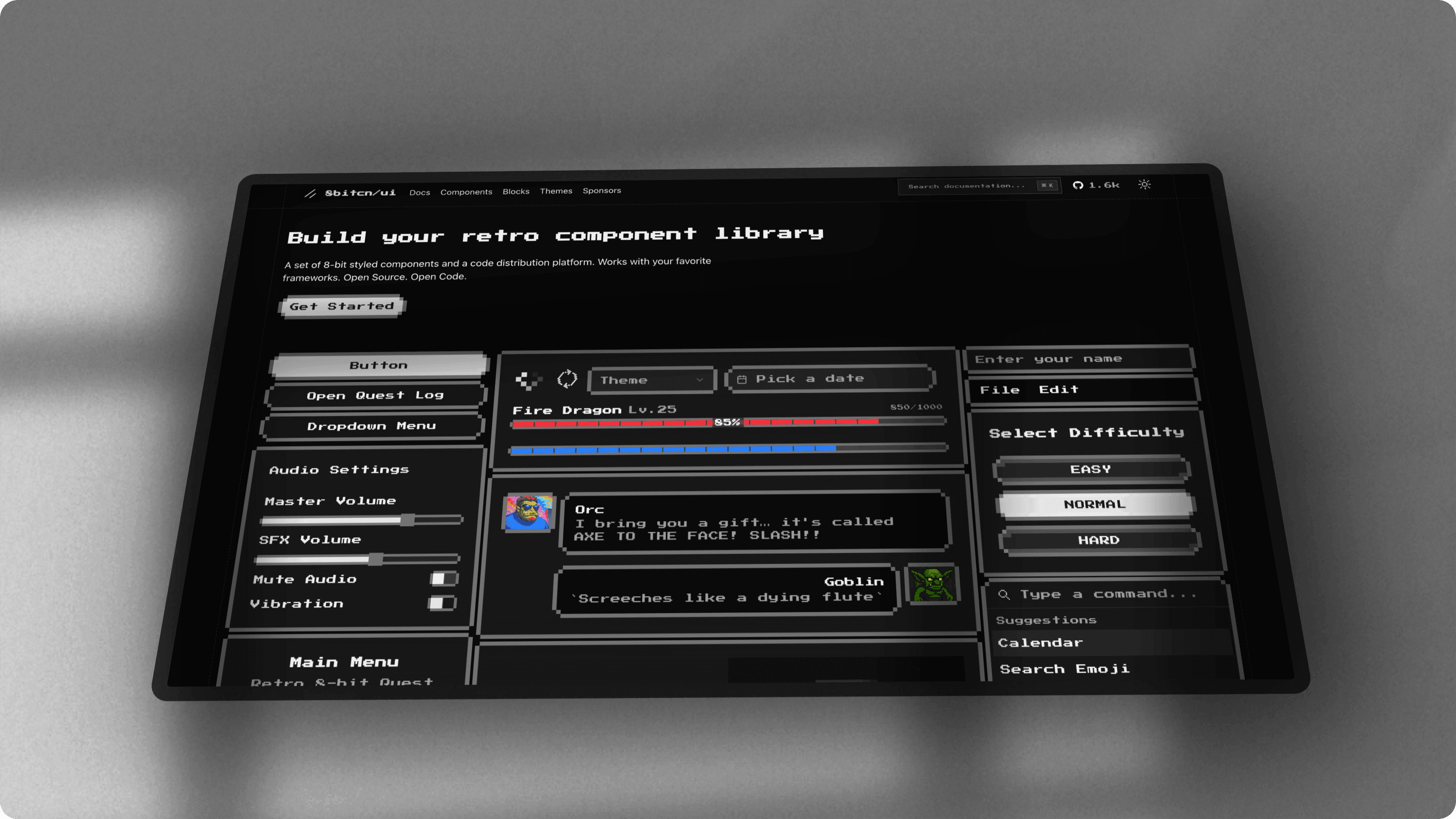
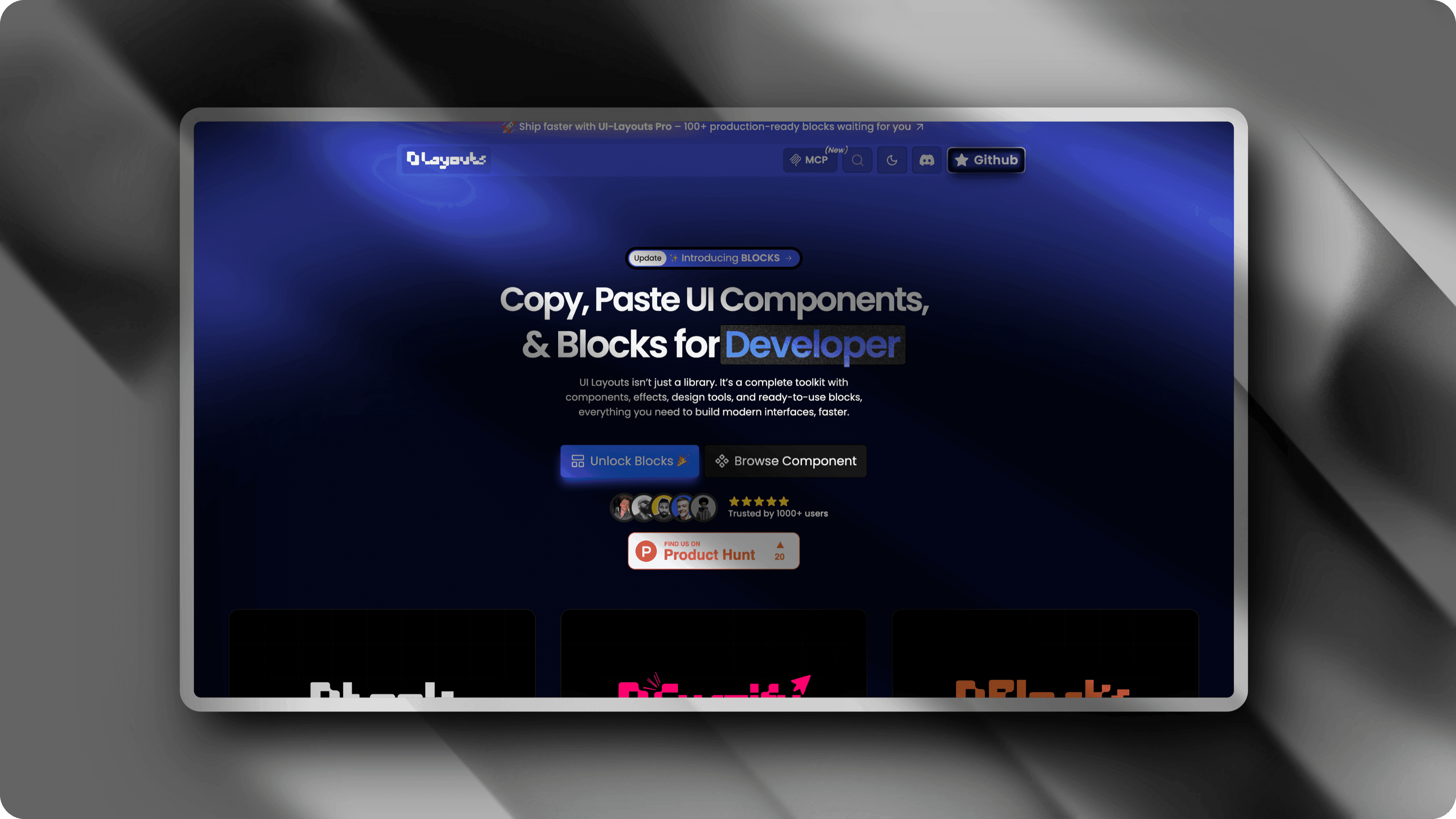
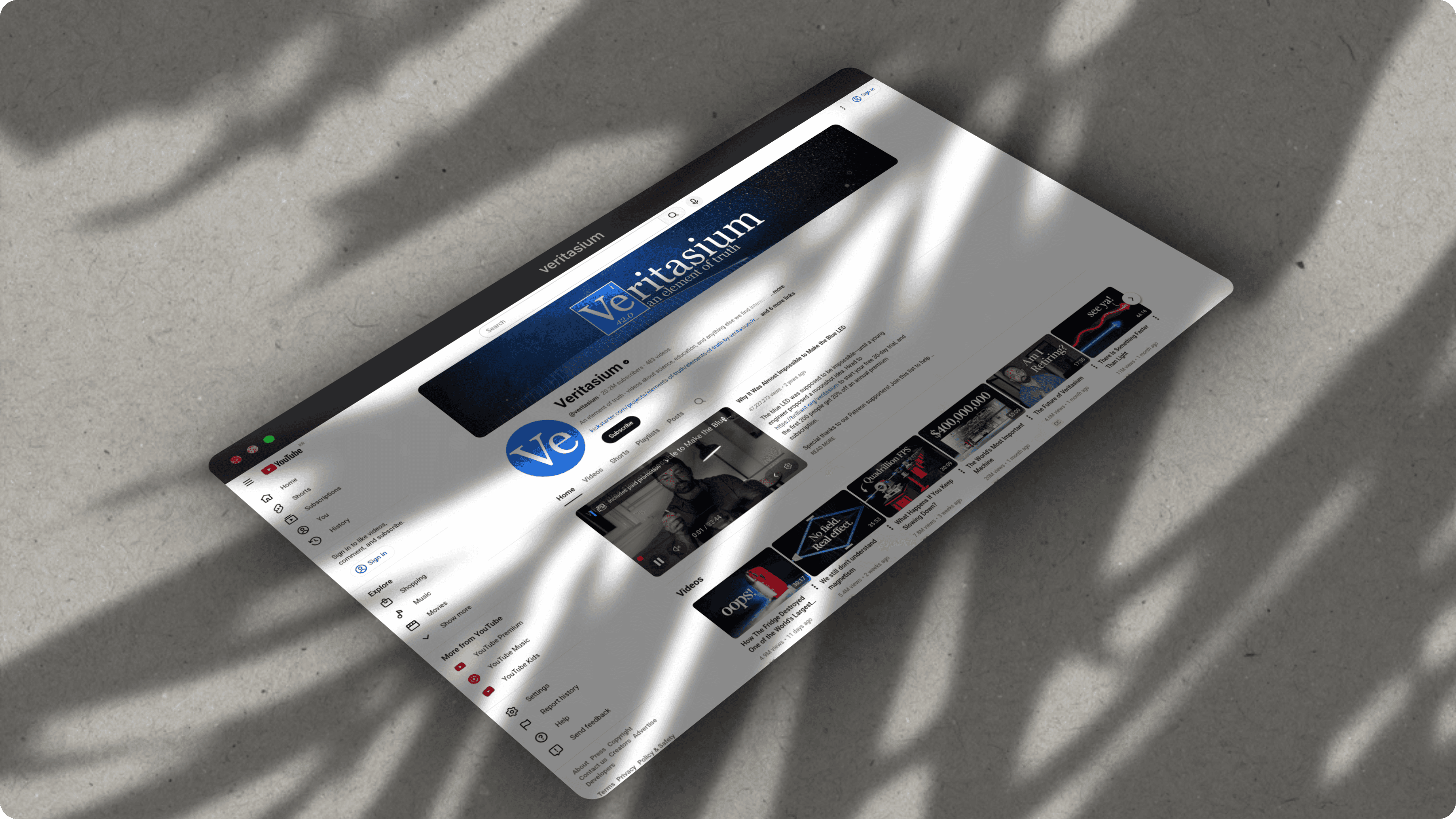
What you can create with ScreenshotStyle.com
Real examples — no design skills needed
Common questions
Is ScreenshotStyle.com better than Canva for screenshot editing?
For screenshot beautification specifically, yes. ScreenshotStyle.com is purpose-built for this task with 100+ screenshot-optimized backgrounds, 3D perspective effects, device frames, and an animation timeline. Canva requires manual setup to achieve similar results and lacks 3D effects for screenshots.
Why use ScreenshotStyle.com instead of Canva?
ScreenshotStyle.com requires no account, has zero learning curve, and is optimized specifically for screenshot beautification. You drag in a screenshot, pick a background, and export in seconds. Canva is great for general design but requires an account, has a complex interface, and isn't optimized for screenshots.
Does Canva have 3D screenshot effects?
No. Canva does not offer 3D perspective transforms for screenshots. ScreenshotStyle.com provides full 3D perspective, rotation, and depth controls that work in real-time on any screenshot.
Can I export animated screenshots from Canva?
Canva has basic page animations but no screenshot-specific animation timeline. ScreenshotStyle.com offers 20+ animation presets (zoom, pan, Ken Burns, fade) with keyframe editing and exports to MP4, WebM, and GIF.