How to Create a Browser Mockup
Browser mockups show your website or app inside a realistic browser window, making screenshots look professional for portfolios, case studies, and marketing materials. ScreenshotStyle.com generates browser mockups instantly — no Figma templates or Photoshop required.
Open Editor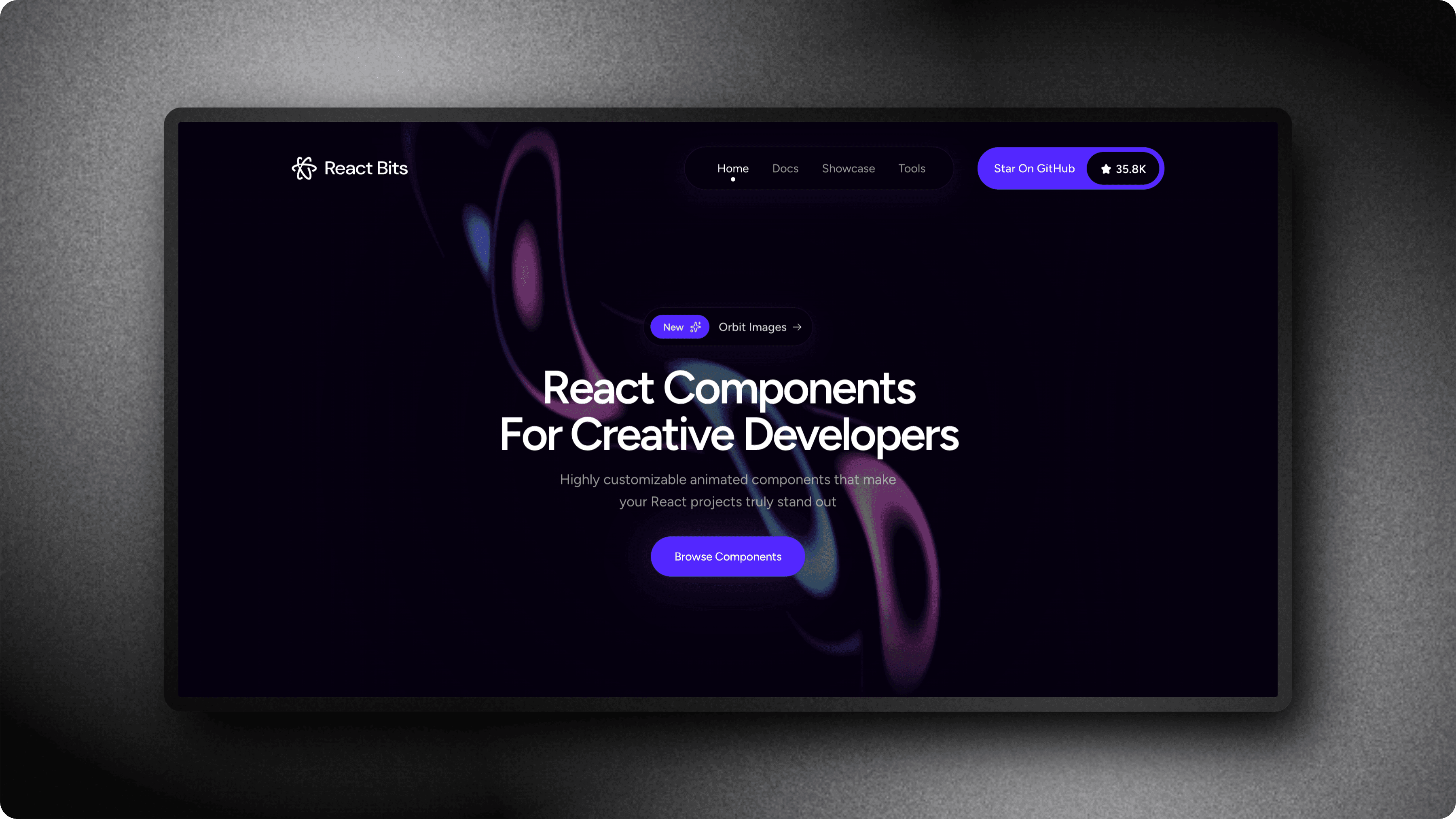
Step-by-step
Open the editor
Go to ScreenshotStyle.com's free editor. It works in any browser with no installation or account required.
Upload your screenshot
Drag and drop your website screenshot, or paste it from clipboard. The editor accepts PNG, JPG, and WebP formats.
Add a browser frame
Open the Frame section and select your browser: Safari, Chrome (light or dark), or Arc. The frame is applied instantly around your screenshot.
Tip: Safari frames work best for macOS-targeted content. Chrome frames are more universal. Arc frames stand out for modern tech audiences.
Customize the URL bar
Enter a custom URL to display in the browser's address bar. This adds authenticity and shows viewers where the page lives.
Style the background
Add a gradient or solid background behind the browser frame. Adjust padding to control the spacing around the mockup.
Export the mockup
Download your browser mockup as PNG or JPG at up to 5x resolution for crystal-clear results.
Who is this for?
Developers showcasing projects in portfolios and READMEs
Designers presenting web designs in case studies
Marketers creating website previews for landing pages
Product teams documenting features with realistic context
Bloggers illustrating website reviews and tutorials
Example results
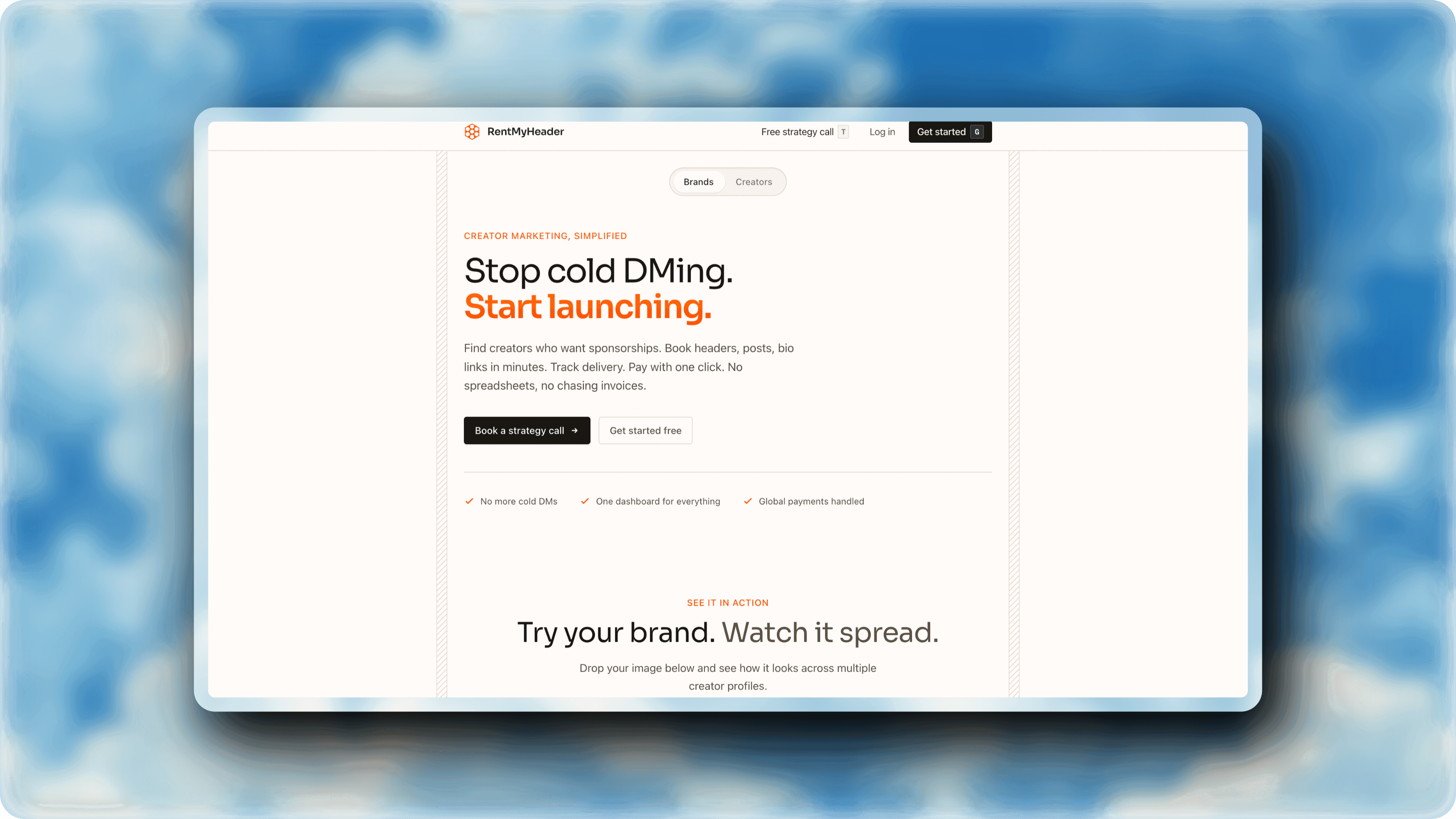
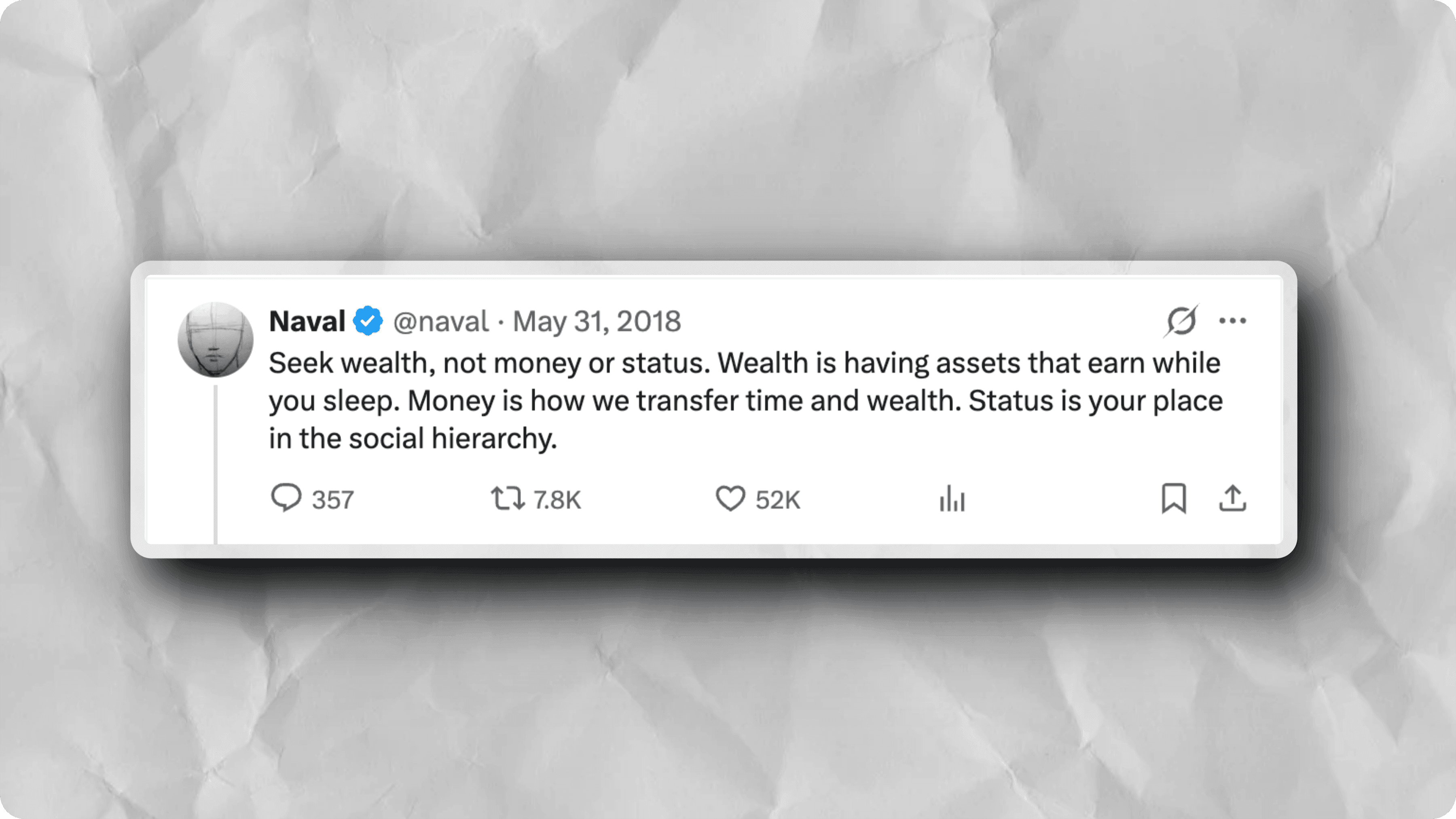
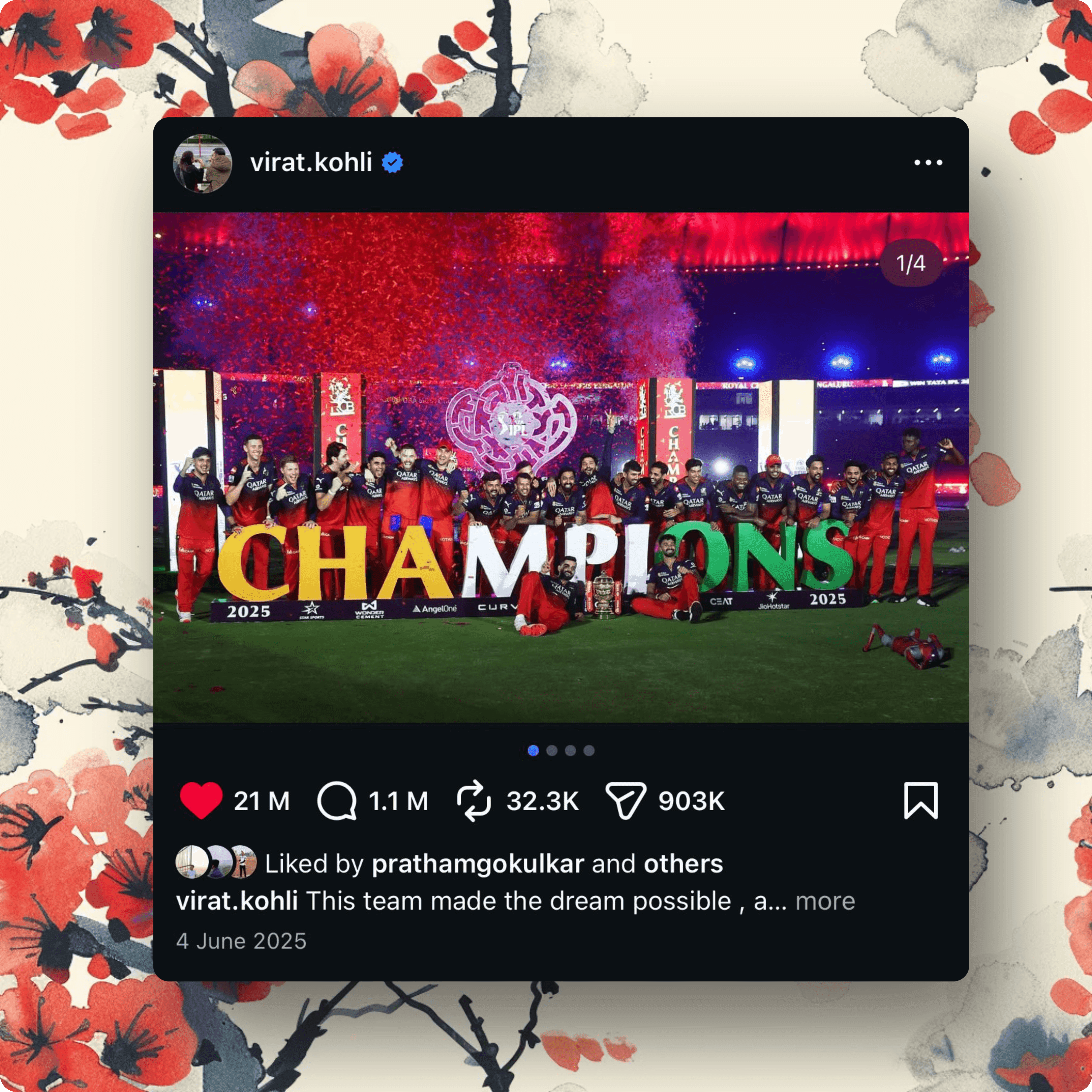
Screenshots styled with ScreenshotStyle.com
Common questions
Which browser frames are available?
ScreenshotStyle.com includes Safari (light/dark), Chrome (light/dark), Arc, and Polaroid-style frames. Each frame is pixel-accurate and updated to current browser designs.
Can I customize the URL shown in the browser bar?
Yes. You can type any URL into the address bar field, and it will appear in the rendered browser frame mockup.
Do I need design software to create browser mockups?
No. ScreenshotStyle.com generates browser mockups directly in your browser. No Figma, Photoshop, or design templates needed.