How to Make a Screenshot Mockup
Screenshot mockups transform raw captures into polished visuals ready for marketing sites, app stores, pitch decks, and social media. With ScreenshotStyle.com, you can create professional mockups in seconds without any design skills or expensive software.
Open Editor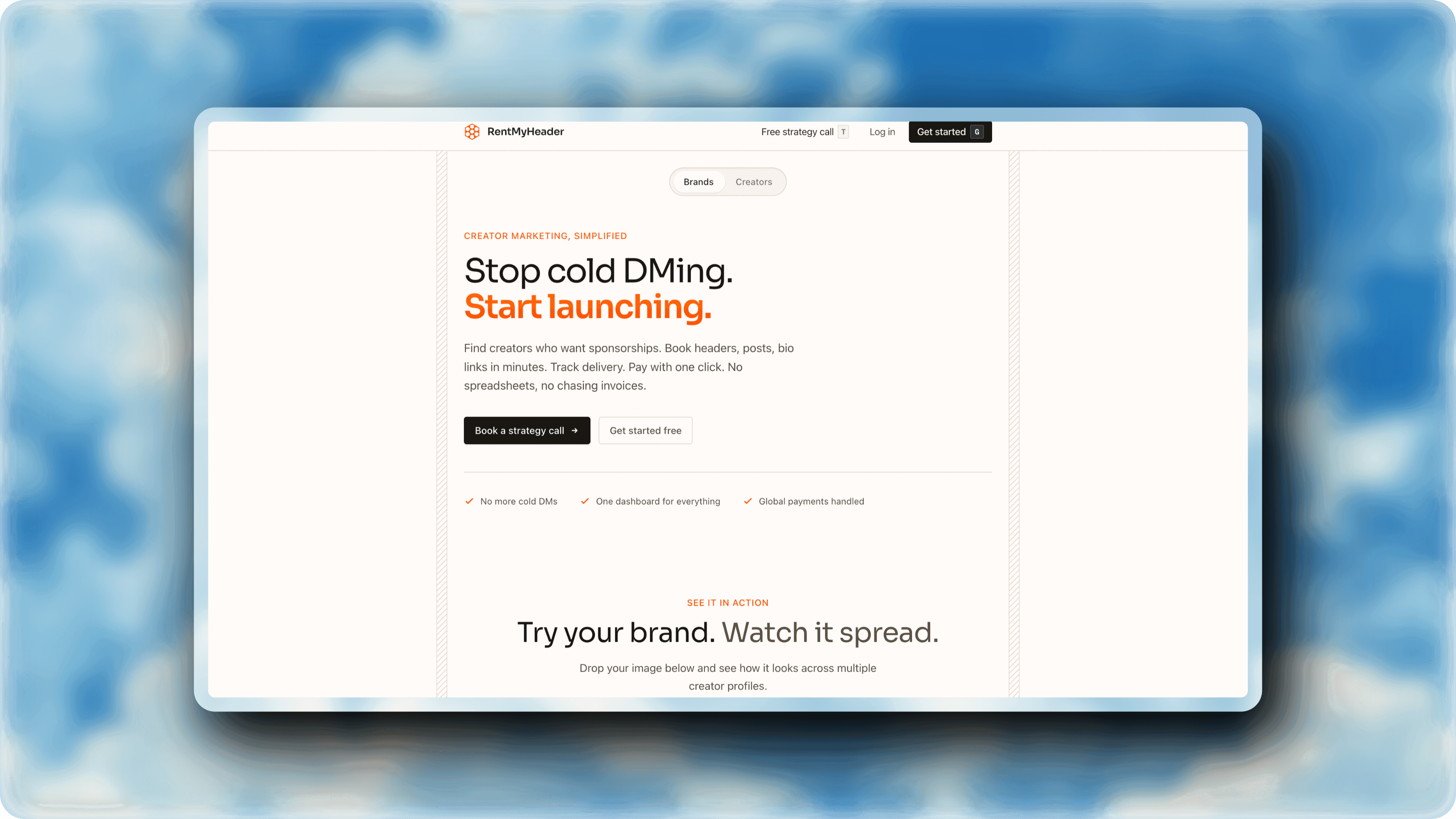
Step-by-step
Open the editor
Navigate to ScreenshotStyle.com's free editor. No downloads, no accounts — just open and start creating.
Upload your screenshot
Drag your screenshot onto the canvas, click to browse, or paste from clipboard. Supports PNG, JPG, and WebP.
Add a background
Choose from 100+ gradient, solid, and mesh background presets. The right background makes your screenshot pop and establishes visual tone.
Apply shadows and rounded corners
Add a drop shadow for depth and round the corners for a modern look. Adjust blur, spread, offset, and shadow color to match your style.
Tip: Subtle shadows (10-20px blur, low opacity) look more professional than heavy, dark shadows.
Add a device frame (optional)
Wrap your screenshot in a browser frame (Safari, Chrome, Arc) or Polaroid-style frame for added context and realism.
Add text and overlays (optional)
Layer text headlines, badges, or arrows on top of your mockup to call out features or add marketing copy.
Export your mockup
Download as PNG or JPG at up to 5x resolution. Your mockup is ready for any platform.
Who is this for?
SaaS companies creating marketing visuals for landing pages
Indie developers making app store screenshots
Content creators producing thumbnails and social posts
Product managers preparing feature announcements
Freelancers delivering polished client deliverables
Example results
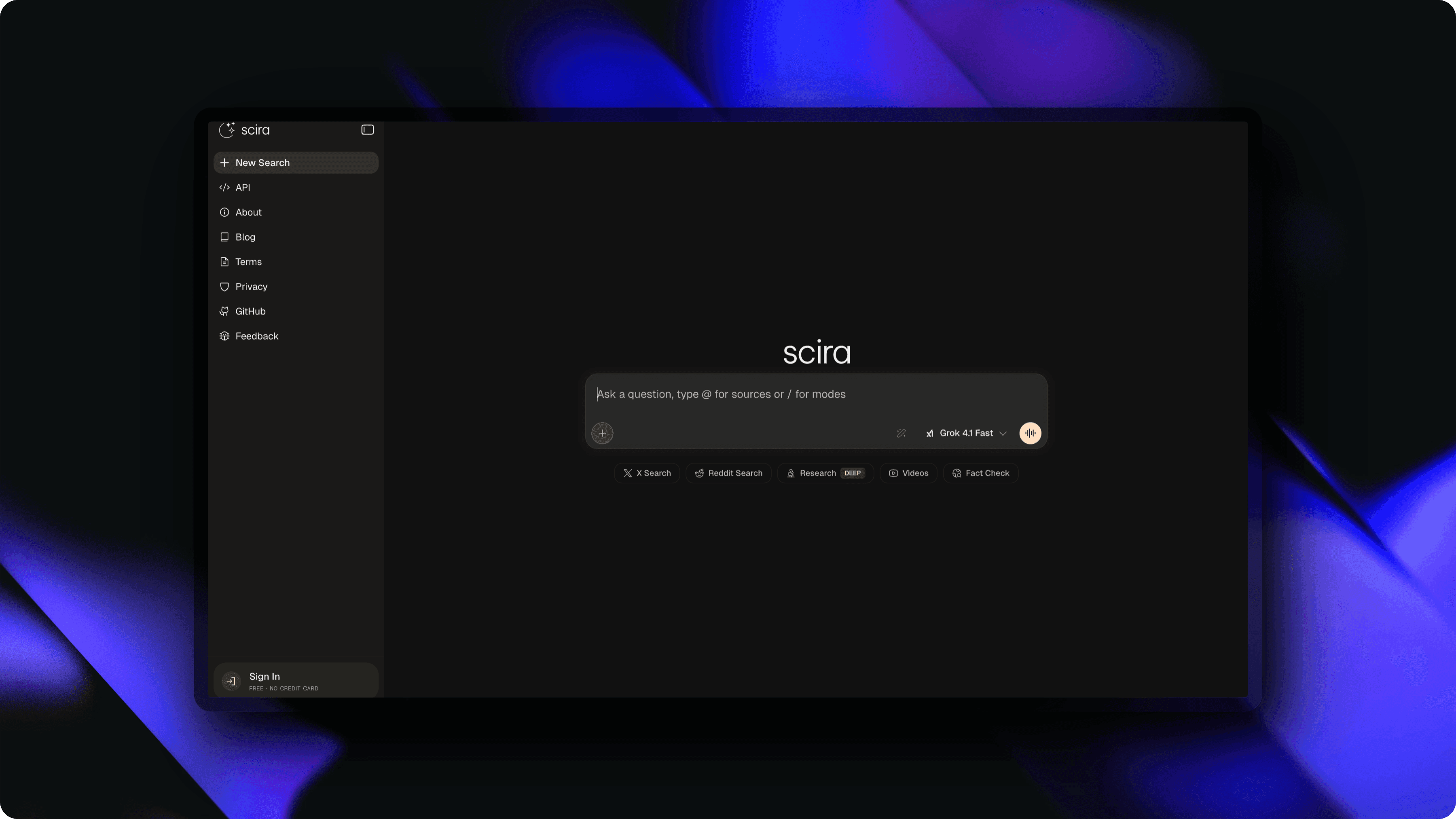
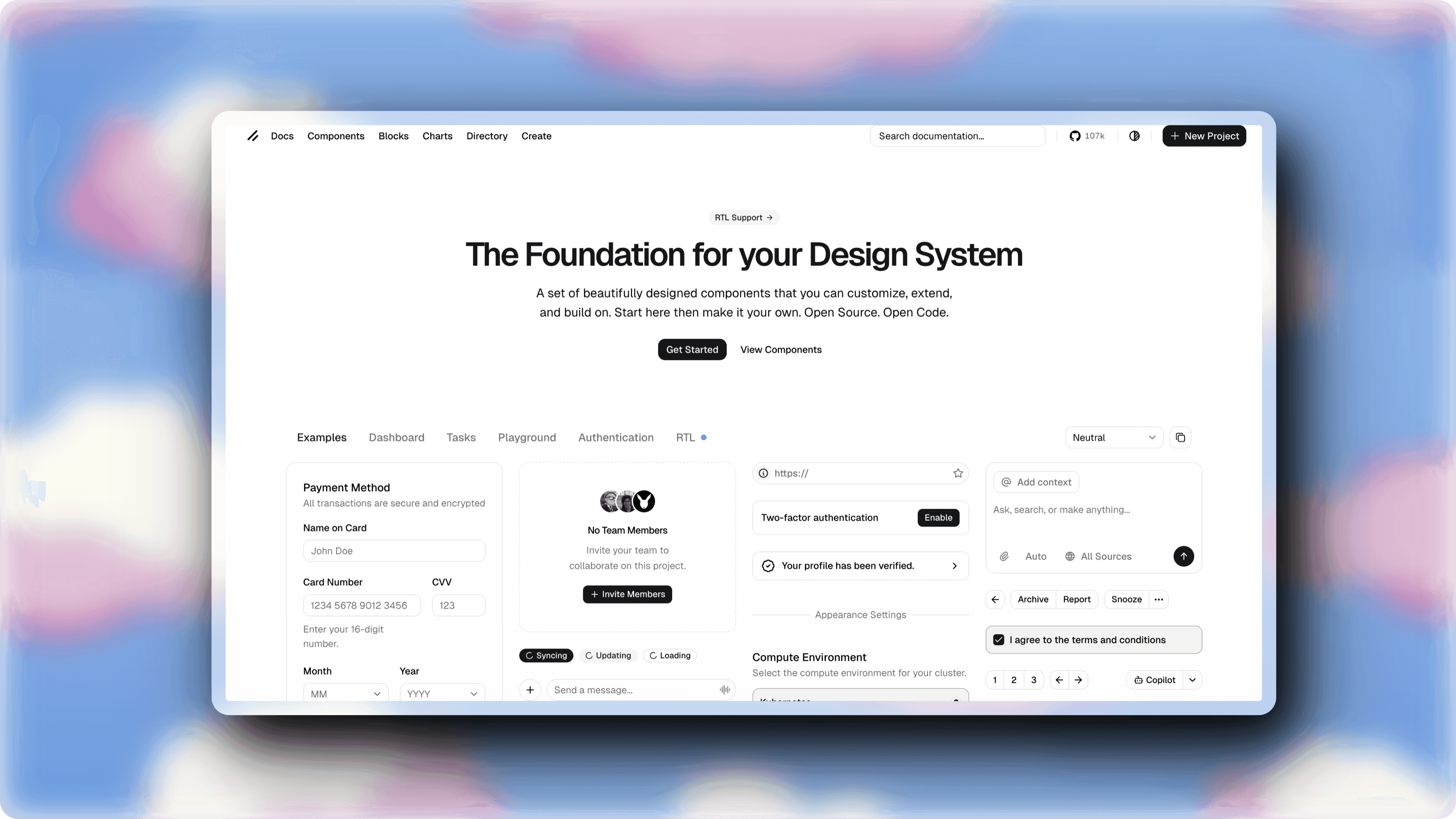
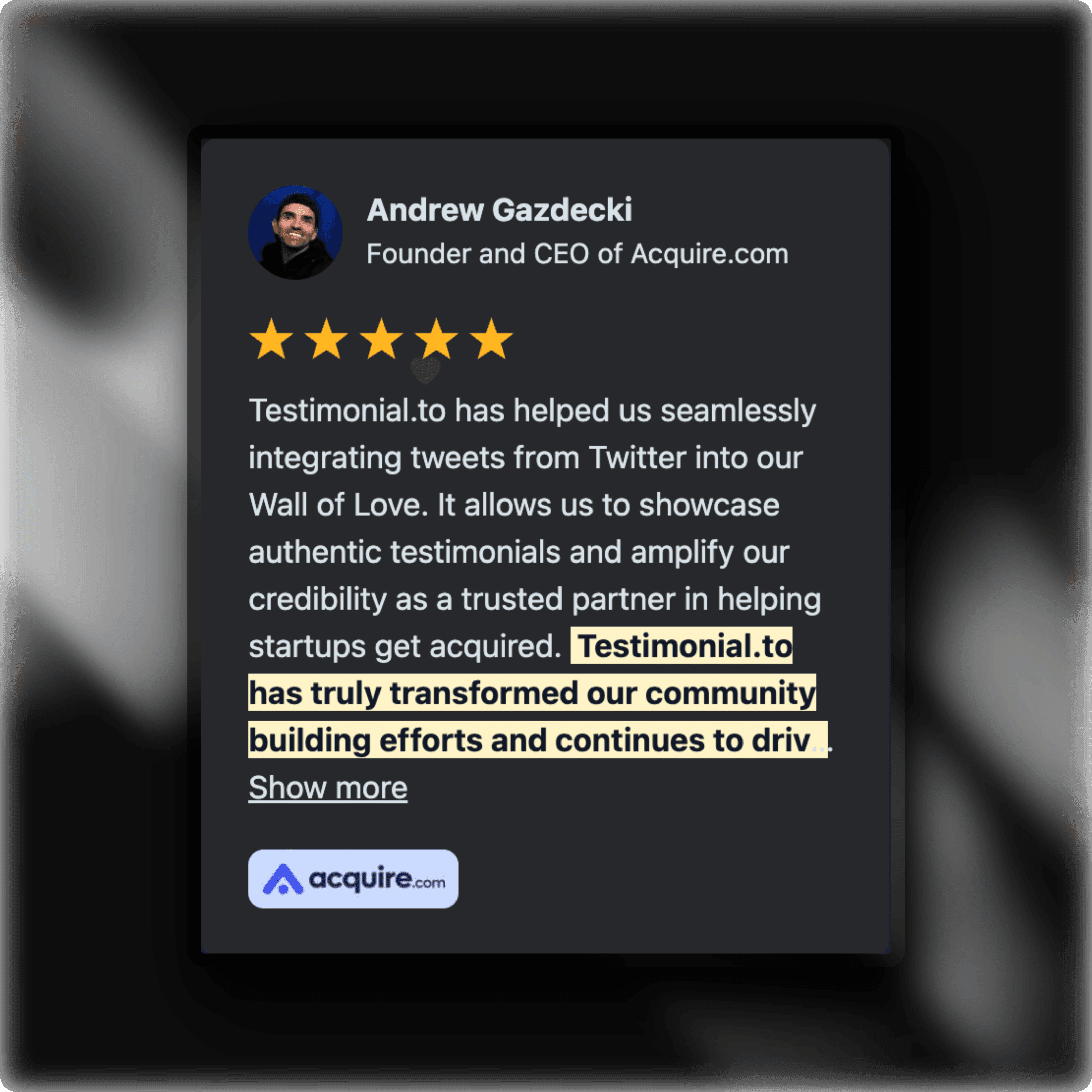
Screenshots styled with ScreenshotStyle.com
Common questions
What's the difference between a screenshot and a mockup?
A screenshot is a raw screen capture. A mockup adds professional styling — backgrounds, shadows, frames, and annotations — to make the screenshot look presentation-ready.
Can I create mockups for app store listings?
Yes. ScreenshotStyle.com supports custom aspect ratios so you can create mockups sized perfectly for the Apple App Store, Google Play Store, or any platform.
Do I need Figma or Photoshop to make screenshot mockups?
No. ScreenshotStyle.com is a free browser-based tool that creates professional mockups without design software. Upload, style, and export in seconds.