Free Browser Mockup Generator
Add realistic Safari and Chrome browser frames to your screenshots. Light and dark modes, custom URL, adjustable header size.
Add Browser Frame100% free. No signup required.
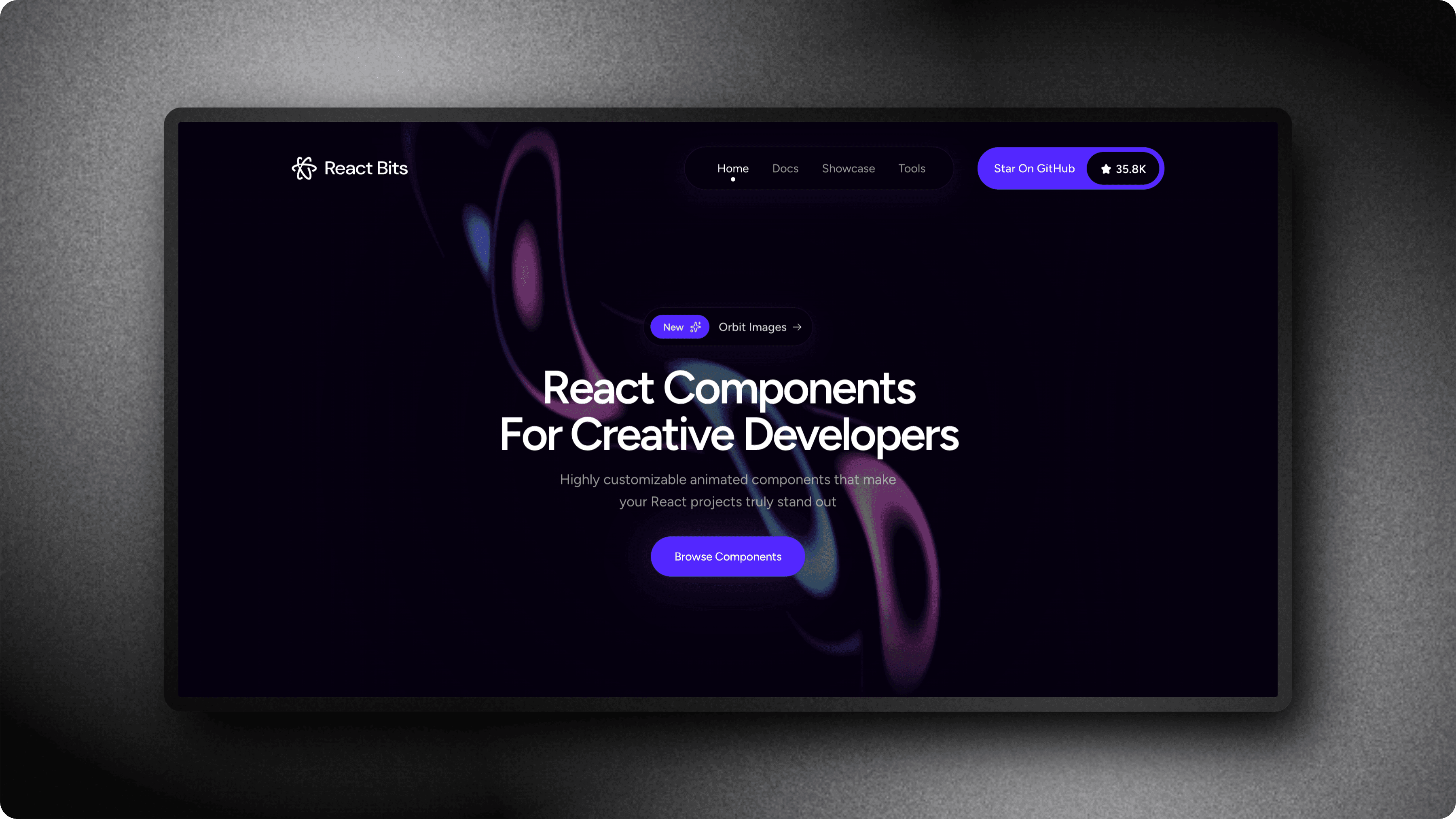
Realistic browser frames for any screenshot
Safari Browser Frame
Realistic macOS Safari toolbar with traffic lights, sidebar, back/forward navigation, and centered address bar with lock icon.
Chrome Browser Frame
Authentic Chrome toolbar with tab bar, active tab, colored traffic lights, and omnibox address bar.
Light & Dark Modes
Every browser frame comes in both light and dark variants to match your screenshot content or brand style.
Custom URL & Header Size
Set a custom URL displayed in the address bar and adjust the toolbar height from 50% to 200% of the default size.
Perfect for every use case
Browser mockups add context and professionalism to any screenshot.
SaaS Landing Pages
Show your product in a browser frame to give visitors a realistic preview of your web app.
Portfolio & Case Studies
Present website designs with professional browser chrome for client portfolios.
Blog & Documentation
Add browser context to screenshots in tutorials, guides, and technical articles.
Social Media Posts
Make your product screenshots stand out on Twitter, LinkedIn, and Product Hunt with polished browser frames.
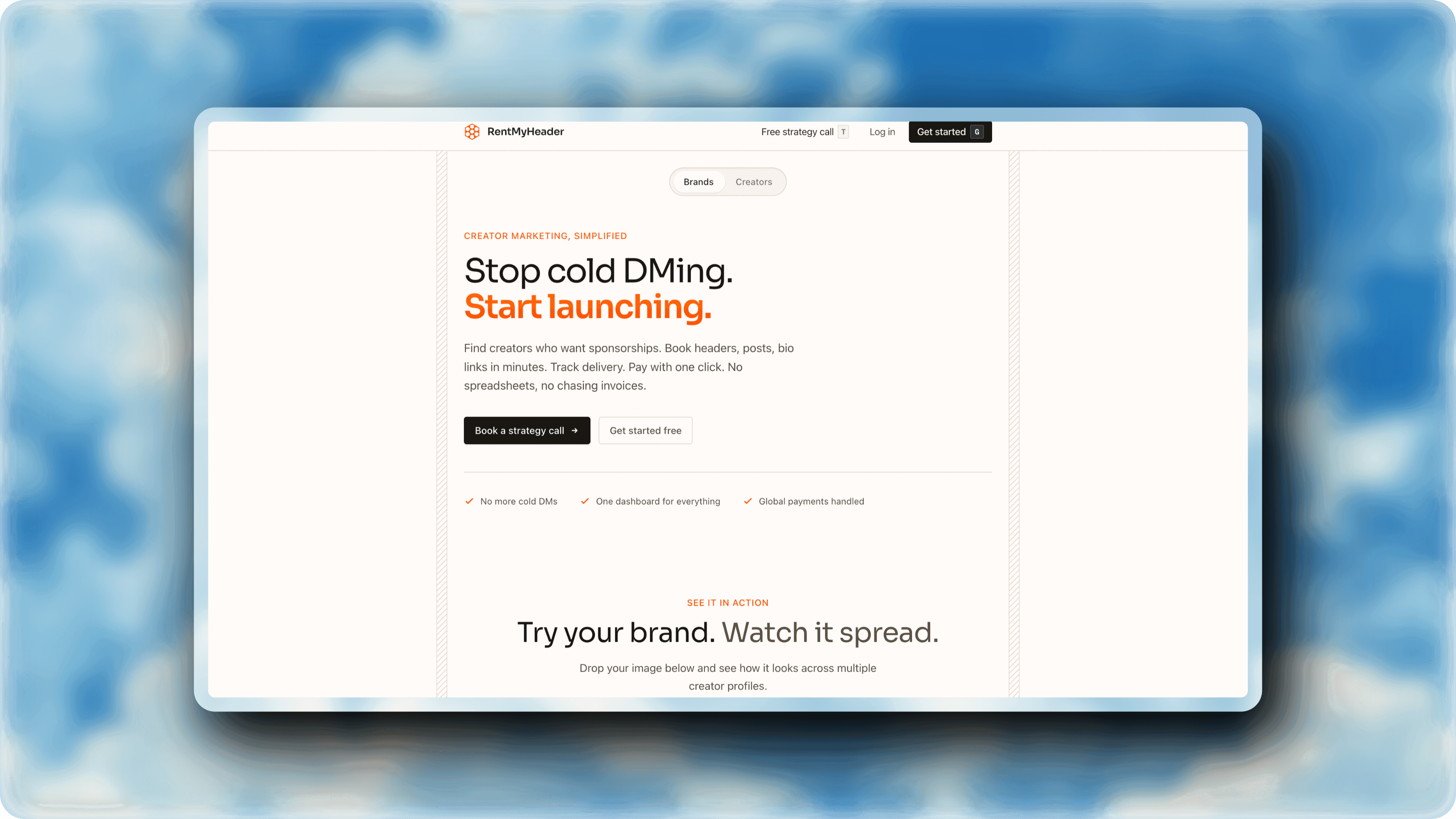
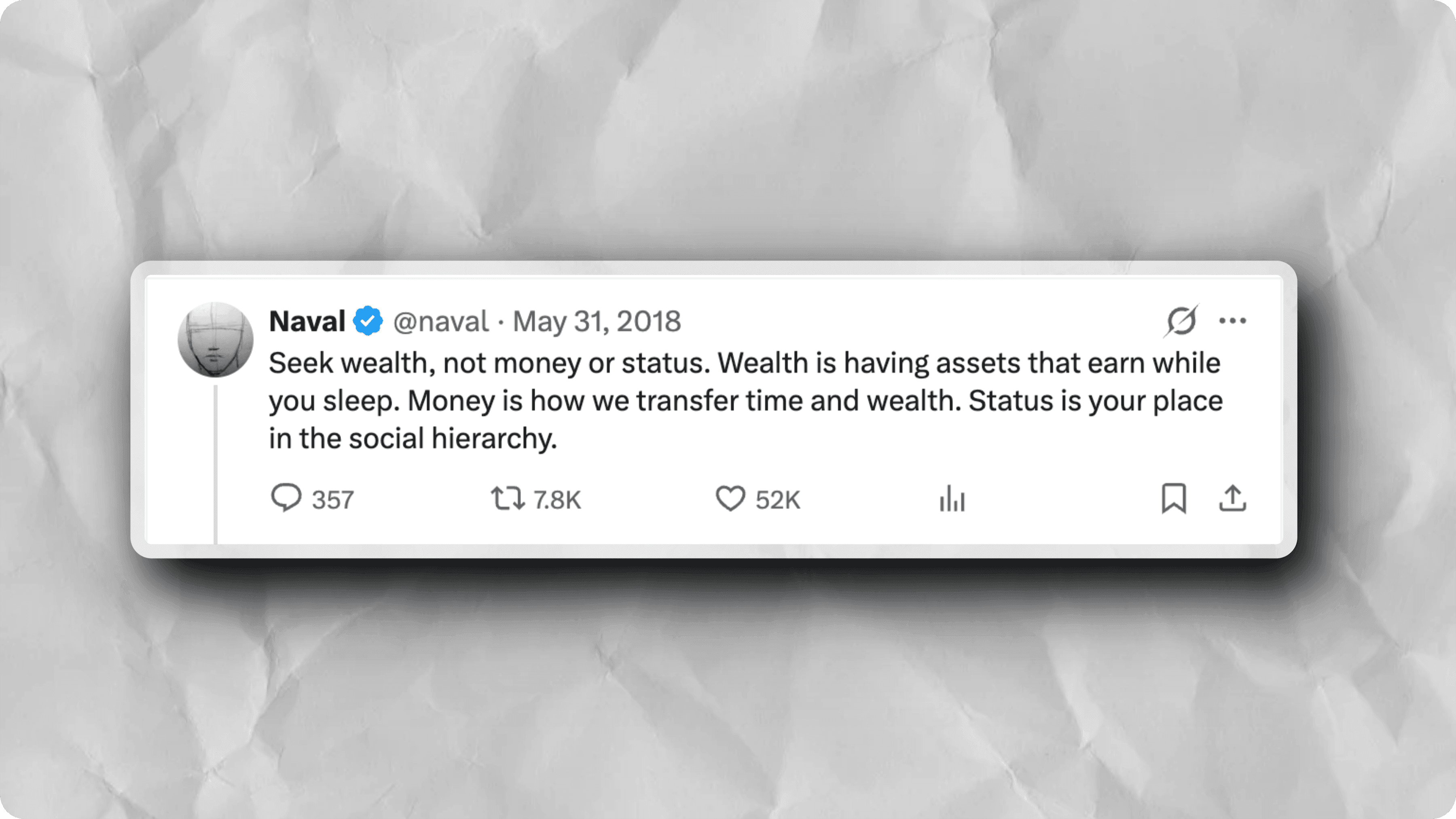
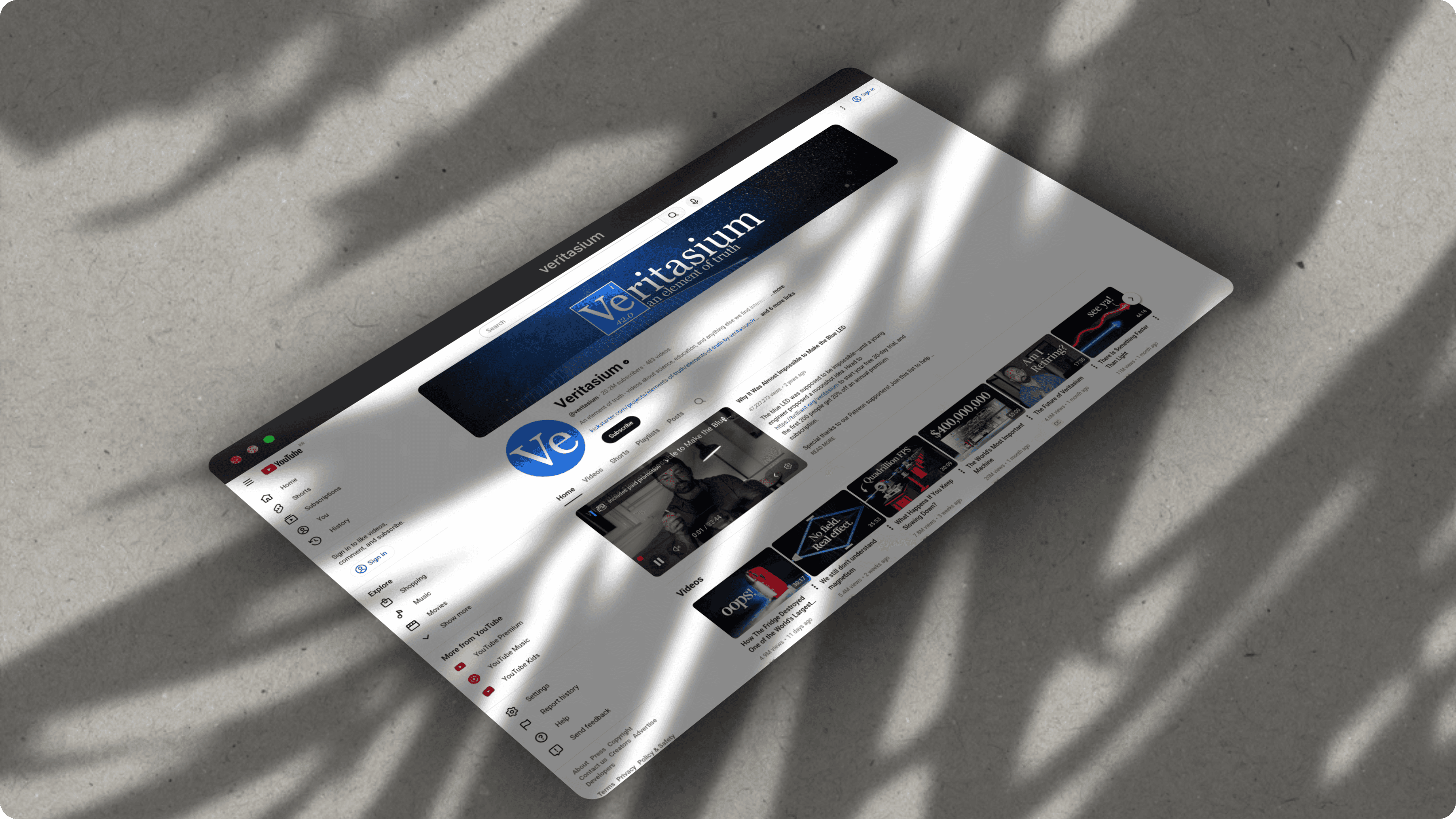
Examples
Browser mockups created with ScreenshotStyle.com
How it works
Upload Your Screenshot
Drag and drop any image or paste from clipboard. Supports PNG, JPG, and WebP.
Choose a Browser Frame
Select Safari or Chrome in light or dark mode. Set a custom URL and adjust the header size to your liking.
Export
Download as PNG or JPG at up to 5x resolution. Add 3D perspective for even more depth.