Screenshot Editor for Product Managers
Create polished product visuals for announcements, PRDs, roadmap decks, and stakeholder updates. No design skills or Figma knowledge needed.
How product managers use it
Feature Announcements
Ship feature launches with polished screenshots that clearly show what's new. Gradient backgrounds and annotations make updates pop.
PRDs & Specs
Add annotated screenshots to product specs and requirements docs. Visual context reduces misunderstandings with engineering.
Roadmap Presentations
Create polished product screenshots for quarterly roadmap reviews and board presentations. 3D perspective adds a professional touch.
Stakeholder Updates
Build clear, visual progress updates for stakeholders and executives. Annotated screenshots tell the story better than bullet points.
Product Demos
Create animated walkthroughs that show your product in action. Export as video for async demos and presentations.
Release Notes
Make release notes visual with polished before/after screenshots. Help users understand what's changed at a glance.
Fits your workflow
Screenshot, Style, Ship
Capture any product screen, add a background and optional annotations, and export in seconds. No waiting for design resources.
Consistent Across Channels
Use the same visual style for Slack updates, email announcements, and presentation decks. Build a consistent product narrative.
Self-Serve, No Bottleneck
Stop waiting on designers for simple product visuals. Any PM can create polished screenshots without training.
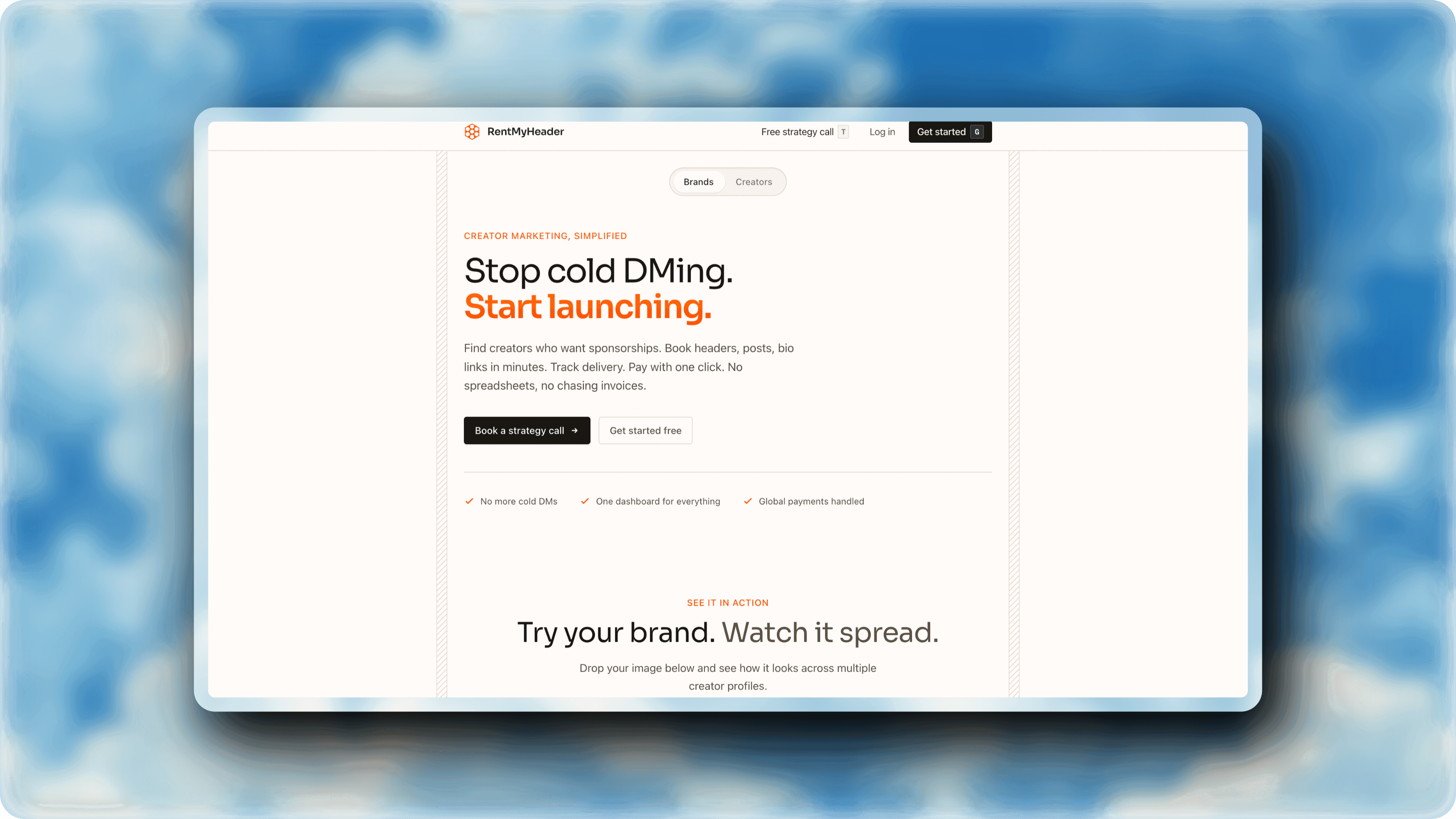
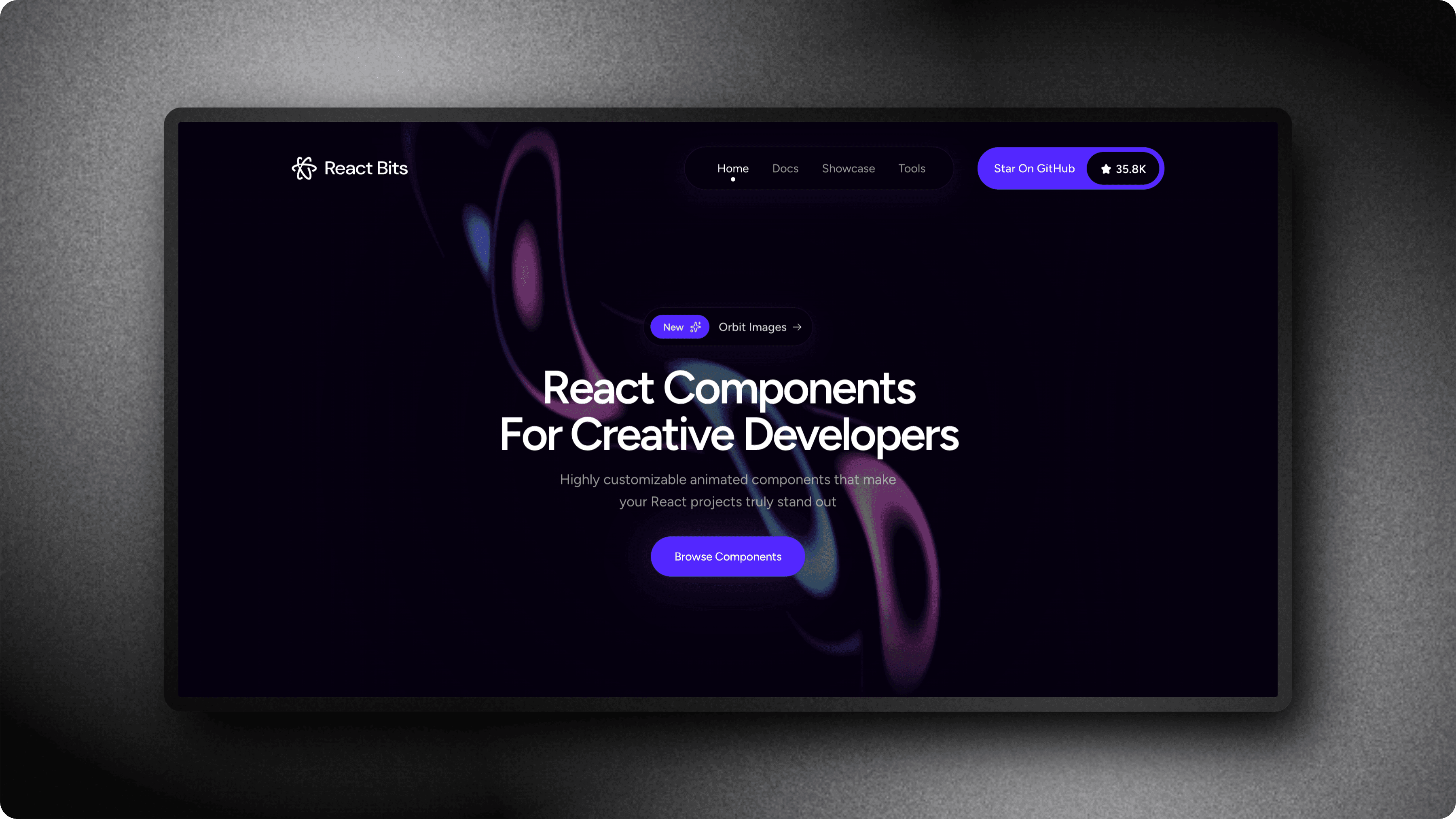
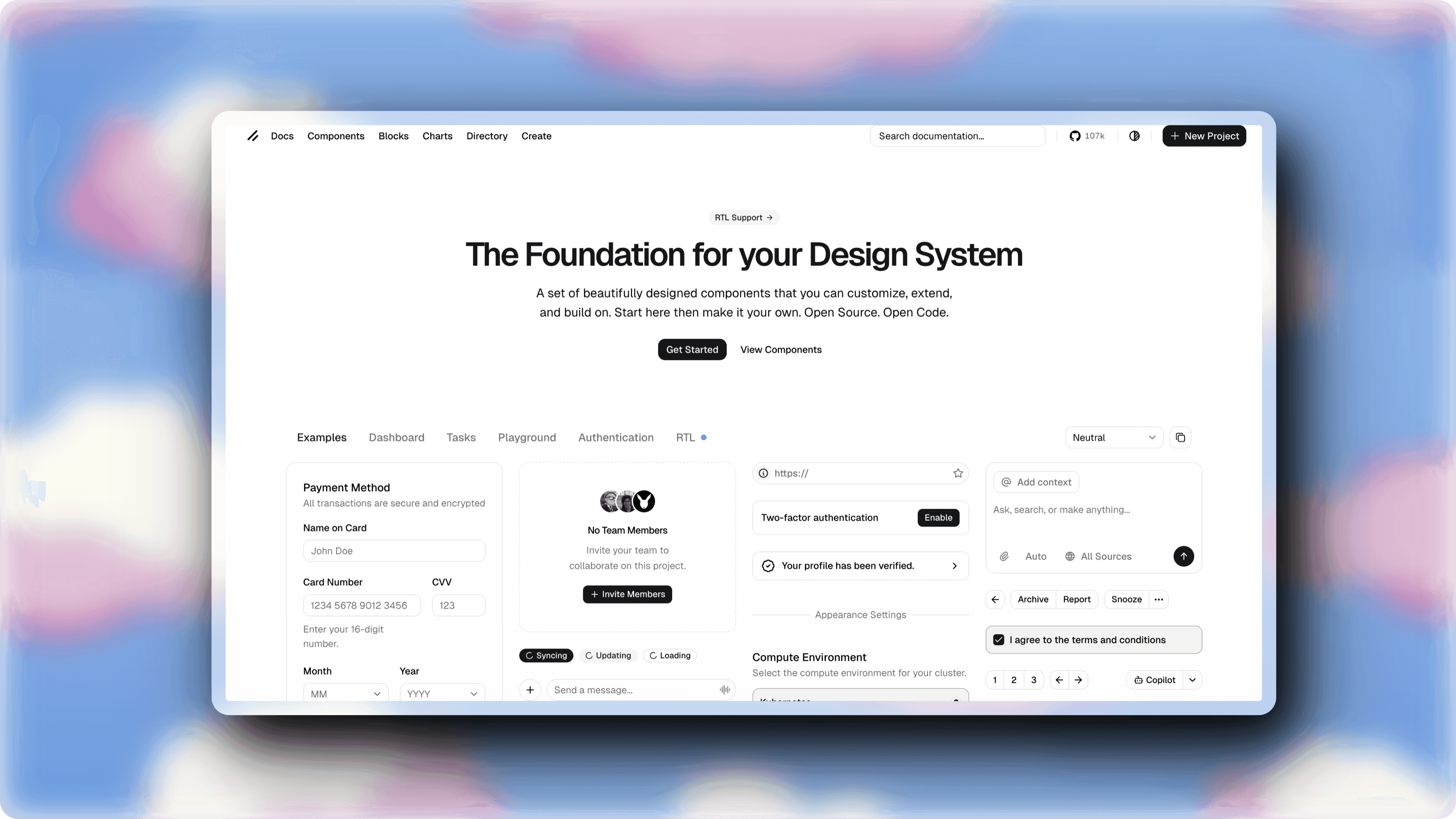
See what you can create
Real examples made with ScreenshotStyle.com by product managers

Why product managers choose ScreenshotStyle.com
No Design Skills Needed
One-click presets handle the visual design. Upload a screenshot, pick a style, and export.
Animated Demos
Create product walkthroughs with zoom and pan animations. Share async demos without scheduling live calls.
Free & Instant
No procurement, no license. Open in your browser and start creating immediately.