Social Media Content
Screenshots That Stop the Scroll
Create platform-optimized screenshot graphics for Twitter, LinkedIn, and Instagram. Add backgrounds and effects that make your posts stand out in any feed.
Social media feeds are noisy — plain screenshots get buried. ScreenshotStyle.com is a free social media screenshot tool that turns raw captures into polished, platform-optimized graphics for Twitter, LinkedIn, and Instagram. Whether you are a twitter screenshot maker sharing a product update, creating linkedin post images for thought leadership, or designing instagram screenshot graphics for your brand feed, you can add backgrounds, effects, and animations and export at the exact dimensions each platform requires — all in your browser with no signup.
Open Editor — It's Free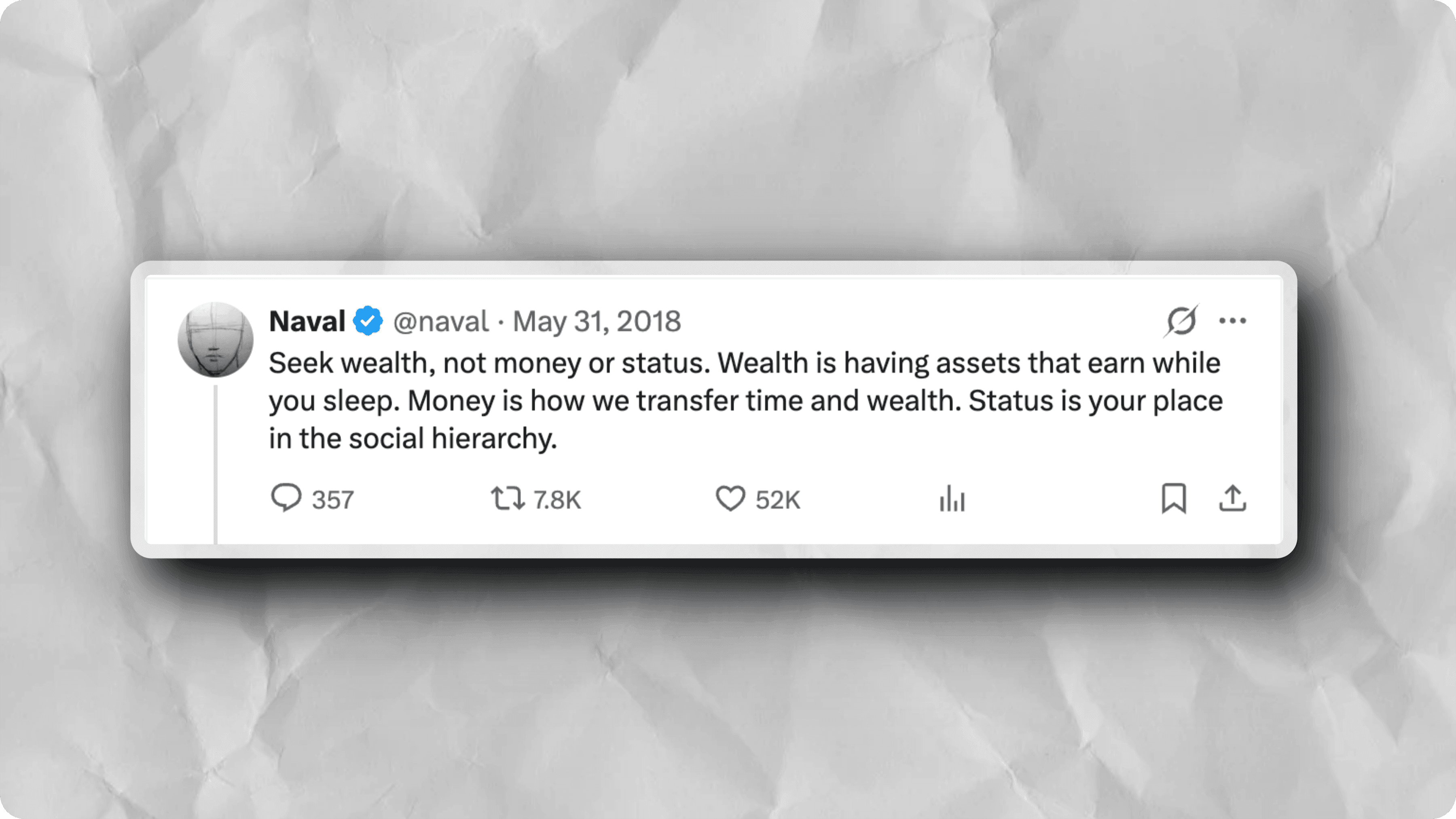
Plain Screenshots Get Ignored
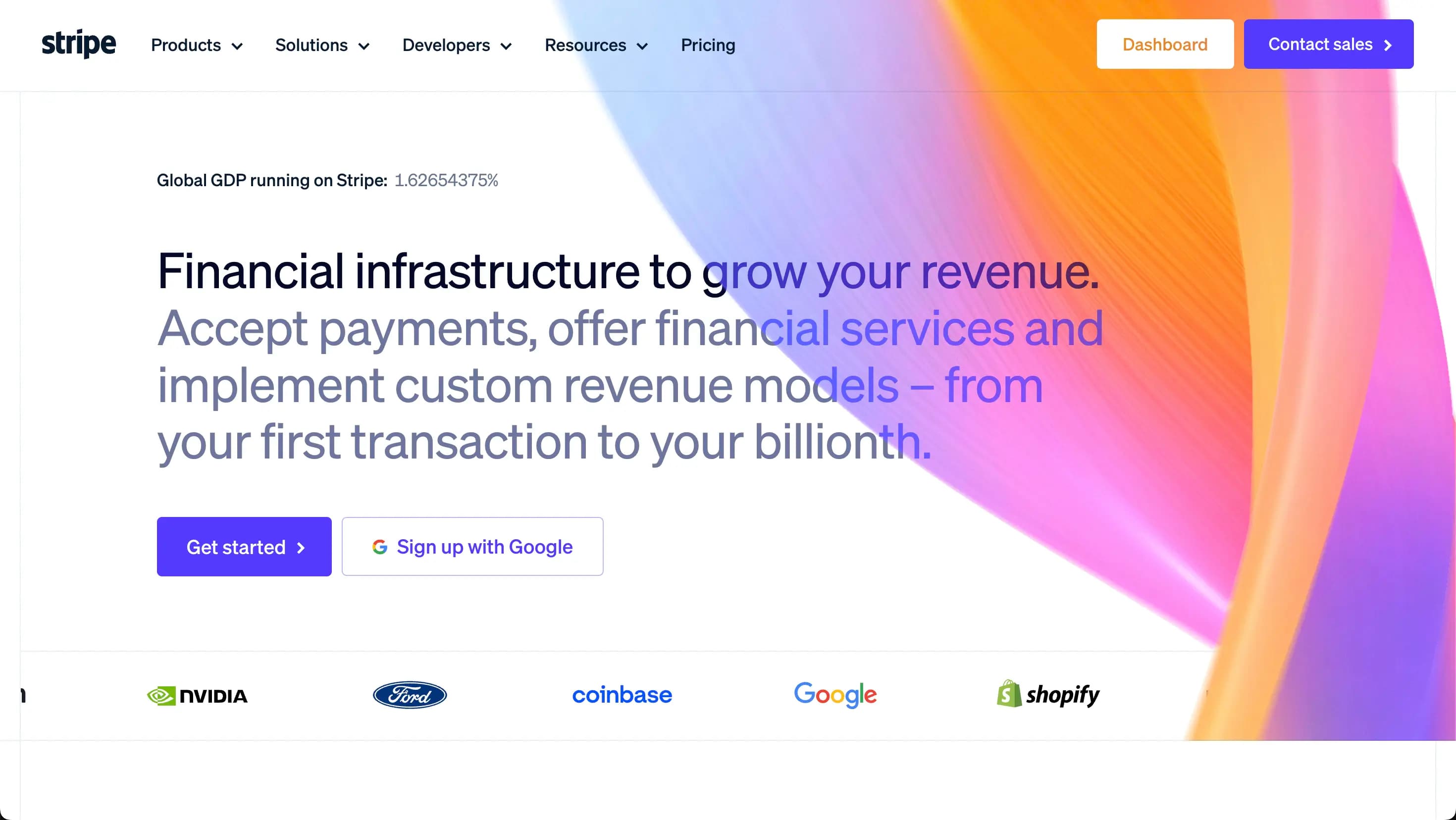
Raw screenshots posted to social media look like noise. They blend into the feed, get low engagement, and don't do justice to what you're sharing. Every platform has different optimal dimensions.
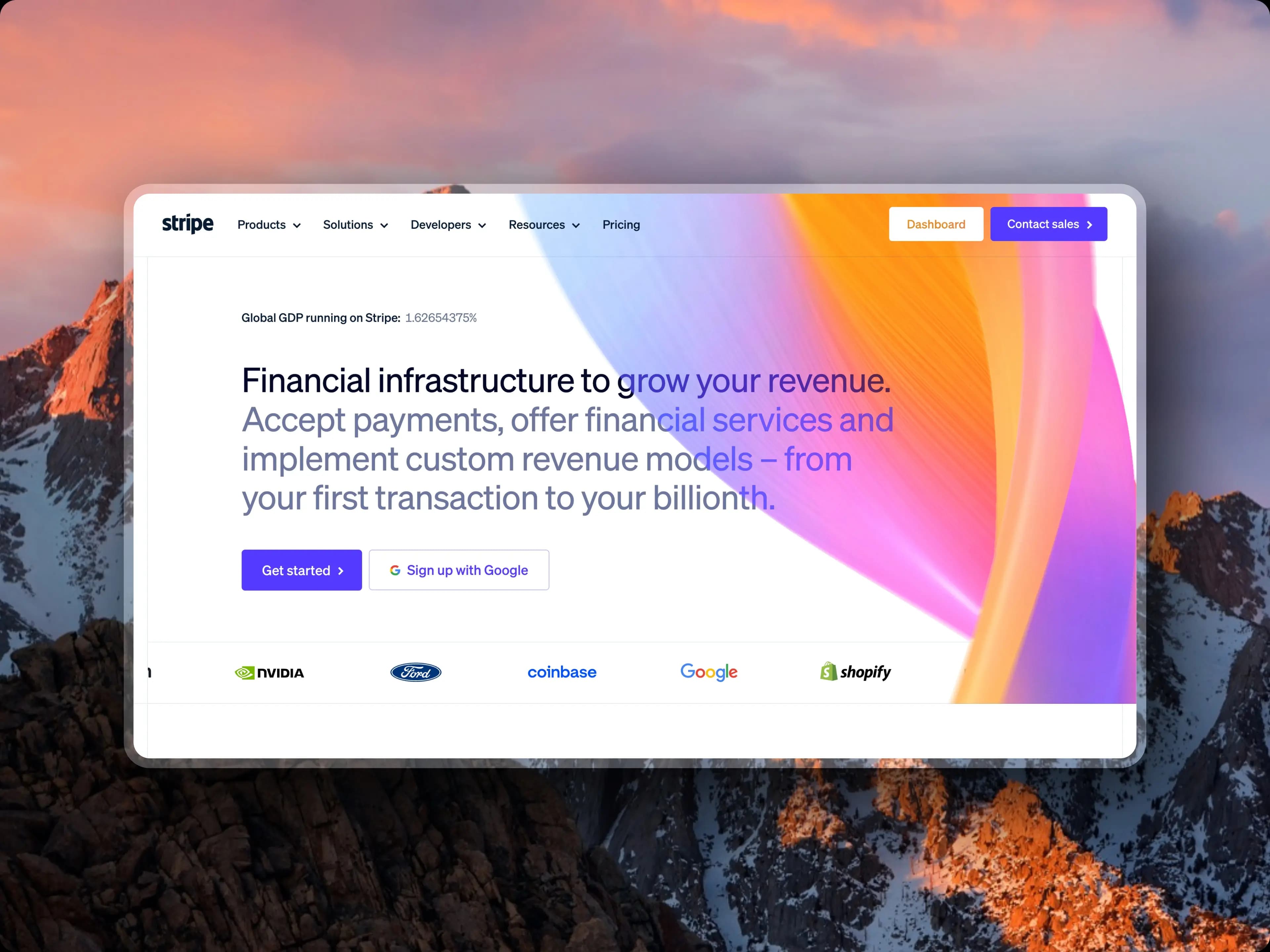
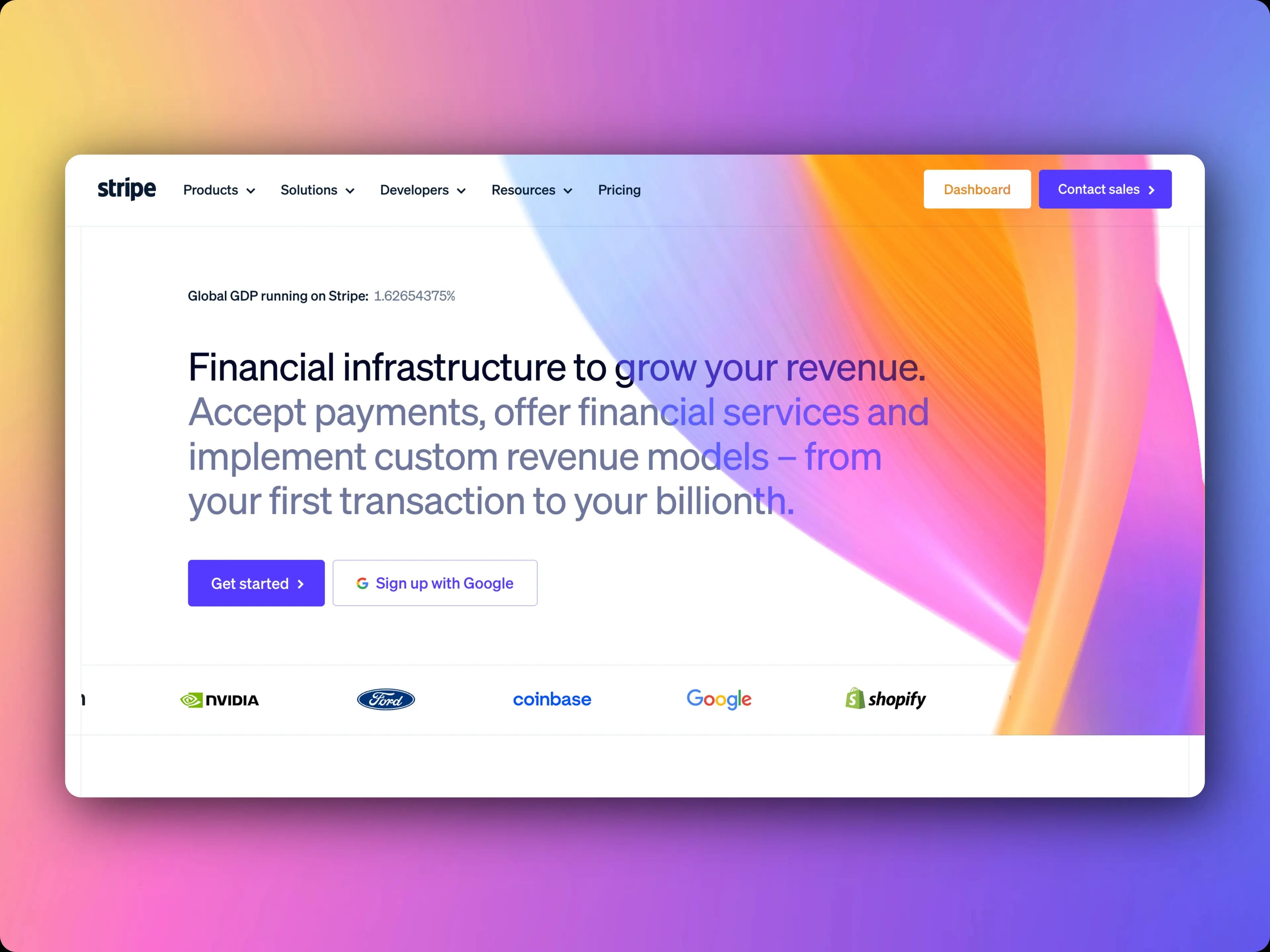

Scroll-Stopping Graphics for Every Platform
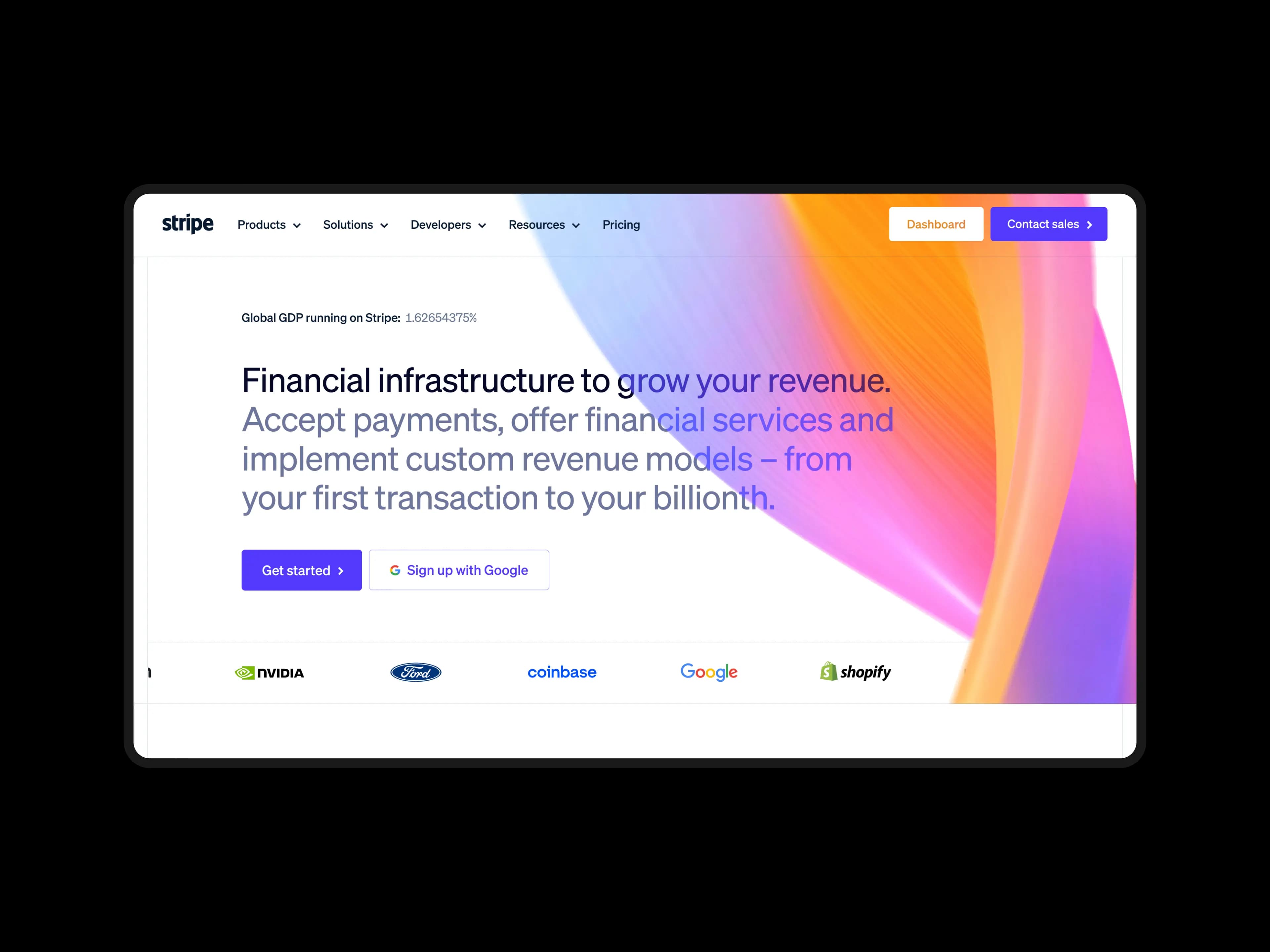
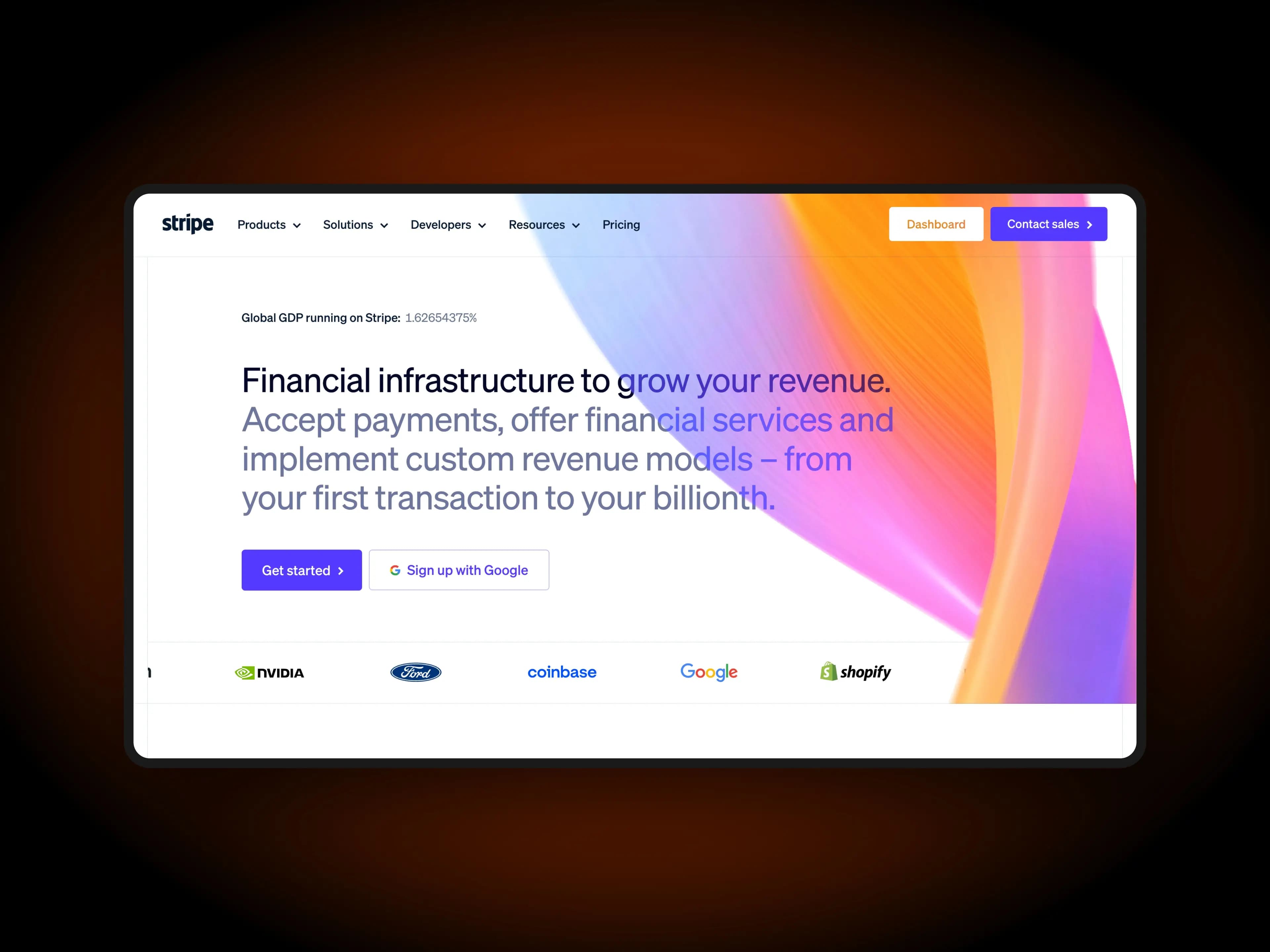
ScreenshotStyle.com adds polished backgrounds, shadows, and effects to your screenshots. Set dimensions for any platform and export images that grab attention.
What you get
Platform-Optimized Sizes
Quick presets for Twitter (16:9), LinkedIn (1.91:1), Instagram (1:1, 4:5), and more. No manual resizing.
Eye-Catching Backgrounds
100+ gradient backgrounds designed to make screenshots pop in crowded social feeds.
Animated Posts
Create animated screenshots with zoom and pan effects. Export as GIF for posts that outperform static images.
Consistent Personal Brand
Use the same style across all platforms to build a recognizable visual identity.
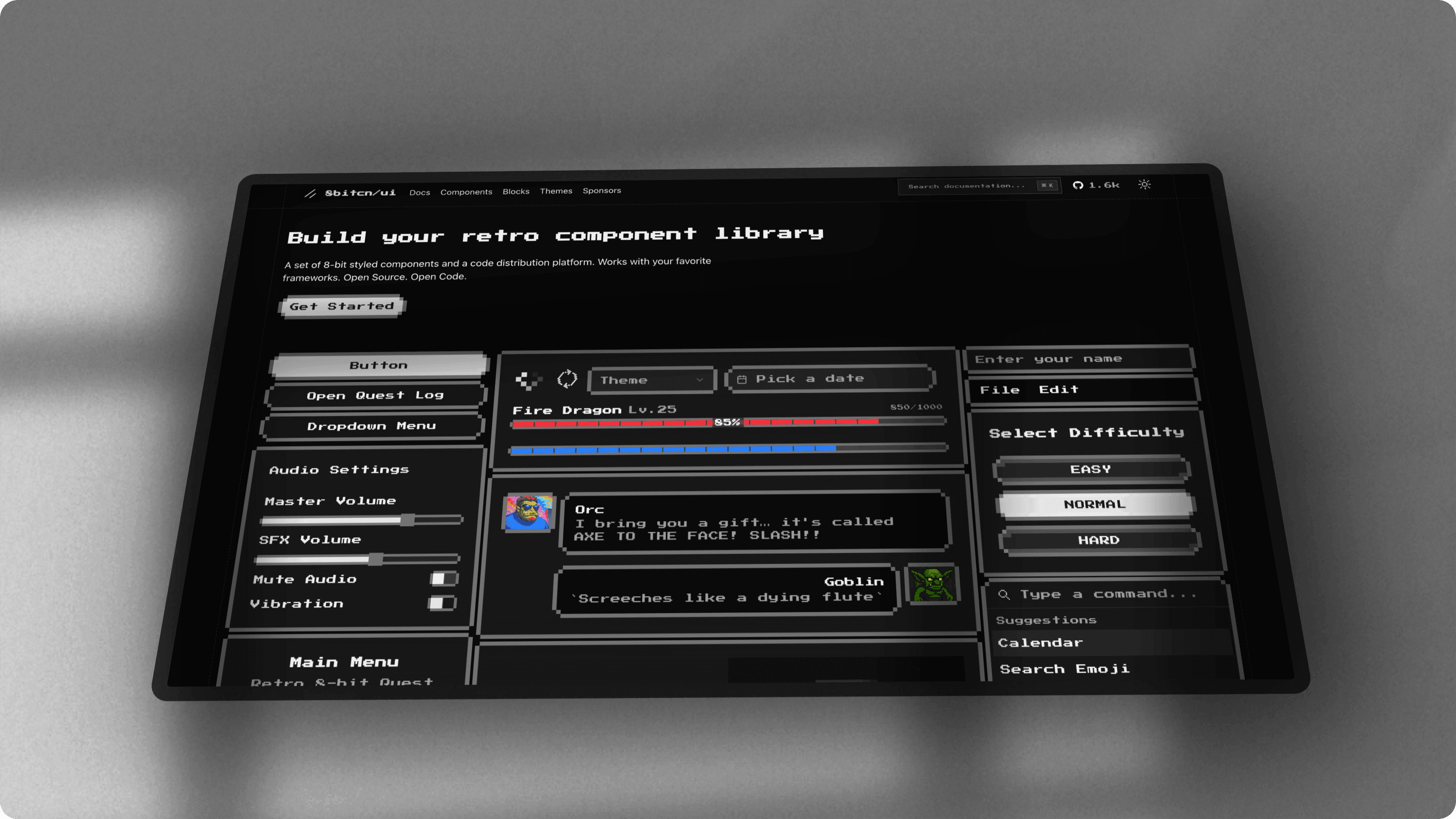
Why Styled Screenshots Get More Engagement
Raw screenshots posted directly to social media look like noise in the feed — they lack visual hierarchy, context, and polish. A styled screenshot for social media with a gradient background, shadow, and proper framing instantly communicates intentionality and professionalism. Social media graphics from screenshots consistently outperform raw captures in engagement metrics because they are easier to parse at a glance. ScreenshotStyle.com's social media image creator workflow adds these visual cues in seconds, turning any screen capture into a scroll-stopping social media post. The difference between 10 likes and 1,000 impressions often comes down to presentation.
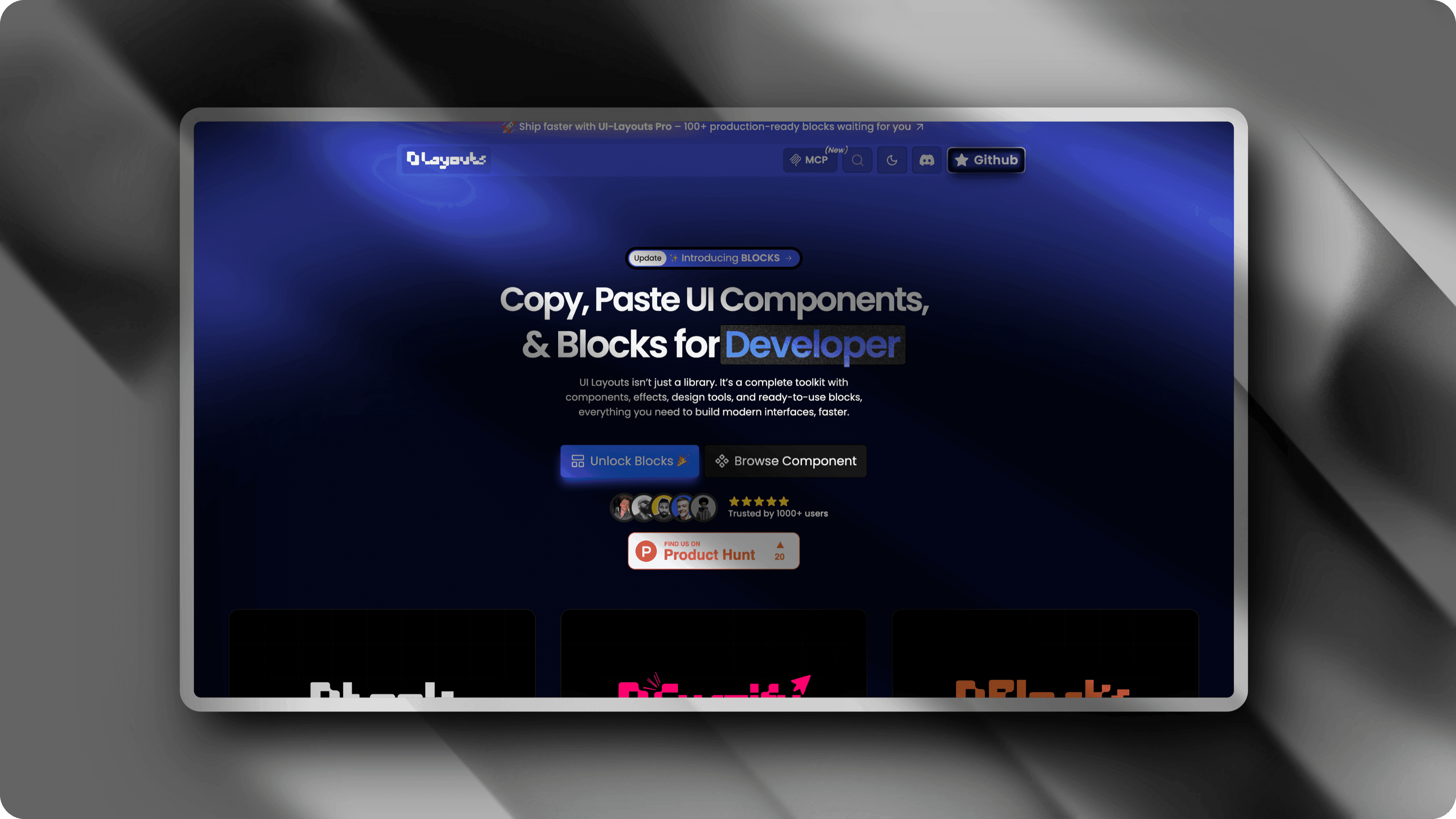
Platform-Specific Dimensions and Aspect Ratios
Every social platform has its own optimal image dimensions — 16:9 for Twitter, 1.91:1 for LinkedIn link previews, 1:1 or 4:5 for Instagram feed posts. Posting a screenshot at the wrong aspect ratio means cropped content, wasted space, or blurry upscaling. ScreenshotStyle.com is a platform-optimized screenshot tool with quick aspect ratio presets for every major network. Set your canvas to the exact dimensions Twitter, LinkedIn, or Instagram expects and export a perfectly sized image every time. This eliminates the guesswork and ensures your screenshot for social media looks sharp on every platform.
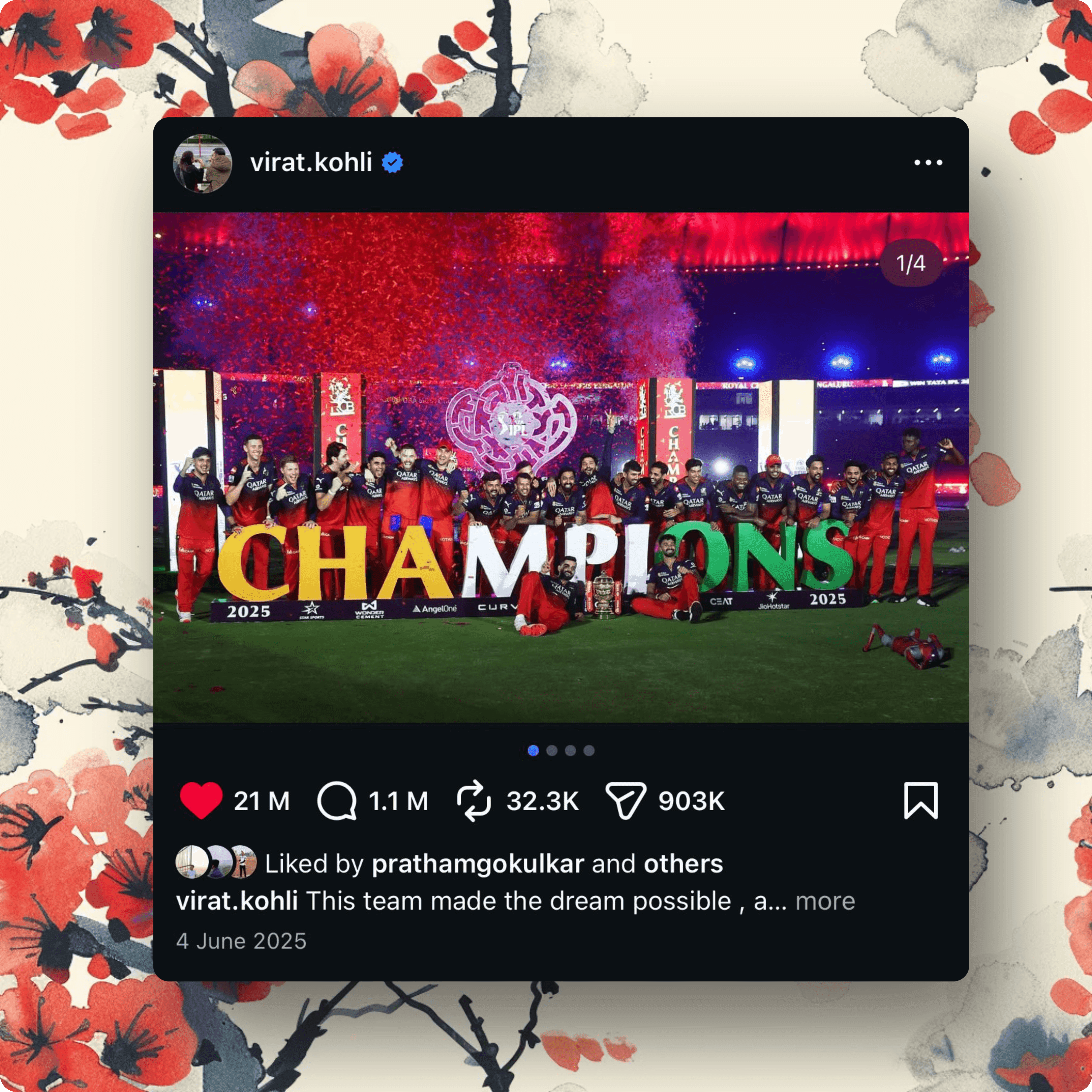
Creating Animated Screenshots for Social Media
Animated posts consistently outperform static images across social platforms. A twitter screenshot maker workflow that includes zoom, pan, and transition animations grabs attention in a way that a still image simply cannot. ScreenshotStyle.com's animation timeline lets you create animated screenshot sequences and export them as GIF or MP4 for platforms that support video and motion. Use animated product walkthroughs for linkedin post images announcing new features, or create looping instagram screenshot graphics that showcase a multi-step workflow. Animation turns a single screenshot into a story that keeps viewers watching.
See it in action
Real examples created with ScreenshotStyle.com

How it works
Take your screenshot
Capture whatever you want to share — a product update, code snippet, dashboard, or anything else.
Add background and effects
Choose a gradient background and add shadows, rounded corners, or 3D perspective.
Set platform dimensions
Pick the right aspect ratio for your target platform — 16:9 for Twitter, 1:1 for Instagram, etc.
Export and post
Download your styled screenshot and share it across your social channels.
Common questions
What dimensions work best for Twitter screenshots?
Twitter recommends 1600×900 (16:9) for in-feed images. ScreenshotStyle.com includes aspect ratio presets so you can quickly size your screenshots for any platform.
Can I create animated social media posts?
Yes. Use the animation timeline to add zoom, pan, and transition effects, then export as GIF for platforms that support animation.
Is this better than using Canva for social screenshots?
For screenshot-specific content, yes. ScreenshotStyle.com is purpose-built for screenshots — drag in, style, export. No templates to search through, no account needed.