Free Screenshot Editor Online
Beautify any screenshot in seconds. Add backgrounds, shadows, 3D effects, and animations — then export as image or video. No signup, no downloads.
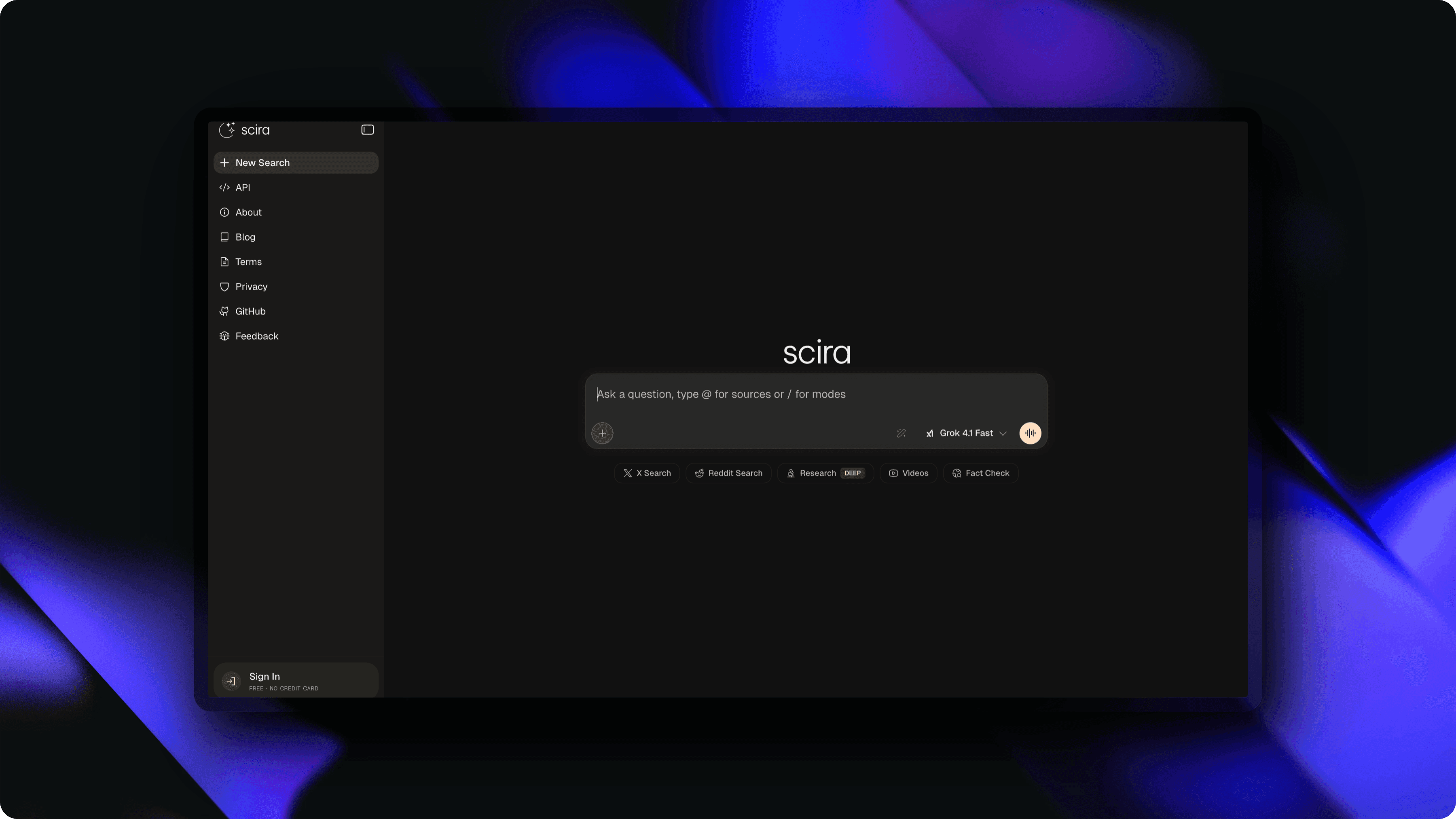
Everything you need to edit screenshots
A complete screenshot editor that runs in your browser. No bloated software, no learning curve — just powerful tools that work.
100+ Backgrounds
Gradients, solid colors, mesh backgrounds, and custom uploads. Make any screenshot pop with a professional backdrop.
Shadows & Effects
Realistic drop shadows with customizable blur, spread, offset, and color. Add depth in one click.
Device Frames
Wrap screenshots in macOS, Windows, Arc, or Polaroid frames. Perfect for product marketing.
3D Perspective
Tilt, rotate, and scale with real-time 3D transforms. Create eye-catching angles for presentations.
Animation & Video Export
Add keyframe animations with 20+ presets and export as MP4, WebM, or GIF. Bring static screenshots to life.
Text & Overlays
Add captions, labels, and annotations with 25+ fonts. Layer stickers and arrows for tutorials.
High-Res Export
Export PNG or JPG at up to 5x resolution. Retina-ready images for any platform.
How it works
No learning curve. No tutorials needed.
Upload Your Screenshot
Drag and drop any image or paste from clipboard. Supports PNG, JPG, WebP, and more.
Style It
Choose a background, add shadows, apply 3D transforms, or pick a one-click preset.
Export & Share
Download as high-res PNG/JPG or export animations as MP4, WebM, or GIF.
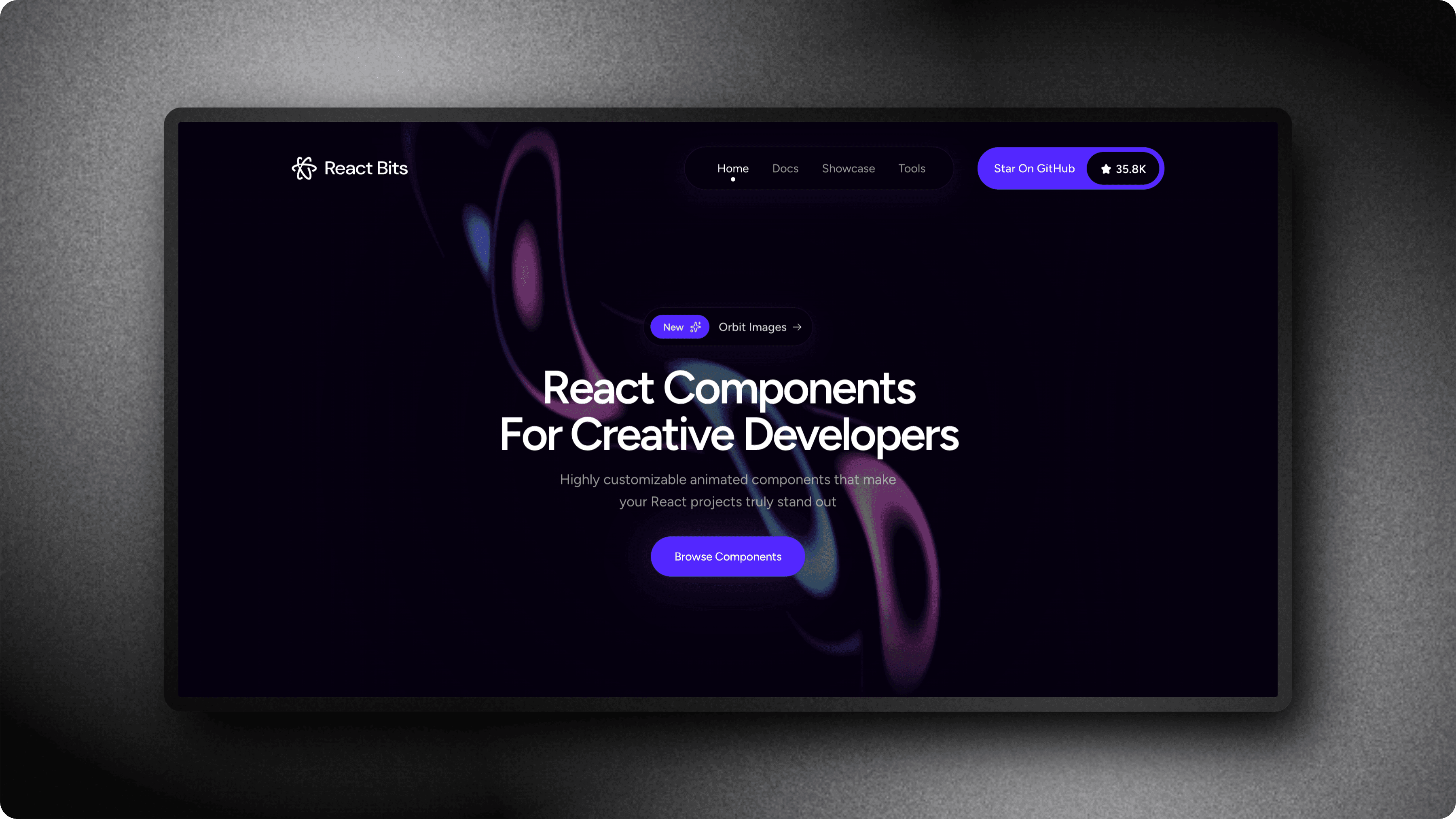
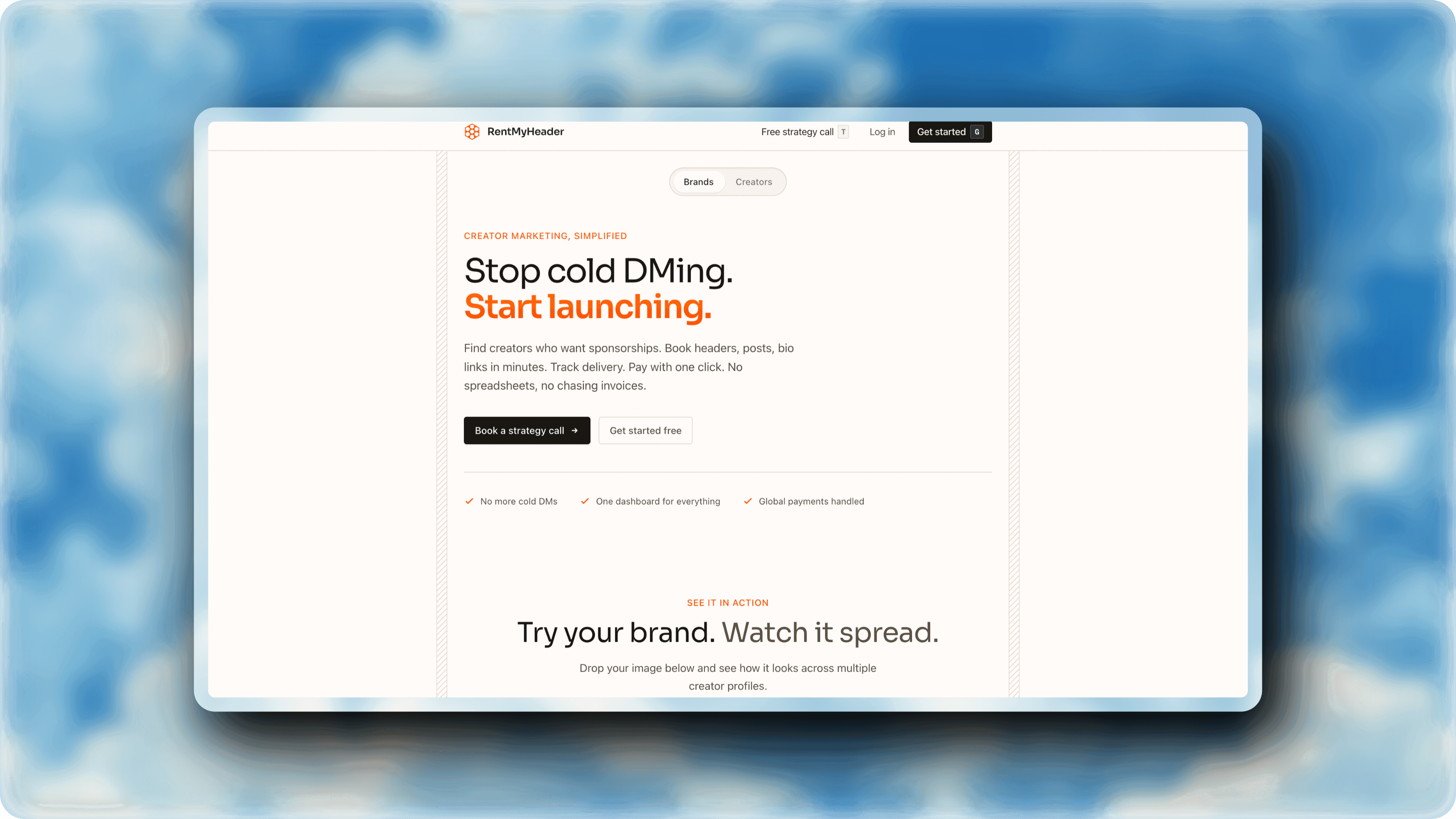
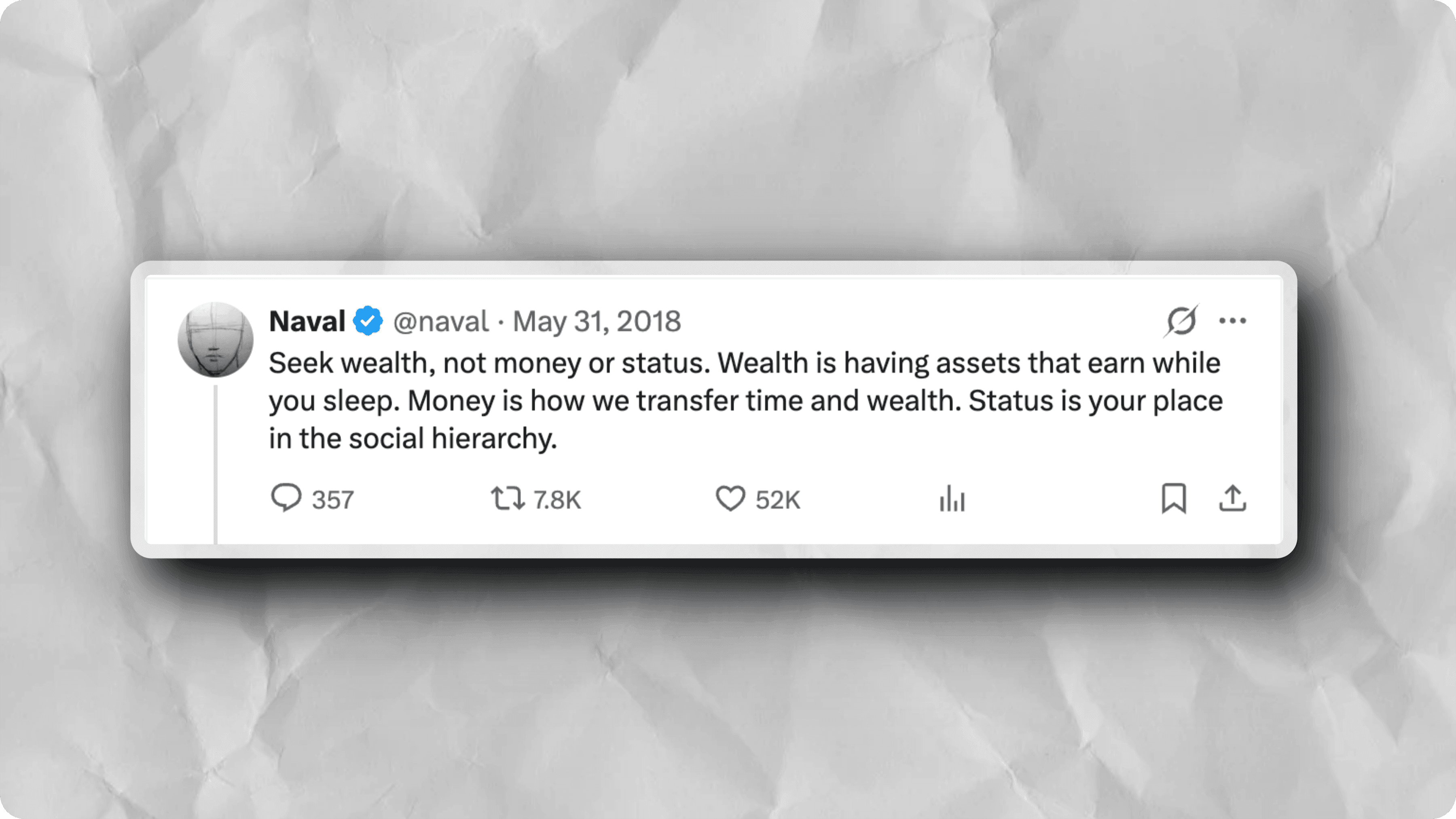
See it in action
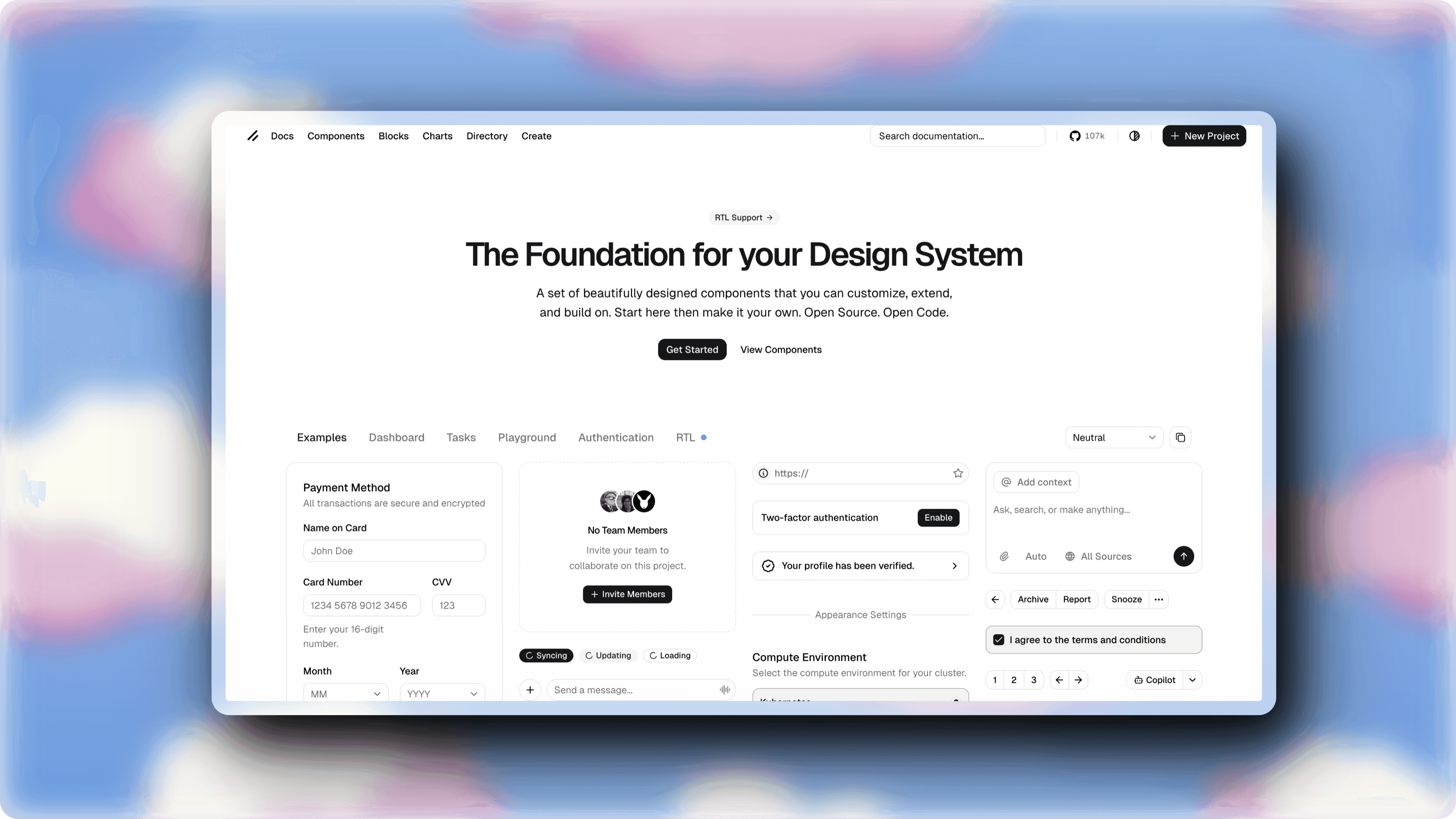
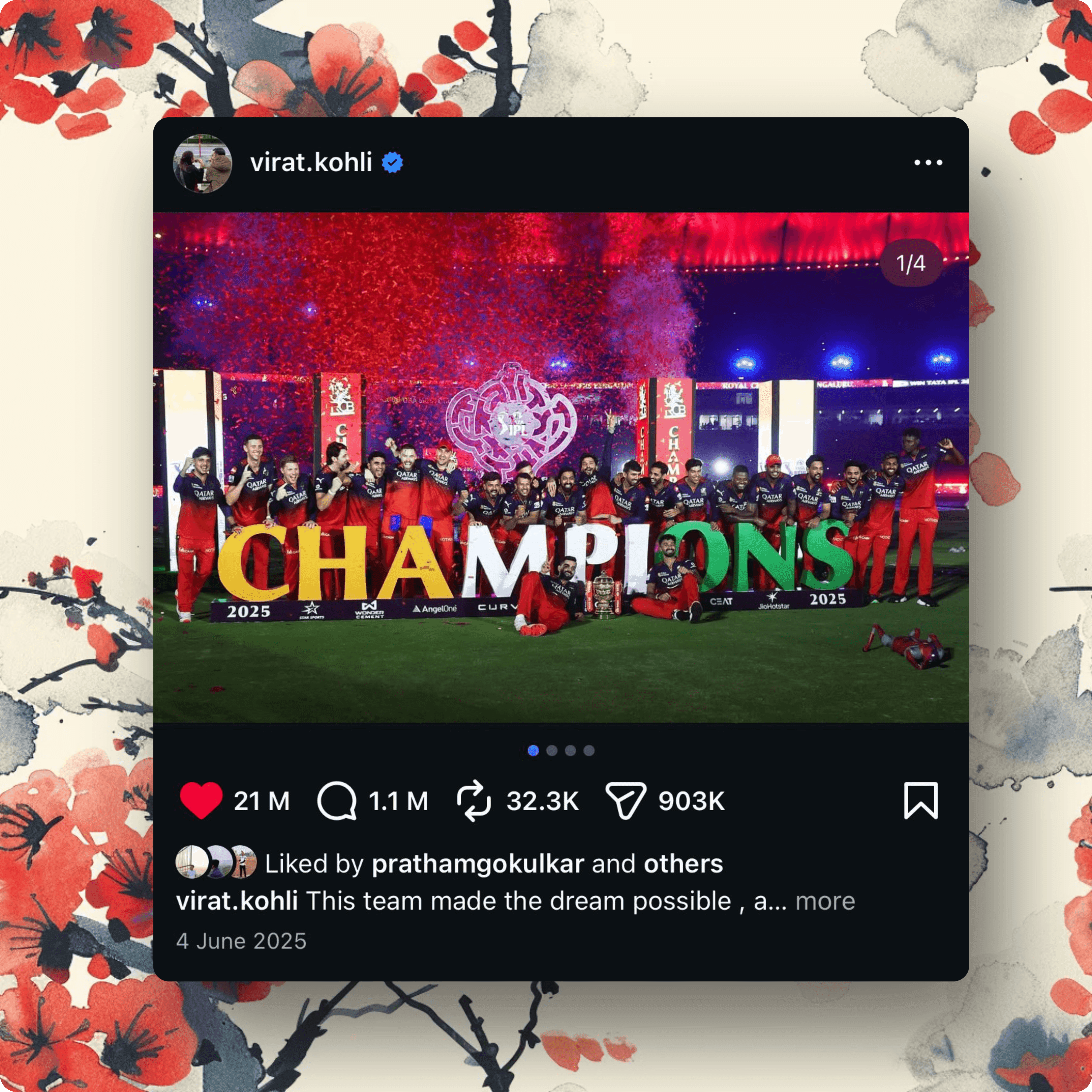
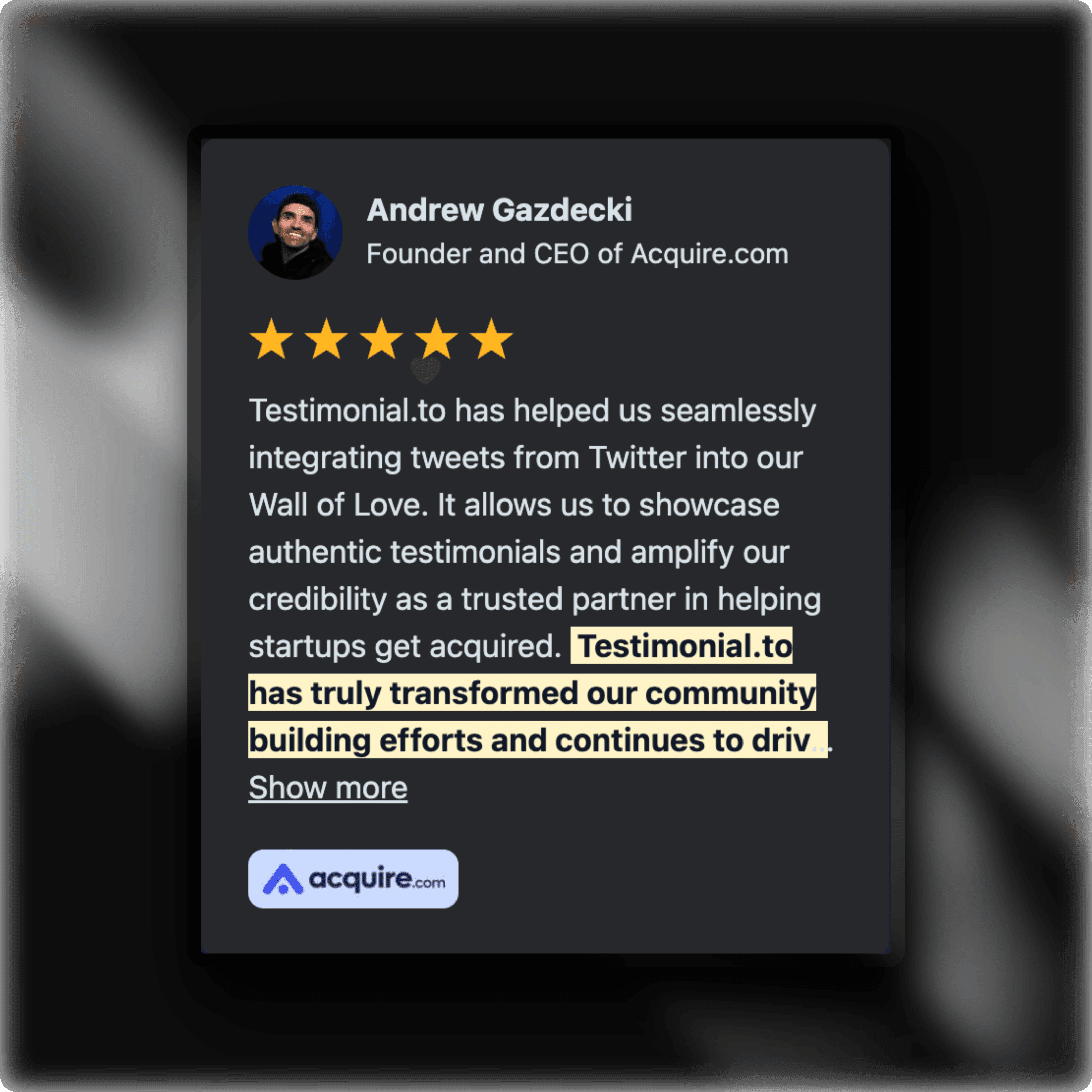
Real examples created with ScreenshotStyle.com
Built for every use case
Whether you are a developer, marketer, designer, or content creator — ScreenshotStyle.com has you covered.
SaaS Product Marketing
Turn raw product screenshots into polished hero images for landing pages, pitch decks, and ad creatives.
Social Media Posts
Create scroll-stopping Twitter, LinkedIn, and Instagram posts from app screenshots in seconds.
Developer Portfolios
Showcase your projects with professional screenshots that highlight your best work.
Documentation & Tutorials
Annotate and beautify screenshots for help docs, blog posts, and step-by-step guides.
App Store Listings
Generate beautiful preview images that increase downloads and conversion rates.
Client Presentations
Impress clients with polished mockups instead of raw screenshots in proposals and reports.
Common questions
Everything you need to know about our free screenshot editor.
Is this screenshot editor really free?
Yes, ScreenshotStyle.com is 100% free with no hidden costs, premium tiers, or watermarks. Every feature is available to everyone — unlimited exports, full resolution, no restrictions.
Do I need to install anything?
No. ScreenshotStyle.com runs entirely in your browser. There is nothing to download or install — just open the editor and start editing your screenshots immediately.
Do I need to create an account?
No signup required. Your privacy matters — we don't collect personal data or require registration. Just open the editor and start creating.
What image formats are supported?
You can upload PNG, JPG, WebP, and most common image formats. Export as high-resolution PNG (with transparency) or JPG. For animations, export as MP4, WebM, or GIF.
Can I use this for commercial projects?
Absolutely. There are no usage restrictions on images you create. Use them for SaaS marketing, social media, client work, app stores, or any other purpose.
How does it compare to Canva or Figma?
ScreenshotStyle.com is purpose-built for screenshot beautification. Unlike general-purpose editors, it offers one-click presets, 3D perspective transforms, animation timelines, and video export — all optimized for the screenshot-to-social-media workflow.