Product Hunt Launch
Win Launch Day with Better Visuals
First impressions decide upvotes. Create polished gallery images, animated product demos, and thumbnails that make hunters stop scrolling.
Product Hunt launch day is a sprint — you need eye-catching product hunt gallery images ready before the clock starts. ScreenshotStyle.com is a free product hunt screenshot maker that turns raw product screens into polished launch graphics with gradient backgrounds, 3D perspective, and animated demos. Whether you need a product hunt thumbnail creator for your listing or animated visual assets for your gallery, you can go from screenshot to launch-ready graphic in under a minute — no Figma templates or designer required.
Open Editor — It's Free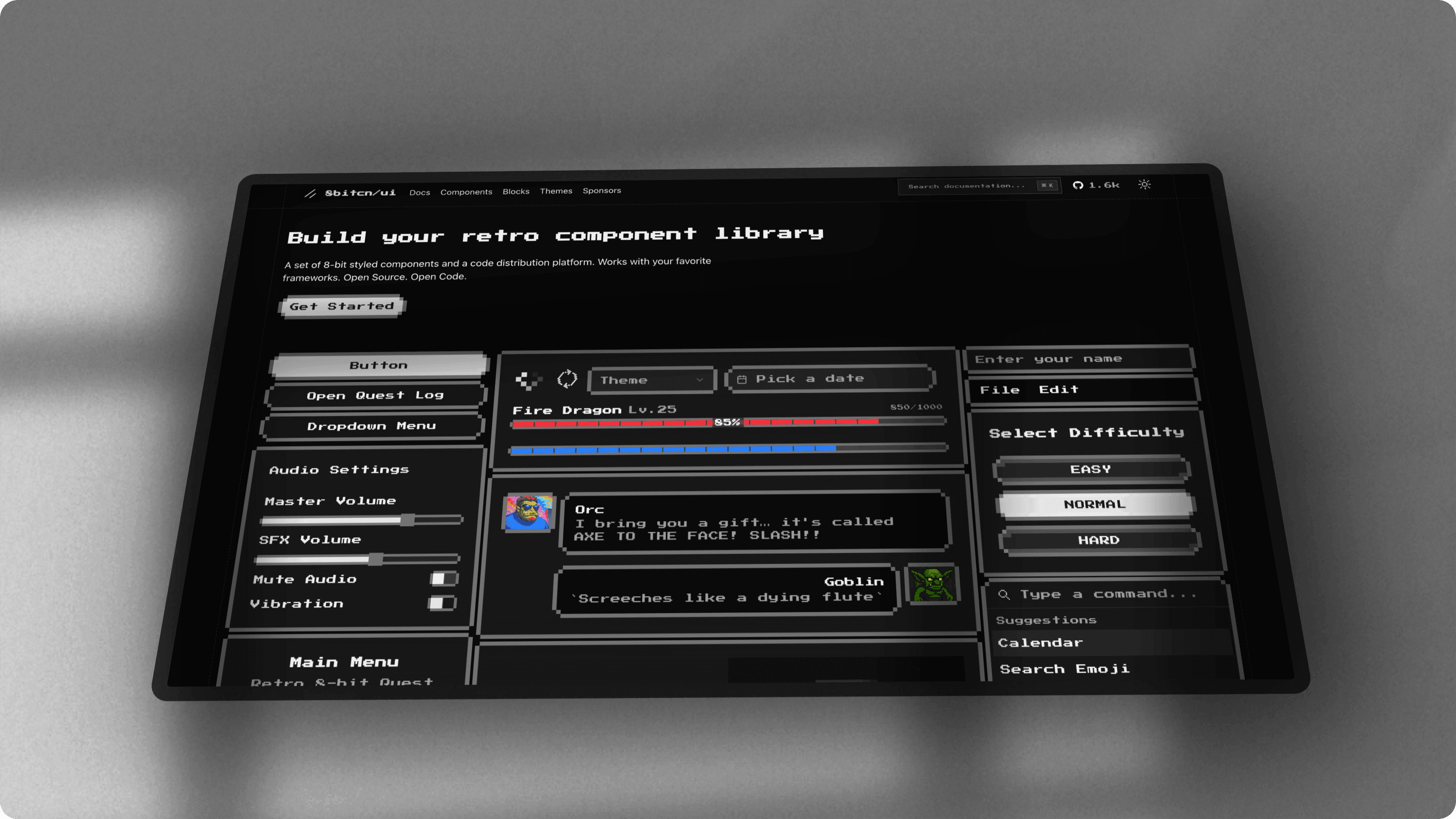
Your Product Deserves Better Than Raw Screenshots
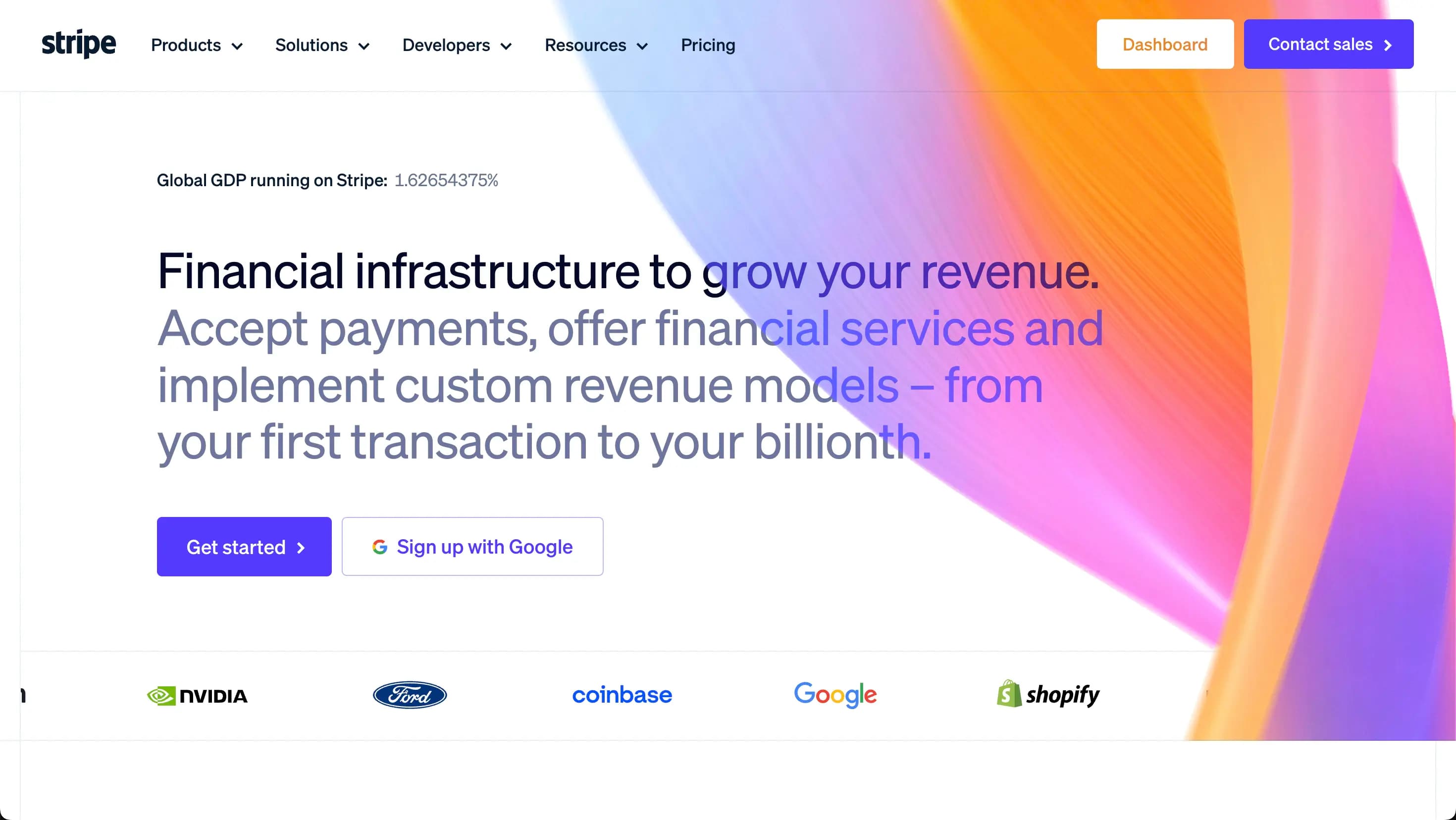
Most Product Hunt launches use unpolished screenshots or spend hours in Figma preparing visuals. By the time graphics are ready, the launch window has passed. You need fast, professional visuals.
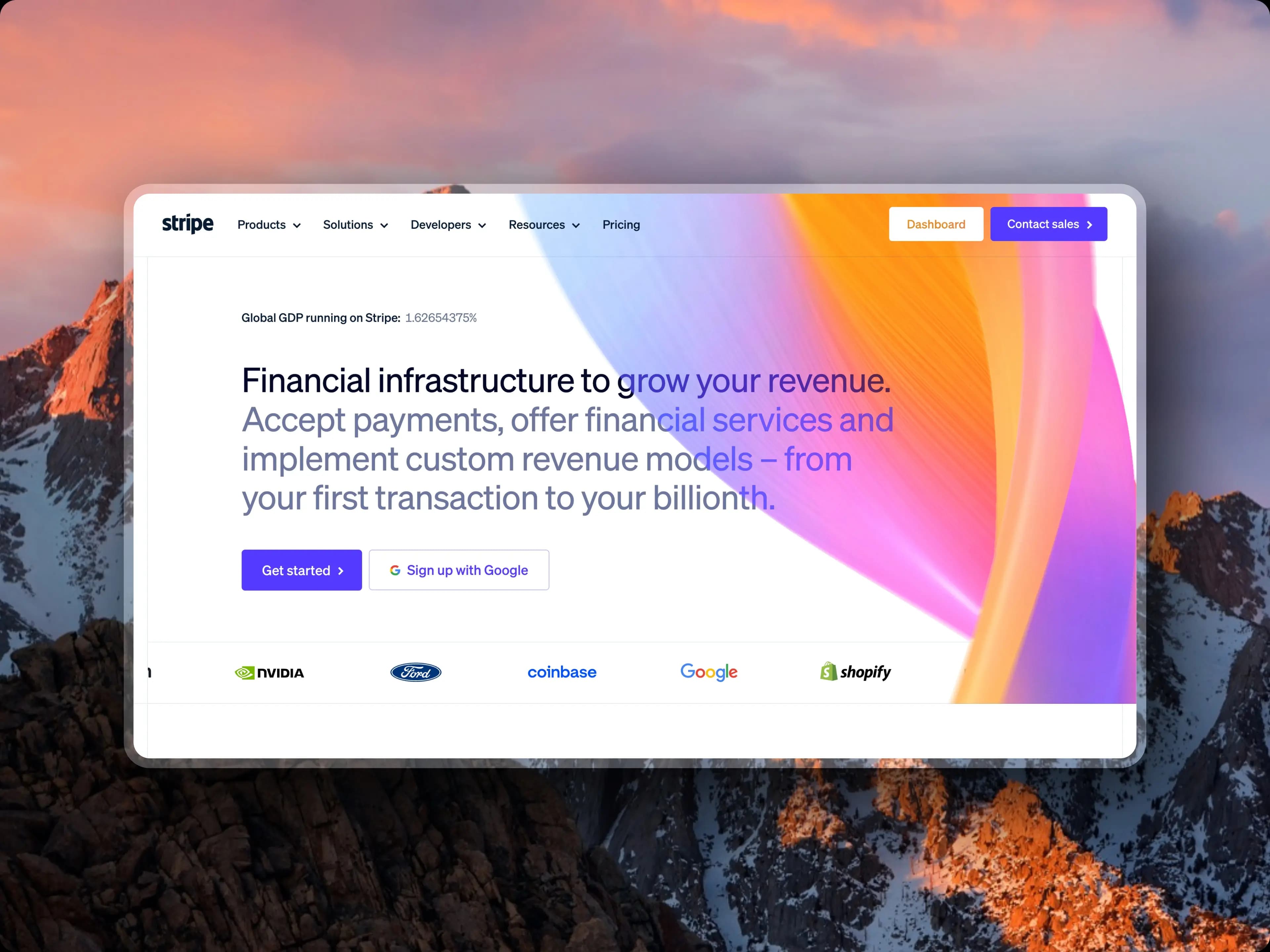
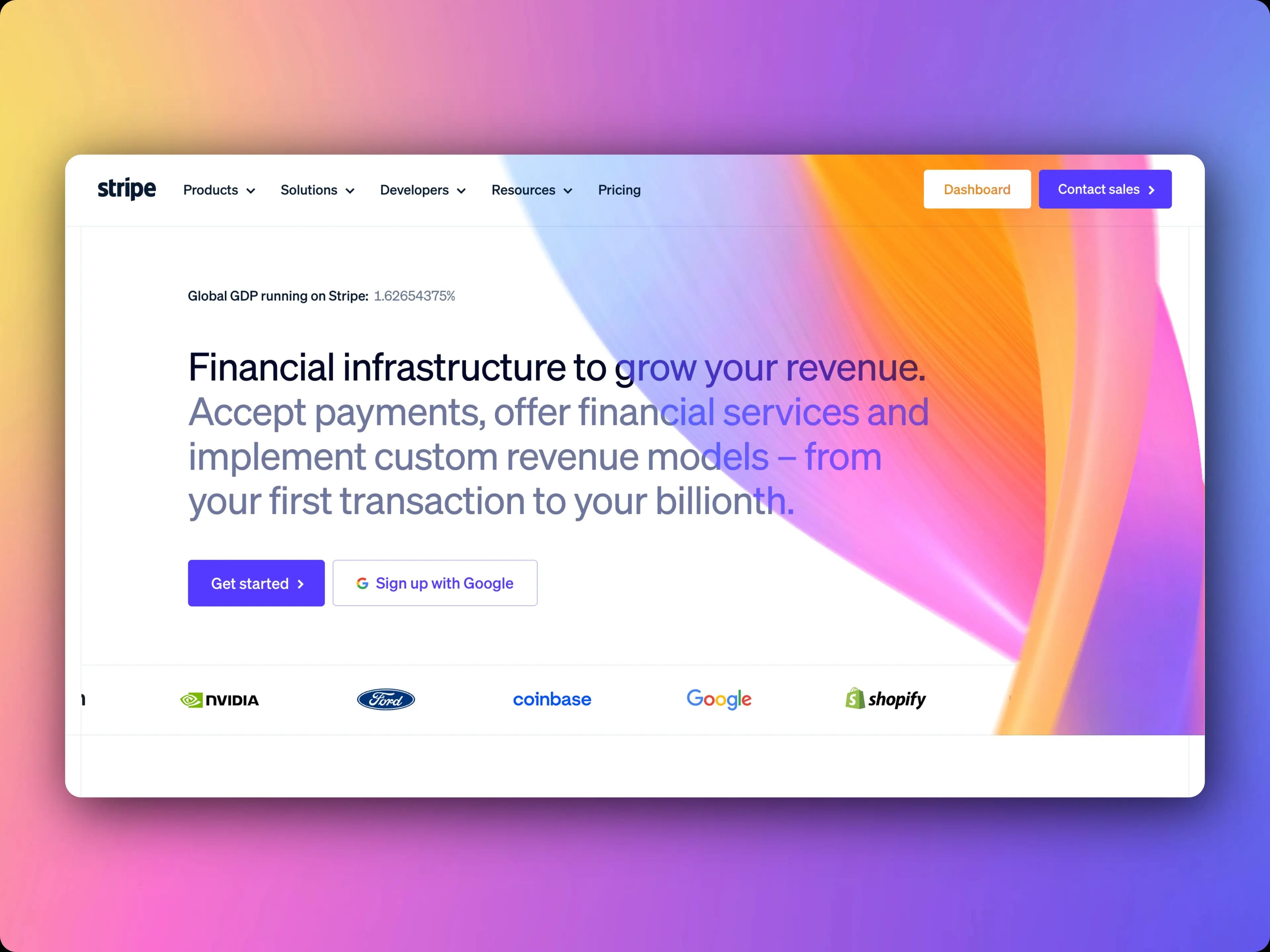
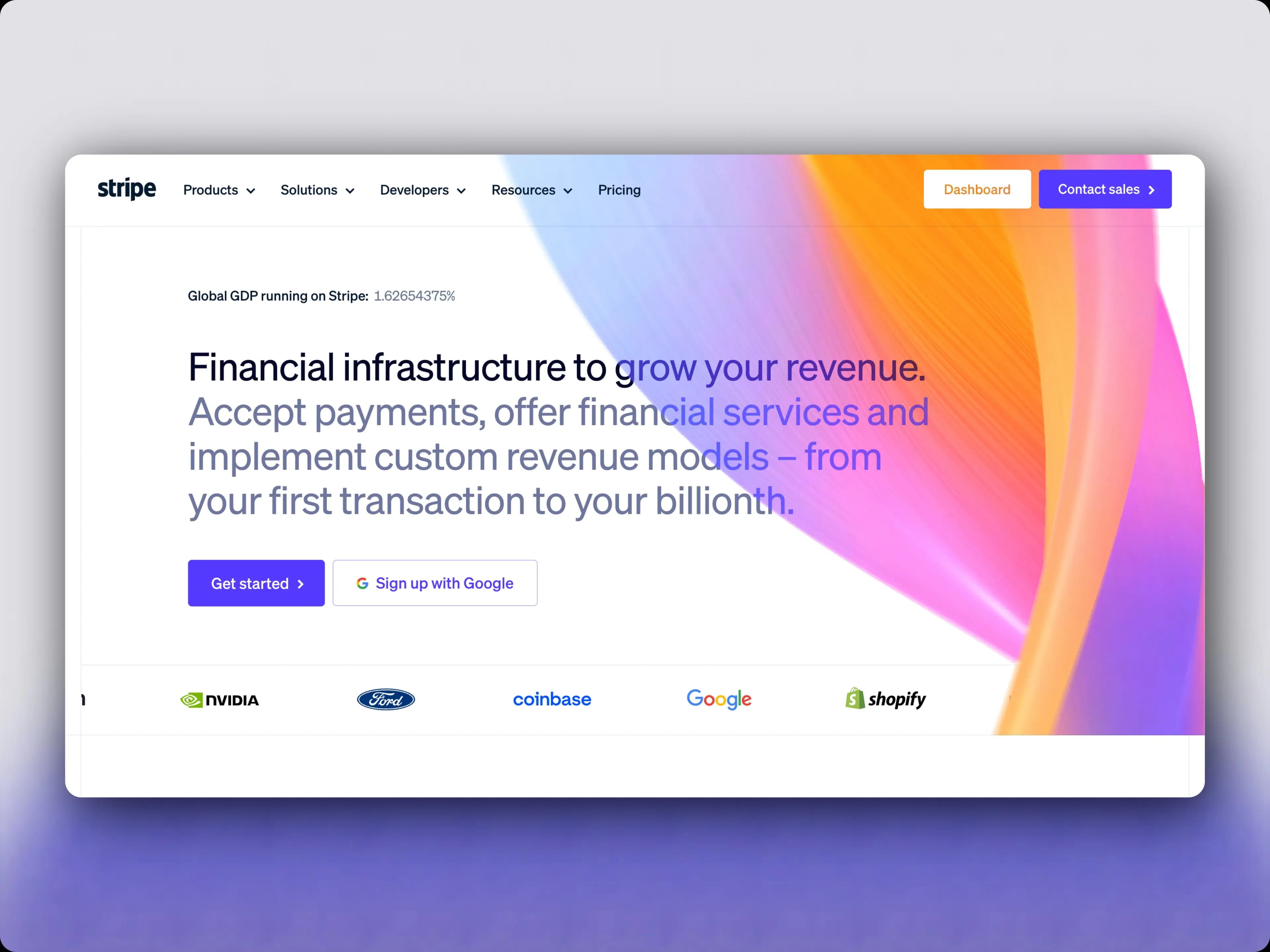
Launch-Ready Graphics in Minutes
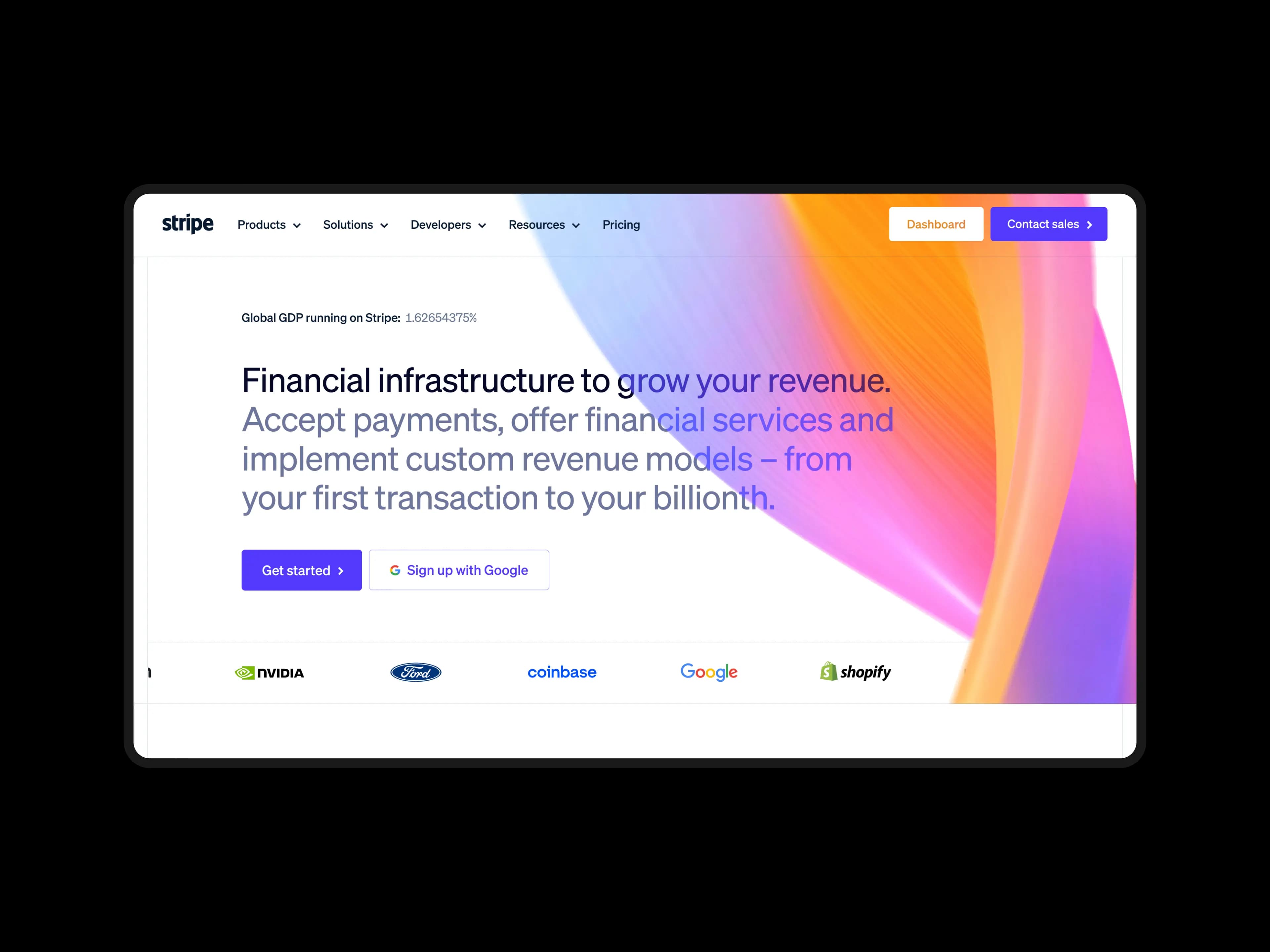
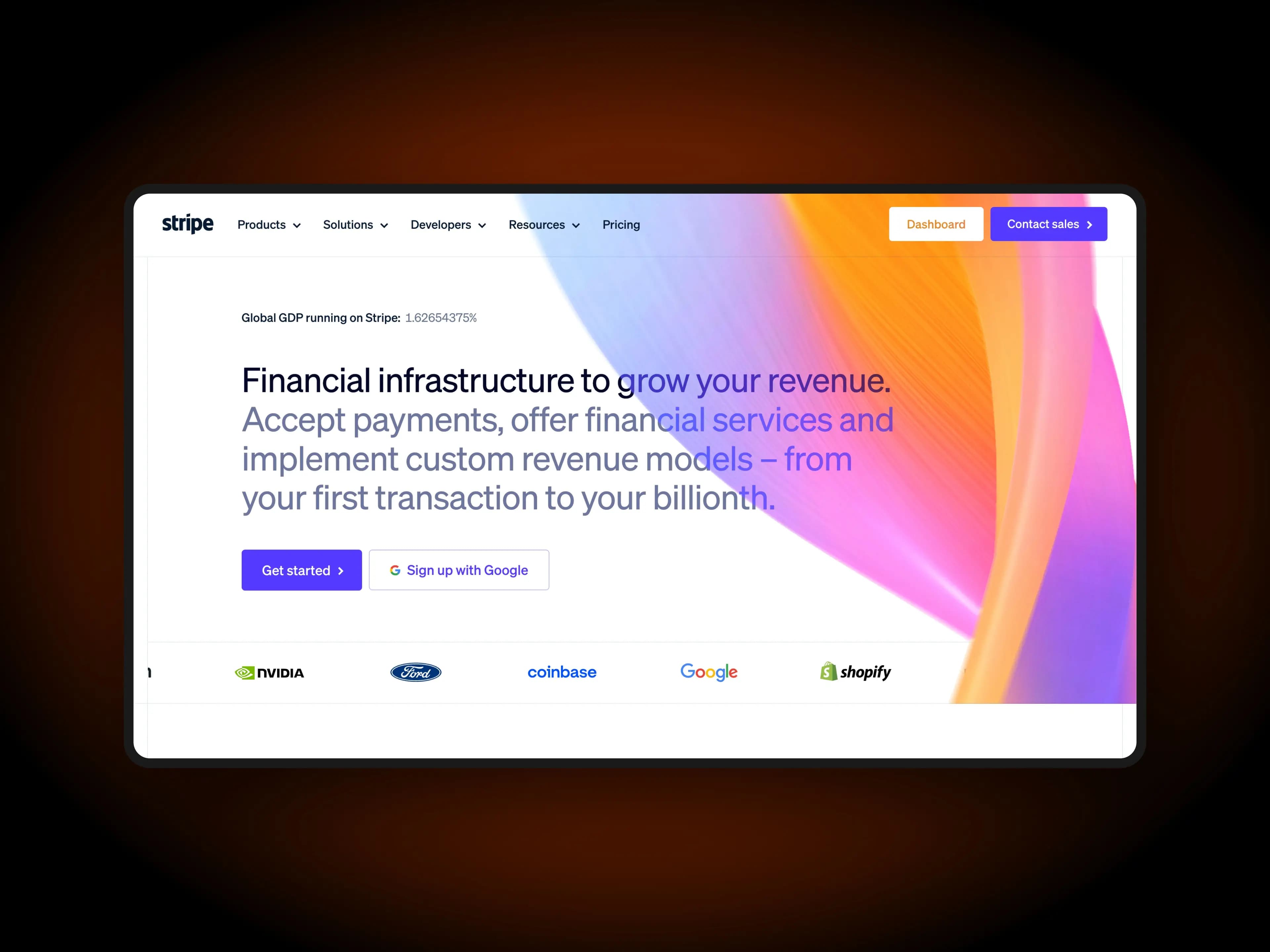
Drag your product screenshots into ScreenshotStyle.com, add vibrant backgrounds and 3D perspective, create animated walkthroughs, and export everything for your Product Hunt gallery — all free.
What you get
Gallery Images That Pop
Gradient backgrounds and 3D perspective transforms make your product screenshots stand out in the PH feed.
Animated Product Demos
Create zoom, pan, and transition animations to showcase features. Export as GIF or MP4 for your gallery.
Consistent Visual Story
Use the same background and styling across all gallery images to tell a cohesive product story.
No Design Skills Needed
One-click presets handle the visual design. Focus on your launch strategy, not pixel-pushing.
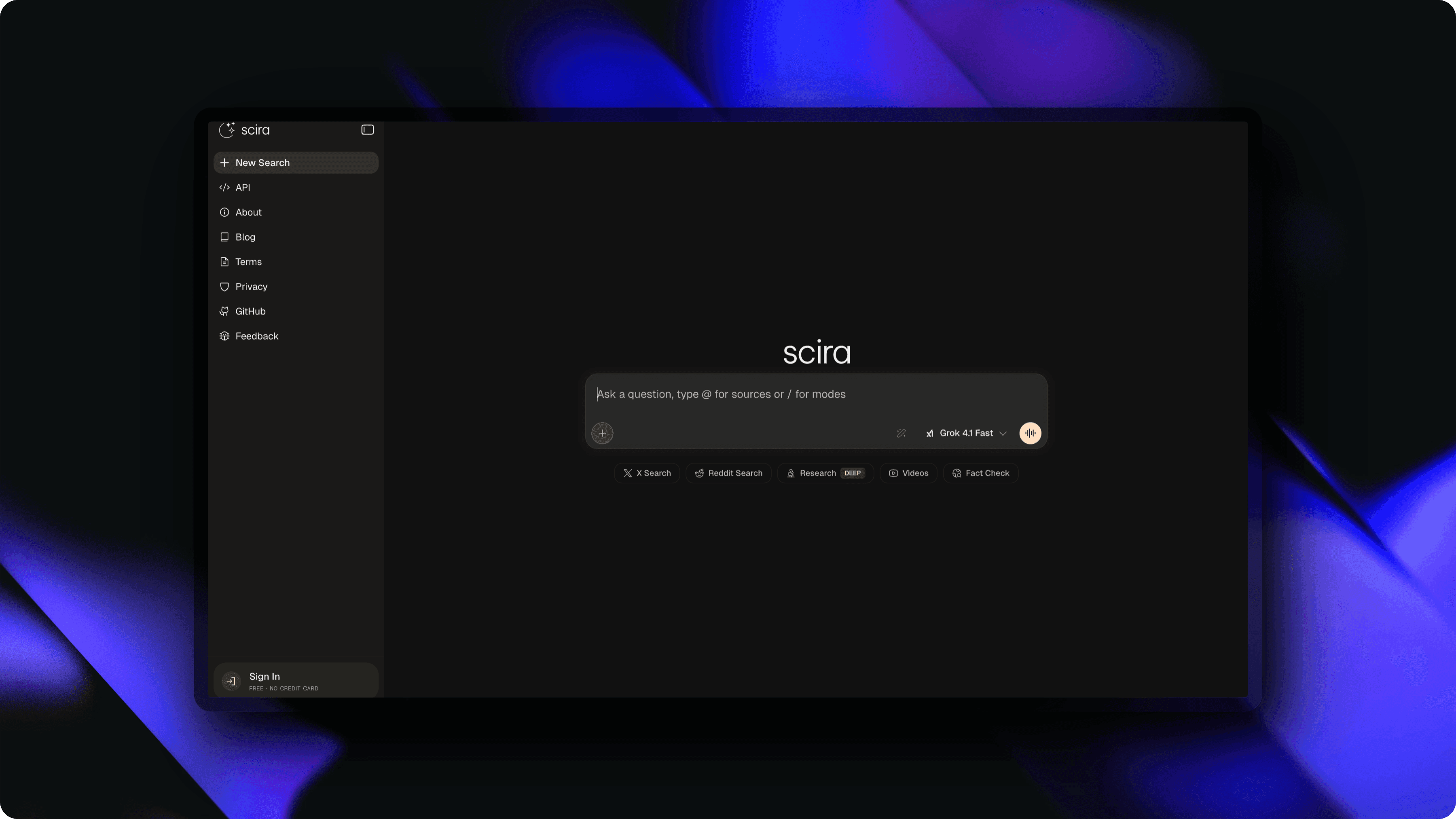
Why Launch Day Visuals Matter
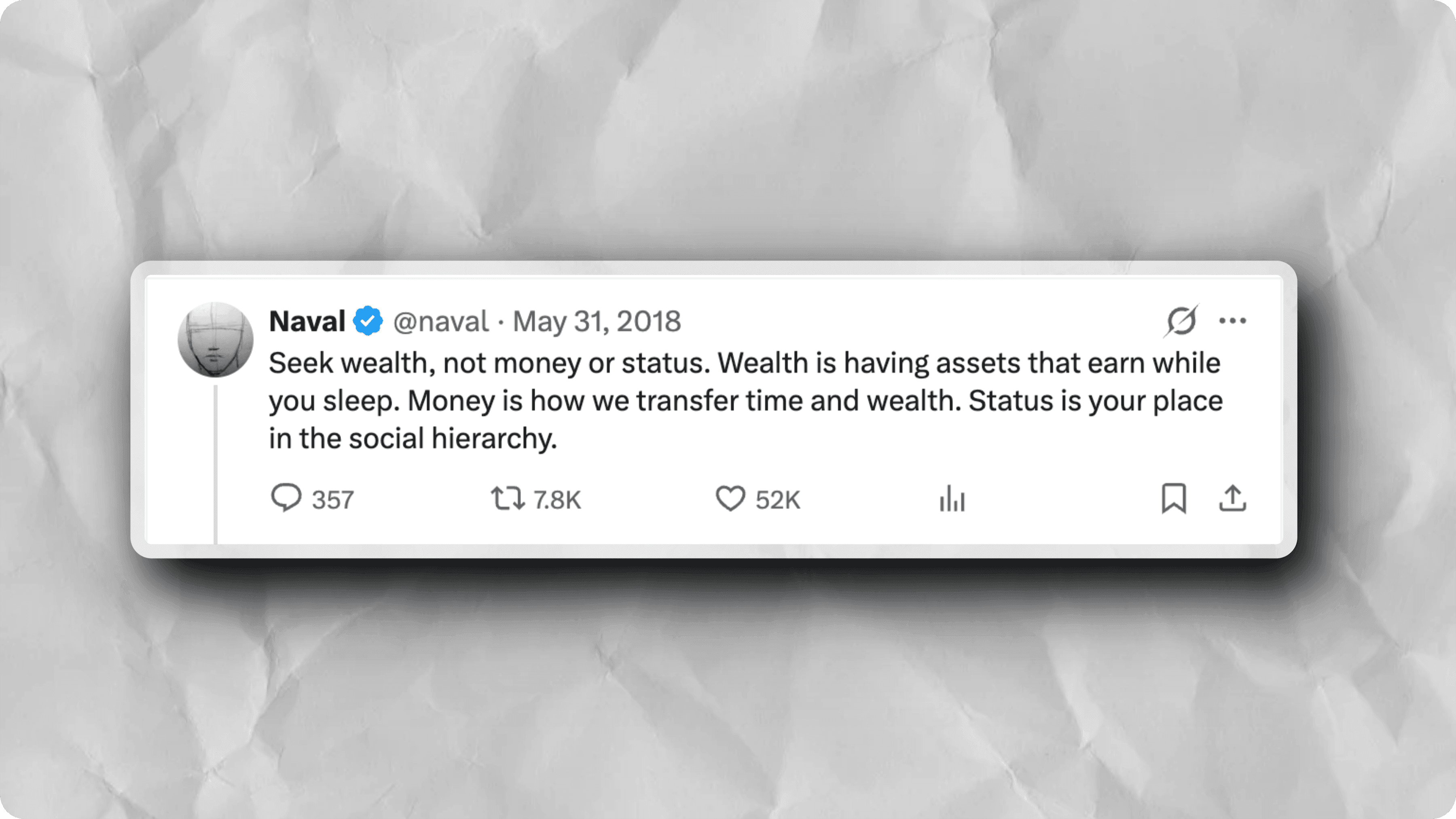
Product Hunt launches live or die by first impressions. Hunters scroll through dozens of new products daily, and the listings with polished product hunt launch graphics are the ones that earn clicks and upvotes. Data from top-performing launches consistently shows that products with styled gallery images outperform those with raw screenshots. Your product hunt visual assets need to communicate value instantly — a gradient background, clean framing, and a clear headline can be the difference between 50 upvotes and 500. ScreenshotStyle.com gives makers a fast path to product hunt launch images that look like they were designed by a professional studio.
Gallery Images with 3D Perspective
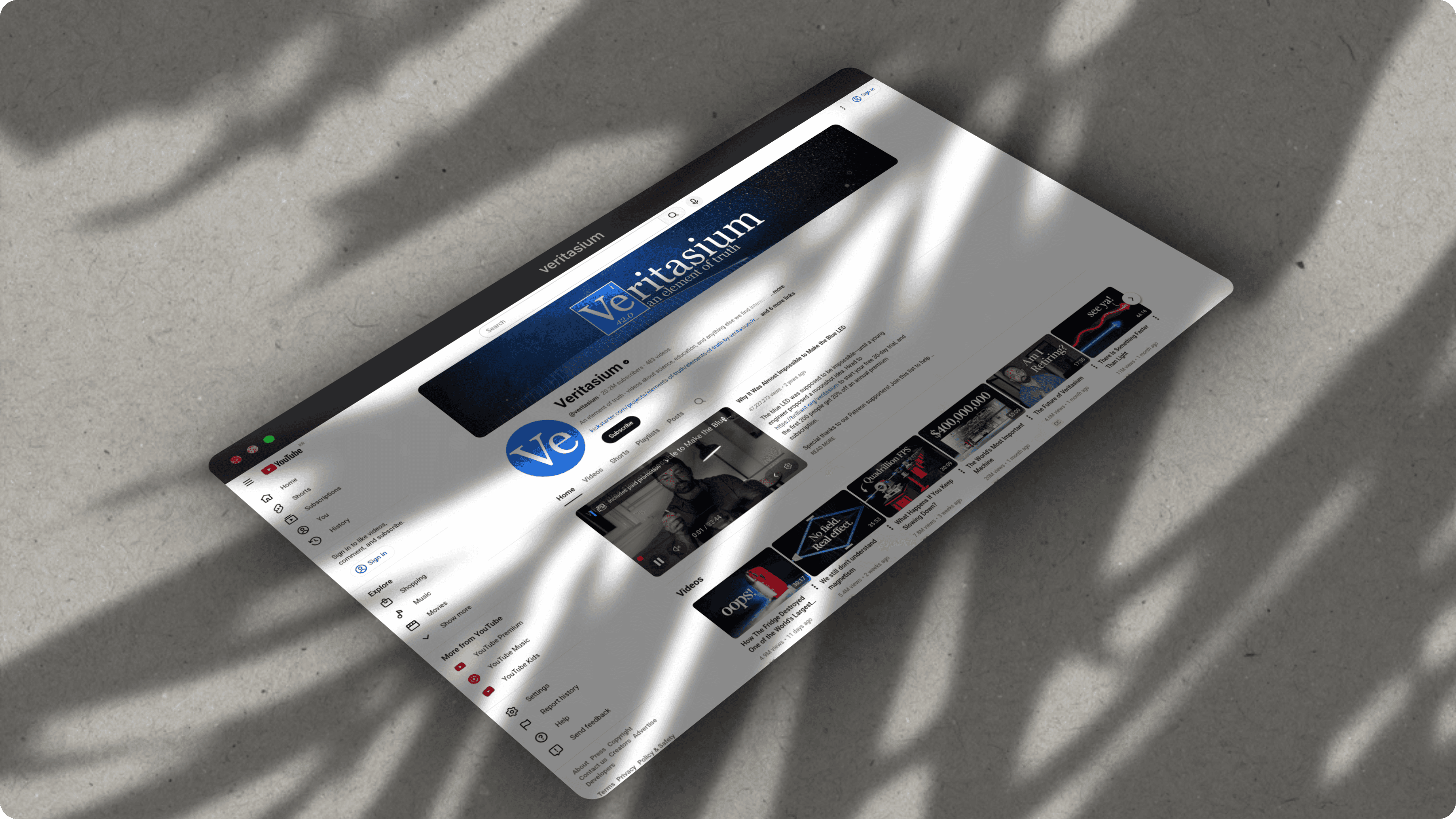
The Product Hunt gallery is your product's storefront on launch day. Flat screenshots blend together, but product hunt gallery images with 3D perspective transforms immediately stand out. ScreenshotStyle.com lets you rotate, tilt, and add depth to any screenshot — creating dynamic angles that make your product feel tangible and polished. Pair a perspective transform with a vibrant gradient background and you have a product hunt thumbnail creator workflow that takes seconds instead of hours. These styled images work for your gallery, social sharing cards, and maker comments alike.
Animated Product Demos for Product Hunt
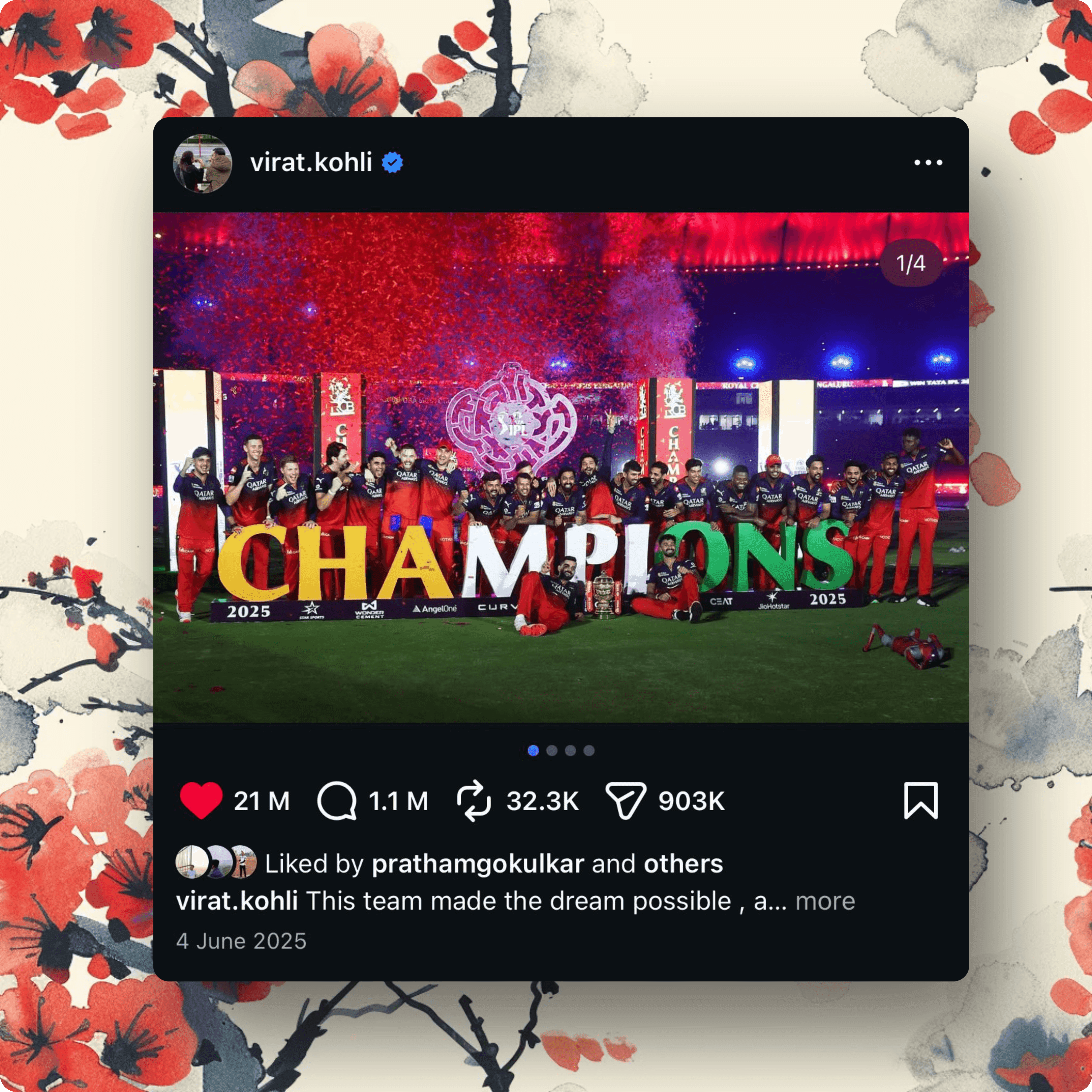
Static images tell part of the story, but a product hunt animated demo shows your product in action. ScreenshotStyle.com's animation timeline lets you create zoom, pan, and transition sequences from your screenshots and export them as GIF or MP4 — perfect for Product Hunt galleries that support video. An animated walkthrough of your core workflow is one of the most effective product hunt maker tools available, because it lets hunters experience your product before clicking through. Combine animated demos with styled static images for a gallery that covers every angle of your launch.
See it in action
Real examples created with ScreenshotStyle.com
How it works
Capture your best product screens
Take screenshots of your product's key features and value propositions.
Style with backgrounds and effects
Add gradient backgrounds, 3D perspective, and shadows to make screenshots pop.
Add context with text overlays
Overlay headlines that explain each feature. Guide viewers through your product story.
Export gallery images and animations
Export static images for your gallery and animated demos as GIF or video.
Common questions
What size should Product Hunt gallery images be?
Product Hunt recommends 1270×760 for gallery images. ScreenshotStyle.com lets you set custom canvas dimensions and export at the exact size you need.
Can I create animated demos for Product Hunt?
Yes. Use the animation timeline to create zoom, pan, and transition effects, then export as GIF or MP4 for your Product Hunt gallery.
How many gallery images should I prepare?
Product Hunt allows up to 8 gallery images. We recommend 4-6 covering your key features, plus 1-2 animated demos to showcase your product in action.