Blog Post Images
Blog Posts Deserve Better Images
Create polished hero images and inline screenshots for your blog. Add backgrounds, 3D perspective, and annotations that make your content look professional.
Blog posts with real product screenshots outperform those with generic stock photos — but raw screenshots look lazy without proper styling. ScreenshotStyle.com is a free blog screenshot tool and blog featured image maker that transforms captures into polished blog post images from screenshots. Create stunning blog post hero images with gradient backgrounds, add step-by-step annotations for technical blog images, and export at SEO-friendly dimensions — all from your browser. Whether you are publishing content marketing images or inline tutorial screenshots, you get professional results in seconds.
Open Editor — It's Free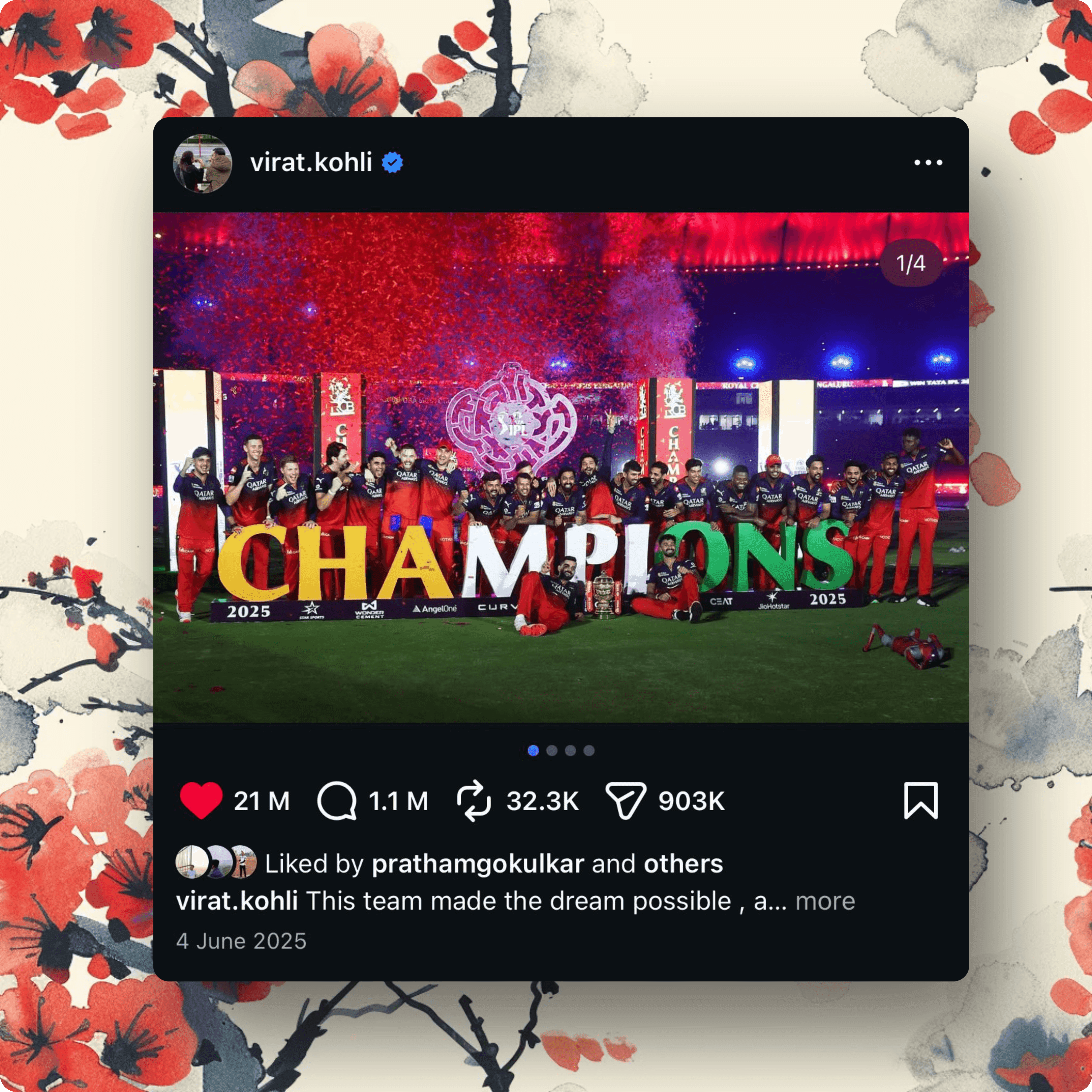

Stock Photos and Raw Screenshots Are Boring
Generic stock photos don't match your content. Raw screenshots look lazy. Your blog needs images that are both relevant and polished — actual product or process screenshots, styled to look great.





Blog-Ready Screenshots in Seconds
ScreenshotStyle.com turns any screenshot into a polished blog image. Add gradient backgrounds, 3D effects, and annotations — then export as a hero image or inline graphic.
What you get
Hero Images from Real Screenshots
Use actual product screenshots as hero images instead of generic stock photos. More relevant and more engaging.
Inline Screenshots That Look Clean
Consistent backgrounds and subtle shadows make inline screenshots look intentional, not like afterthoughts.
SEO-Friendly Dimensions
Export at blog-standard 16:9 or custom dimensions. Properly sized images improve page load and SEO.
Tutorial Annotations
Add step numbers, arrows, and labels to screenshots in how-to blog posts. Guide readers visually.
Screenshots vs Stock Photos for Blog Content
Generic stock photos are the default for blog featured images, but they add no informational value and readers have learned to ignore them. Real product screenshots as blog post images from screenshots are more relevant, more engaging, and better for SEO because they match the content users are actually reading. A blog screenshot tool that adds professional styling to real captures bridges the gap between relevance and polish. ScreenshotStyle.com lets content marketers create content marketing images from actual product screens — adding gradient backgrounds and framing that make them visually compelling without sacrificing authenticity.
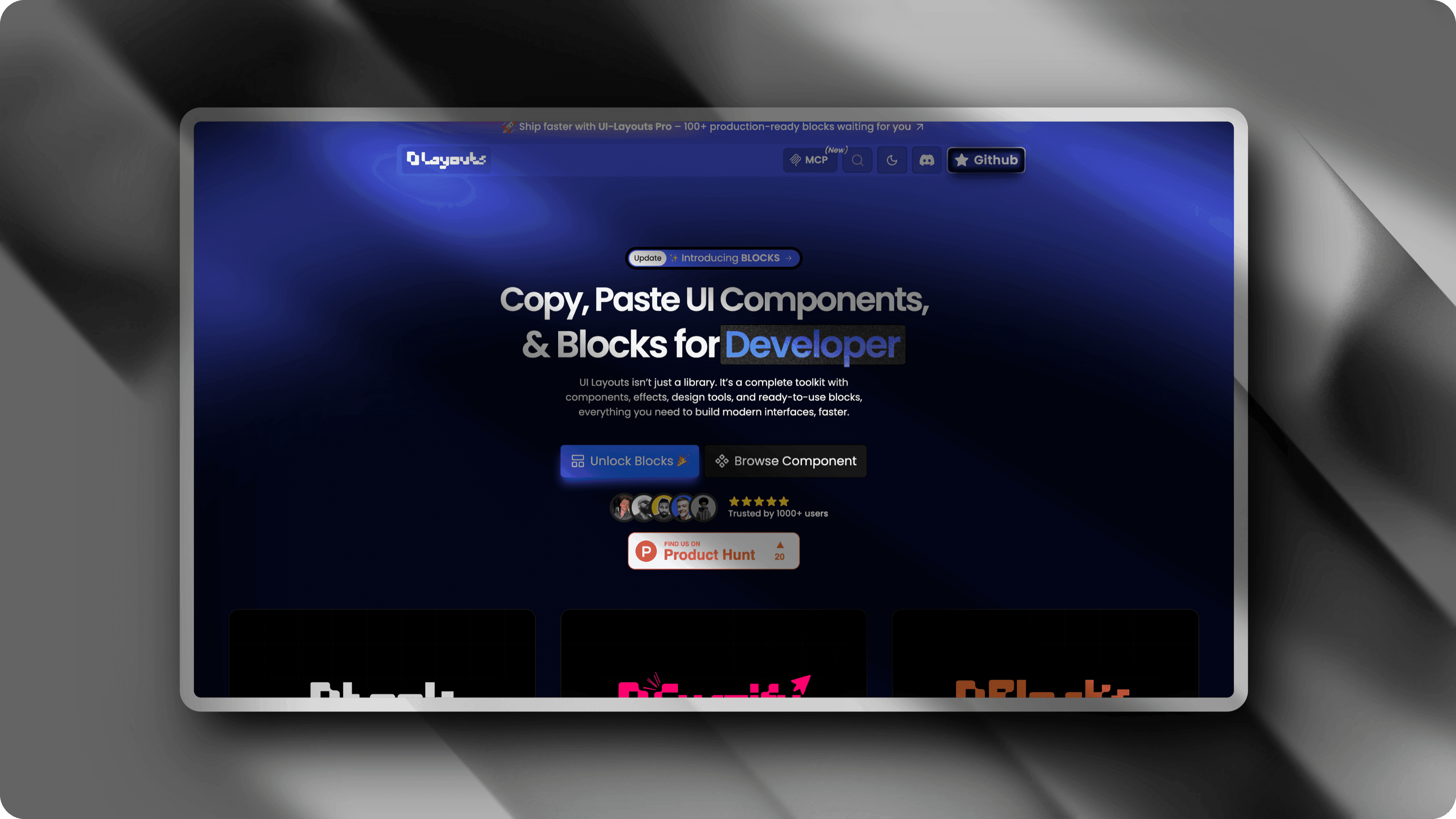
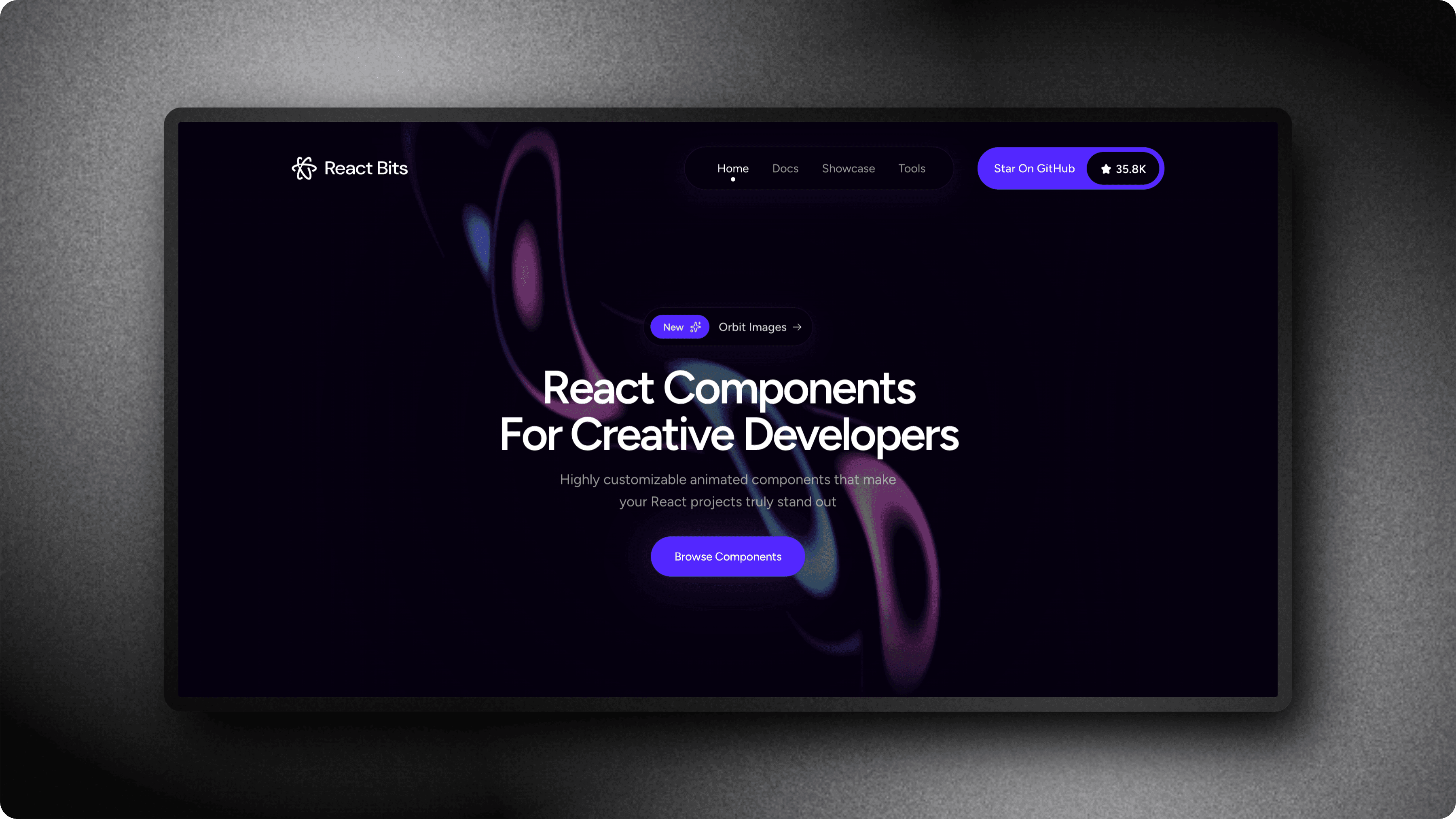
Hero Images from Real Product Screenshots
The blog post hero image is the first visual a reader sees and the image that appears in social sharing previews. A polished blog post hero image built from a real product screenshot tells readers exactly what the article covers before they read a word. ScreenshotStyle.com's blog featured image maker workflow takes any screenshot, adds a gradient background and optional 3D perspective, and exports at standard hero dimensions like 1200x630 for Open Graph or 1600x900 for wide layouts. This approach produces blog post graphics creator output that is both on-topic and visually striking — far more effective than a stock photo of a laptop on a desk.
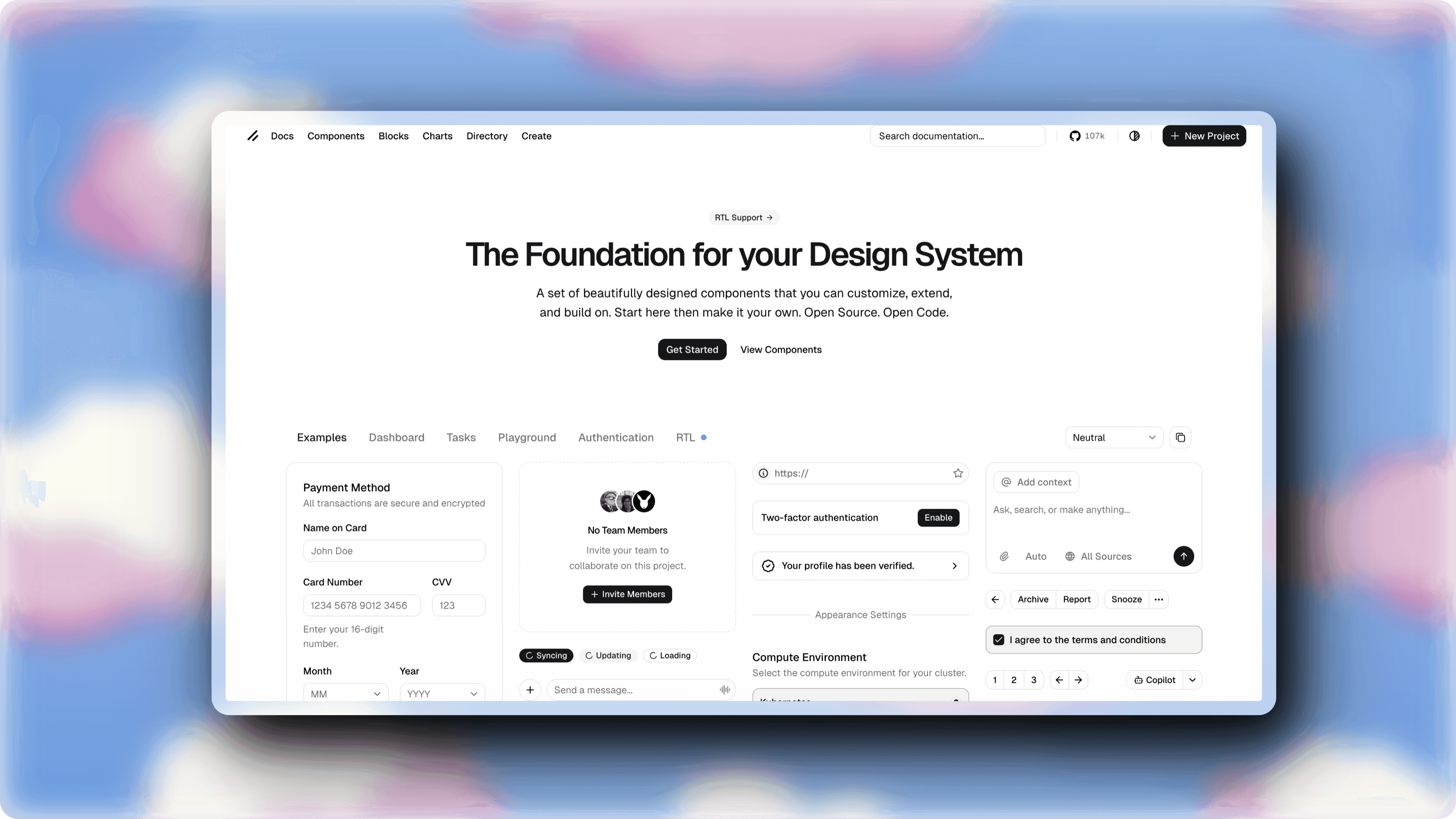
Tutorial Annotations and Step-by-Step Visuals
How-to blog posts and tutorials rely on clear visual instructions. A blog inline screenshot with numbered callouts, arrows, and text labels guides readers through each step without ambiguity. ScreenshotStyle.com's overlay tools let you annotate technical blog images with precise callouts that map directly to your written instructions. For technical blog images covering complex workflows, annotated screenshots reduce reader confusion and increase time on page — both signals that search engines reward. Export annotated images at consistent dimensions to maintain a clean, professional look throughout your entire post.
See it in action
Real examples created with ScreenshotStyle.com

How it works
Screenshot your subject
Capture the product, tool, or interface you're writing about.
Add a background
Choose a gradient that sets the mood for your post — vibrant for announcements, subtle for tutorials.
Annotate if needed
For tutorials and how-to posts, add step numbers, arrows, or callout labels.
Export and embed
Export at 16:9 for hero images or custom sizes for inline use. Drop into your CMS.
Common questions
What size should blog hero images be?
Most blogs use 1200×630 for social sharing or 1600×900 for wide hero images. ScreenshotStyle.com lets you set custom canvas dimensions and export at the exact size your blog needs.
Are these images good for SEO?
Yes. Real product screenshots as blog images are more relevant than stock photos, which can improve engagement metrics. Export at appropriate dimensions and compress for fast load times.
Can I use the same style across all my blog posts?
Yes. Set a consistent background, shadow, and padding style for all your blog screenshots. This builds visual brand consistency across your content.