How to Add 3D Effects to a Screenshot
3D perspective effects transform flat screenshots into eye-catching visuals that stand out in crowded feeds and presentations. A tilted, angled screenshot with depth and shadows creates a professional mockup look without 3D software. Here's how to add 3D effects to any screenshot in seconds.
Open Editor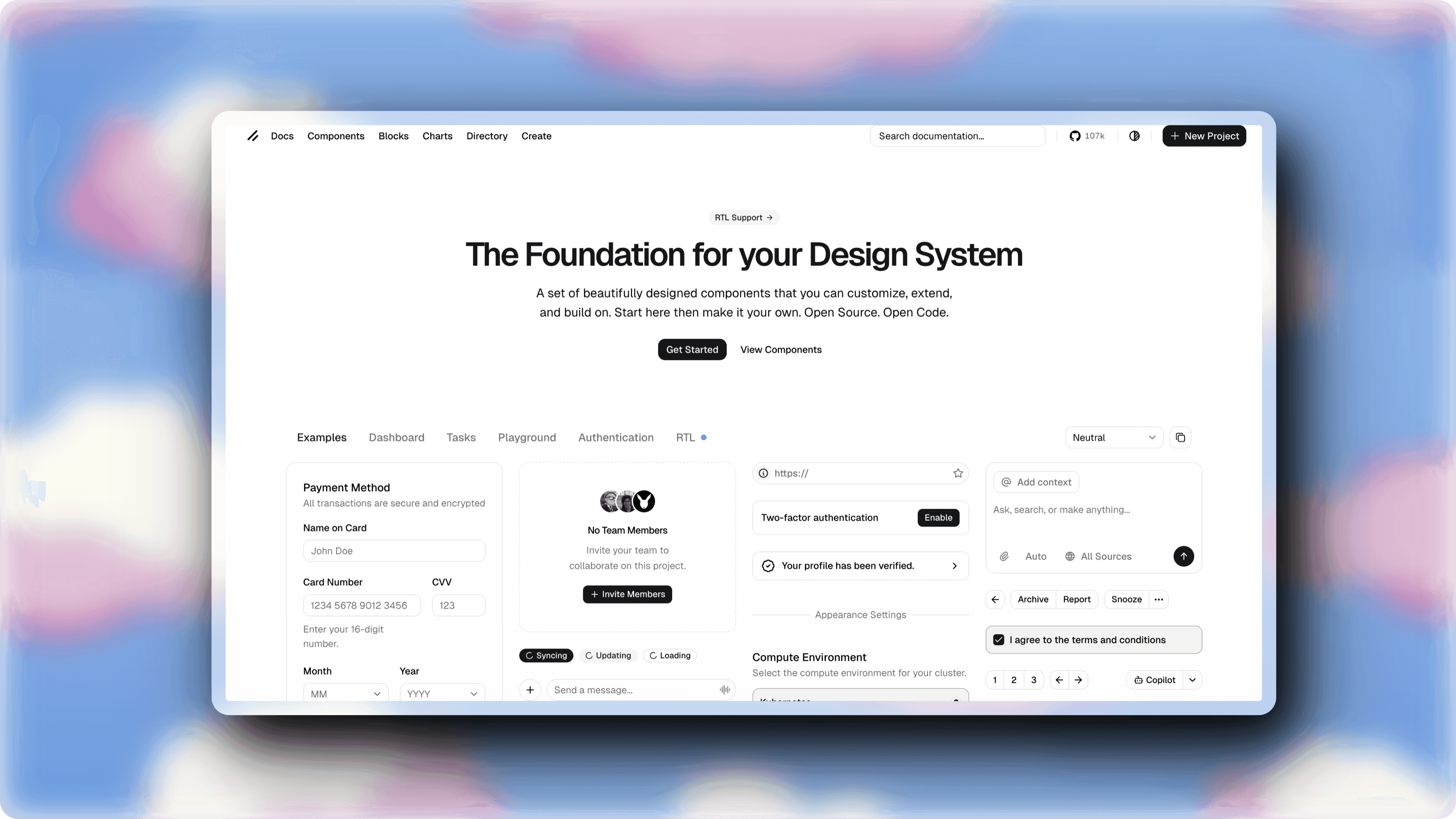
Step-by-step
Open the editor
Visit ScreenshotStyle.com's free editor. It runs in any modern browser — no downloads or signups.
Upload your screenshot
Drop your screenshot on the canvas, browse to select it, or paste from clipboard.
Open 3D settings
Navigate to the 3D Effects section in the settings panel. You'll see controls for perspective, rotation, and depth.
Adjust perspective angle
Use the perspective slider to control the viewing distance. Lower values create more dramatic 3D effects, higher values are more subtle.
Tip: A perspective value around 800-1200px gives a natural, professional look. Go below 500px for dramatic hero-image effects.
Set rotation angles
Rotate your screenshot along the X axis (tilt forward/back) and Y axis (turn left/right). Combine both axes for isometric-style mockups.
Add depth and shadows
Enable drop shadows to enhance the 3D illusion. The shadow automatically adjusts to match your perspective angle, adding realistic depth.
Export your 3D mockup
Download the result as PNG or JPG at up to 5x resolution. The 3D effect is baked into the final image.
Who is this for?
SaaS companies creating hero images for landing pages
Developers adding 3D mockups to project showcases
Marketers making screenshots stand out in social posts
Designers creating isometric UI presentations
Product teams building feature announcement visuals
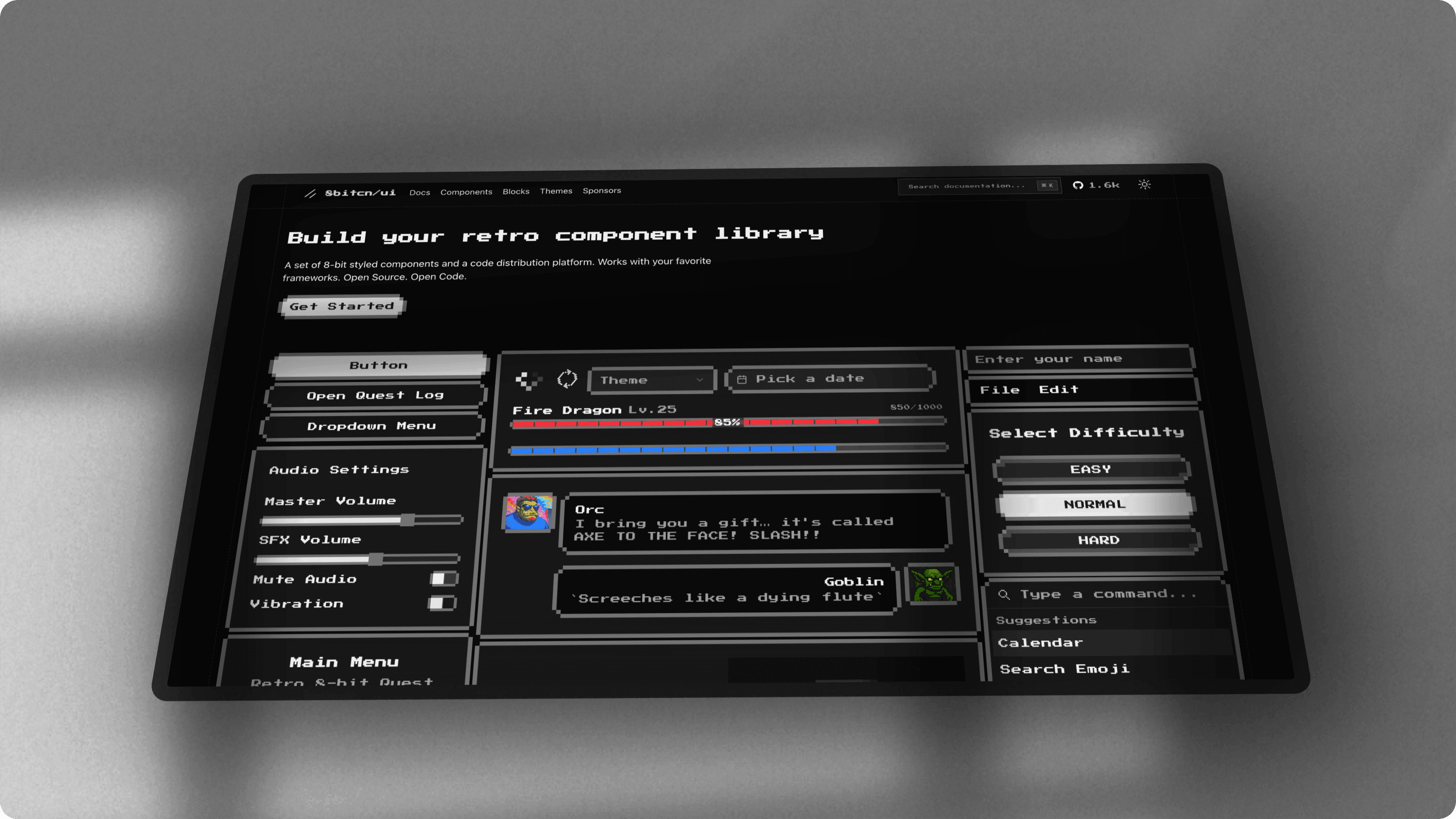
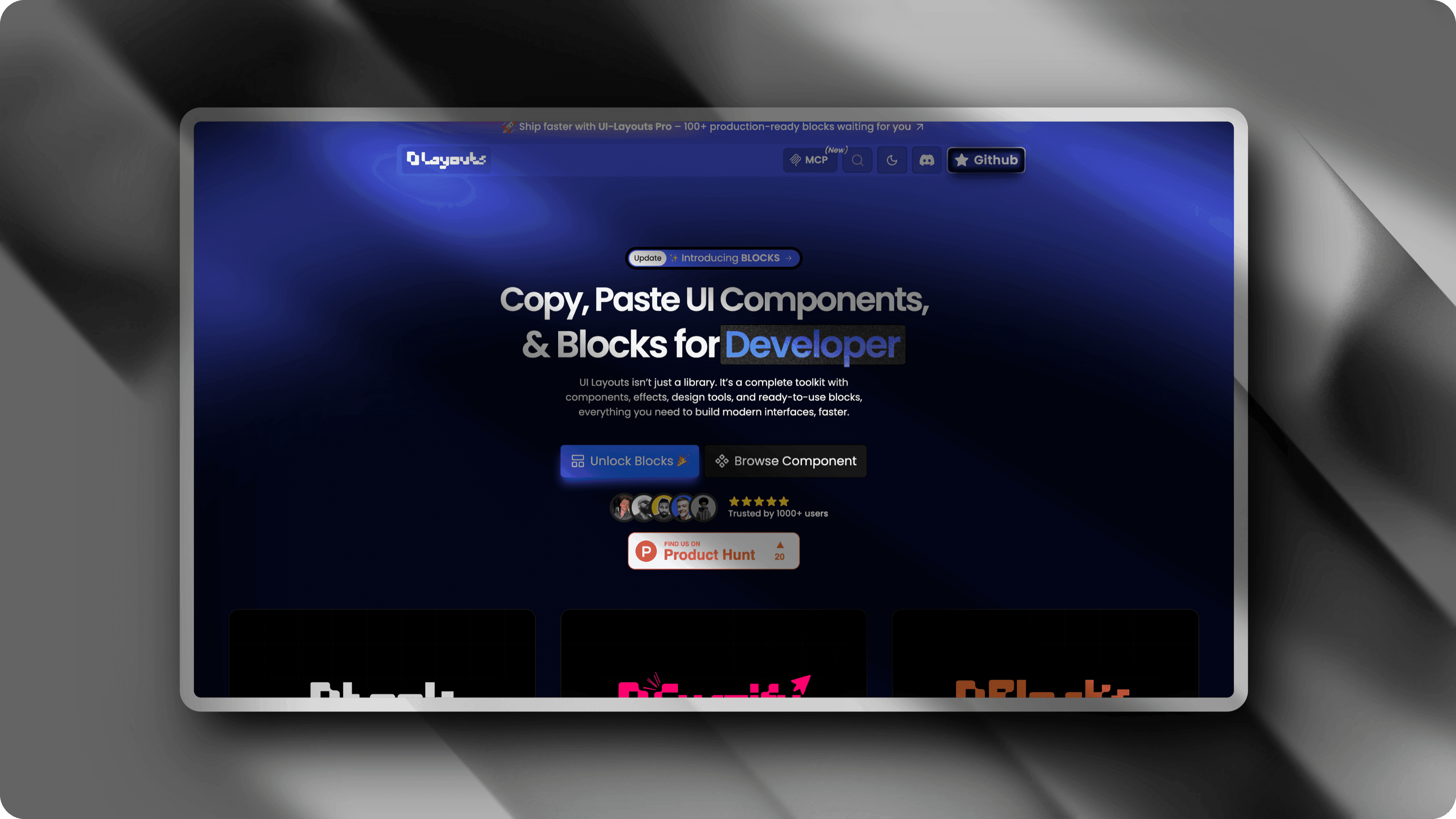
Example results
Screenshots styled with ScreenshotStyle.com

Common questions
Do I need 3D design software to add perspective effects?
No. ScreenshotStyle.com adds 3D perspective, rotation, and depth effects directly in your browser. No Blender, Cinema 4D, or Photoshop required.
Can I animate the 3D effect?
Yes. You can combine 3D perspective effects with ScreenshotStyle.com's animation presets to create rotating or tilting motion and export as MP4, WebM, or GIF.
What perspective angle looks most professional?
A perspective of 800-1200px with a subtle 5-15 degree X/Y rotation gives a clean, professional look. For hero images, try more dramatic angles with lower perspective values.