ScreenshotStyle.com vs CleanShot X
A free, cross-platform alternative to CleanShot X that runs in your browser.
Try ScreenshotStyle.com FreeFeature comparison
| Feature | ScreenshotStyle.com | CleanShot X |
|---|---|---|
| Price | Free forever | $29+ one-time |
| Platform | Any browser | macOS only |
| Screen Capture | Via browser/OS tools | Built-in (excellent) |
| Background Styling | 100+ gradients, images | Basic solid backgrounds |
| Device Frames | Safari, Chrome (light/dark), Arc, Polaroid | Not available |
| 3D Effects | Full perspective transforms | Not available |
| Animations | 20+ presets, keyframes | Not available |
| Video Export | MP4, WebM, GIF | Screen recording |
| Cloud Storage | Local (privacy-first) | CleanShot Cloud |
| Annotations | Text, arrows, overlays | Text, arrows, shapes, blur |
| Free Forever | Yes, all features | No |
ScreenshotStyle.com
- Free, works on any OS
- Runs in browser (no install)
- 100+ gradient backgrounds
- 3D perspective effects
- Full animation timeline
- Video export (MP4, WebM, GIF)
- Free forever
CleanShot X limitations
- macOS only
- Paid software
- No web-based editor
- No animation timeline
- Limited background styling
- No 3D perspective transforms
The verdict
CleanShot X is the best macOS screen capture tool. ScreenshotStyle.com is the better choice for screenshot beautification with backgrounds, 3D effects, and animations, and works on any platform for free.
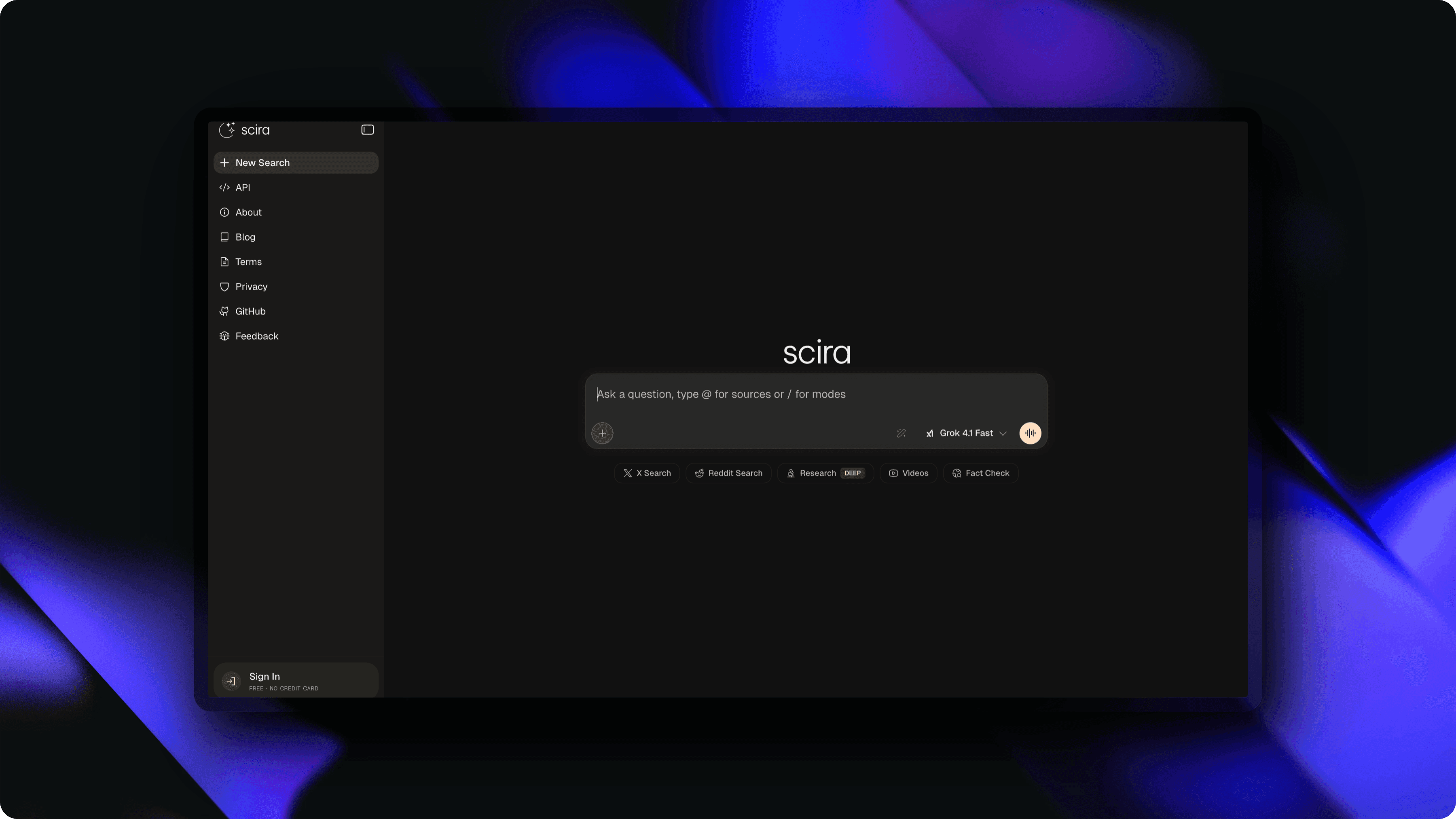
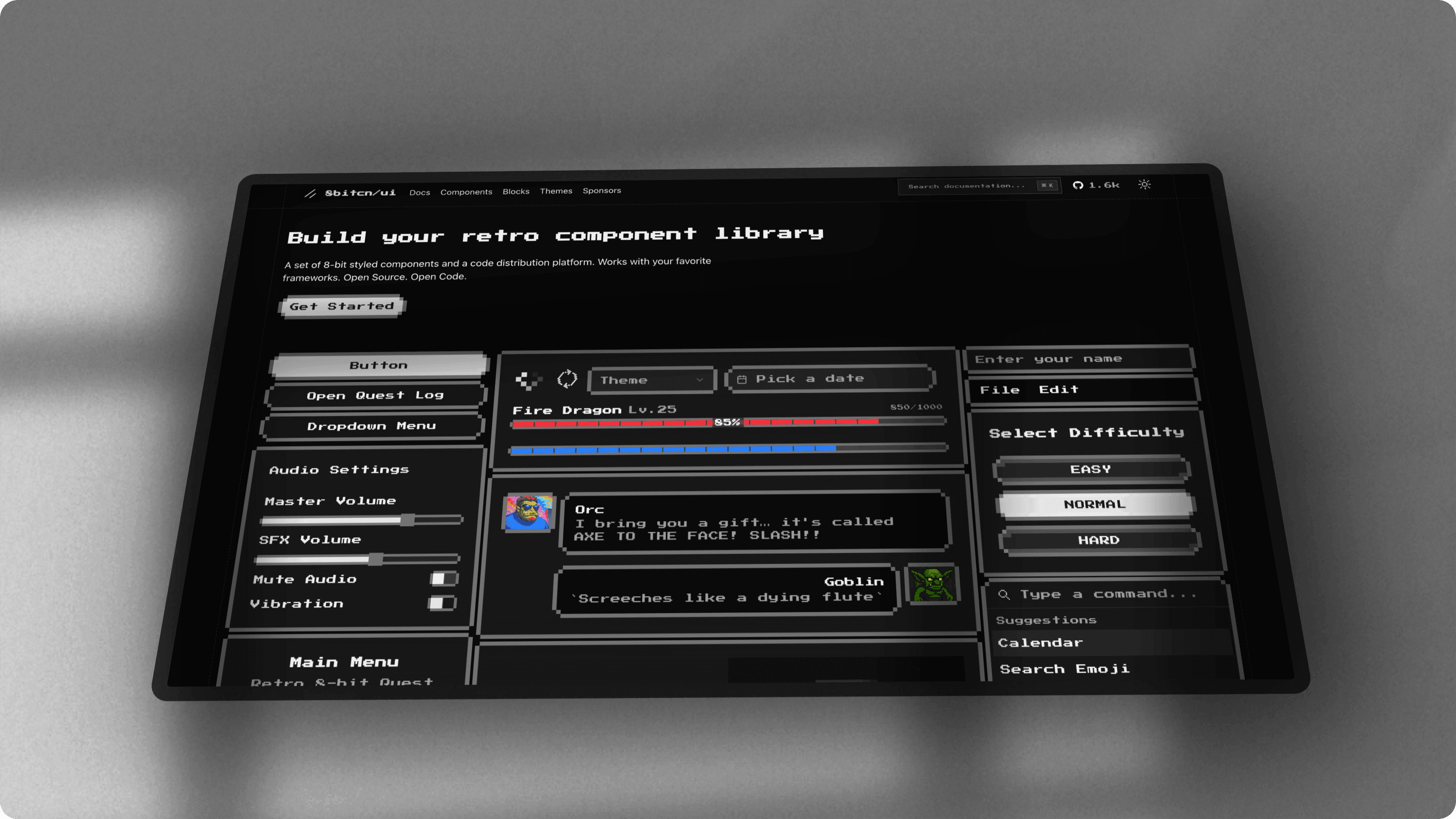
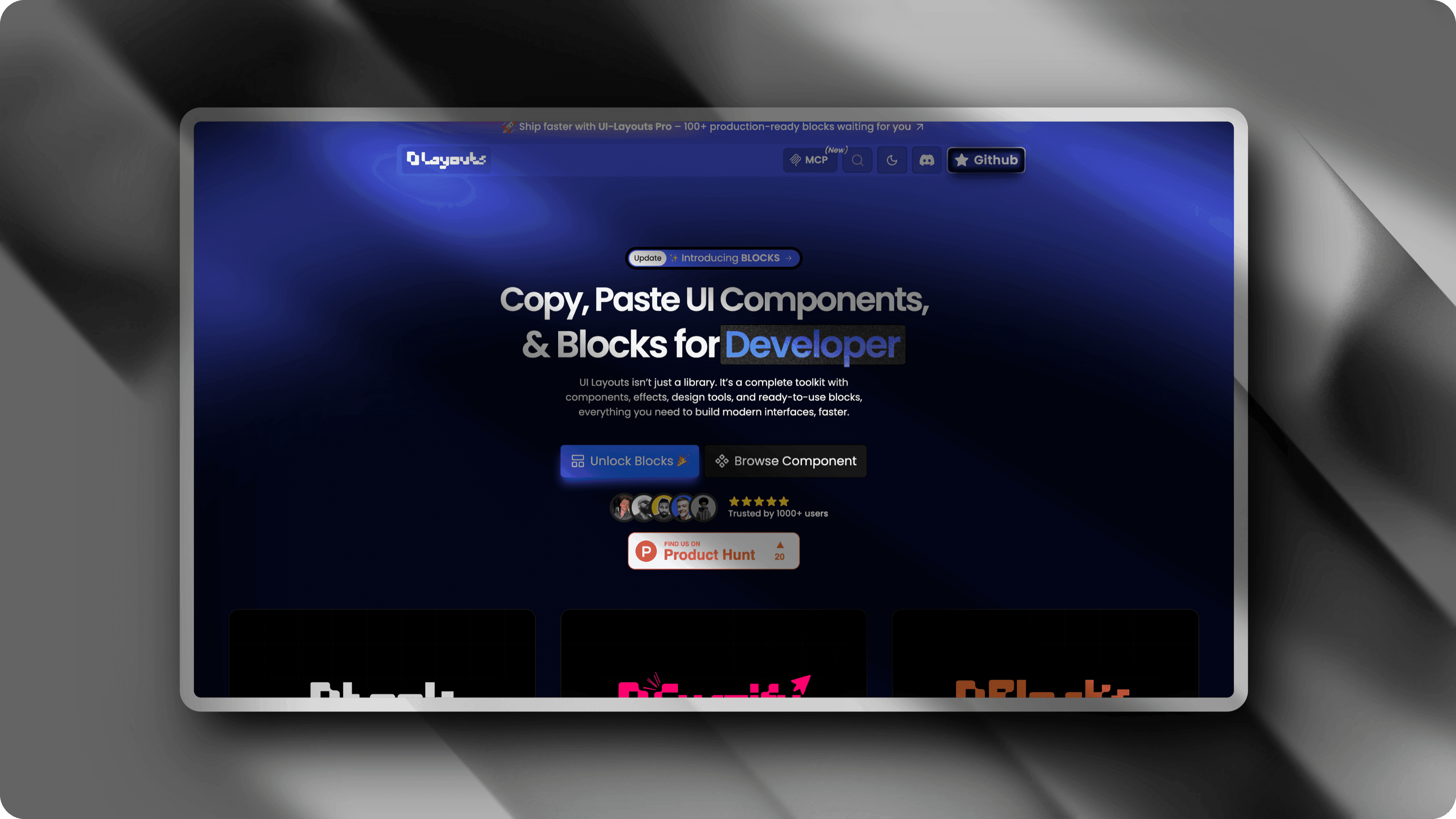
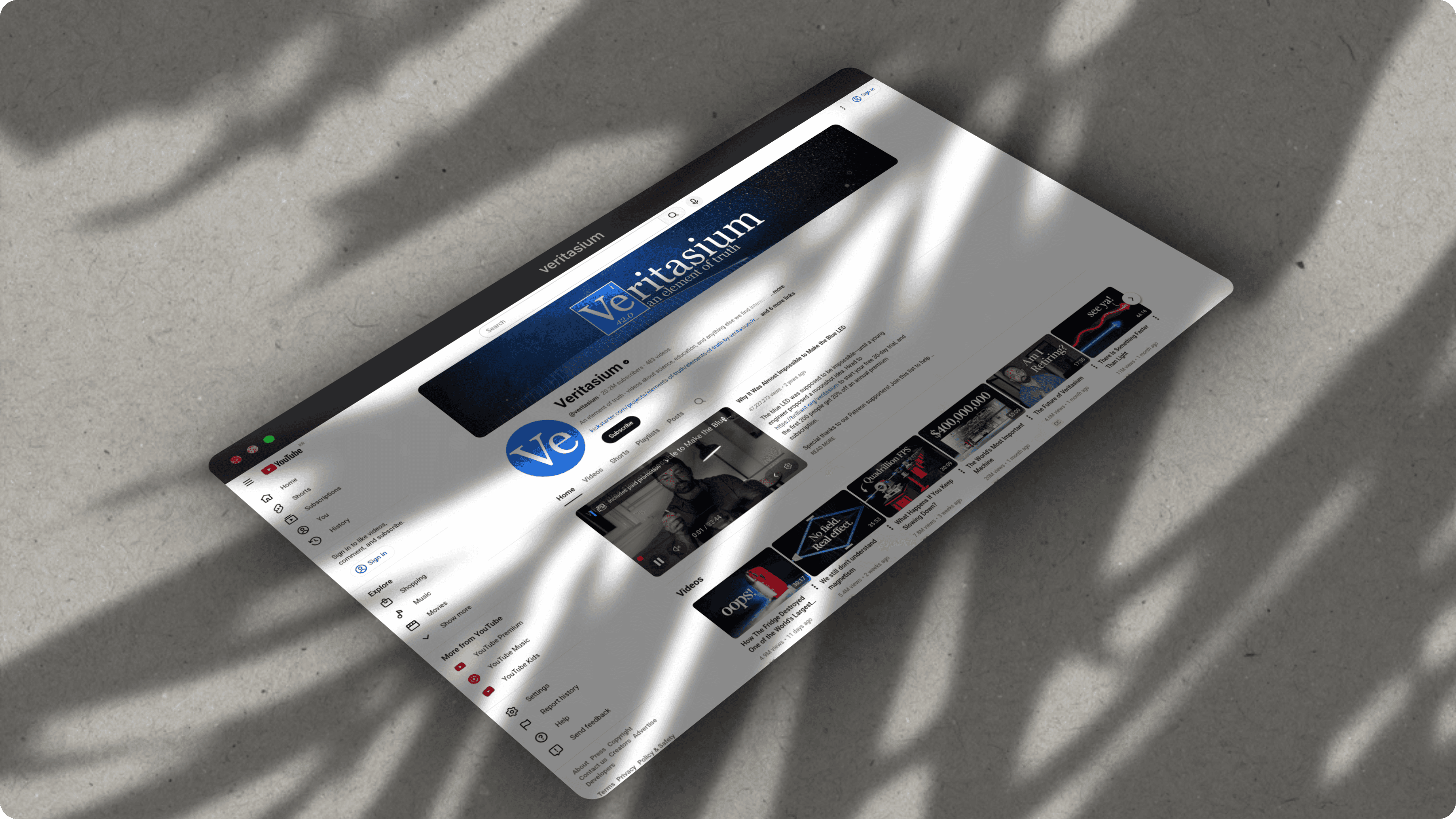
What you can create with ScreenshotStyle.com
Real examples — no design skills needed
Common questions
Is ScreenshotStyle.com a good CleanShot X alternative?
For screenshot beautification, yes. ScreenshotStyle.com offers gradient backgrounds, 3D perspective, animations, and video export that CleanShot X lacks. CleanShot X has superior built-in screen capture, scrolling capture, and macOS integration.
Can I use ScreenshotStyle.com on Windows or Linux?
Yes. ScreenshotStyle.com runs in any modern browser on Windows, macOS, Linux, and Chromebooks. CleanShot X is macOS-only.
Does CleanShot X have animation features?
No. CleanShot X focuses on screen capture and basic annotation. ScreenshotStyle.com provides a full animation timeline with 20+ presets and exports animations as MP4, WebM, or GIF.