Portfolio Showcase
Present Your Work Beautifully
Turn project screenshots into stunning portfolio shots. Add 3D perspective, gradient backgrounds, and device frames for Dribbble, Behance, and your personal site.
Your portfolio is your calling card — the quality of your presentation is as important as the work itself. ScreenshotStyle.com is a free portfolio screenshot tool and design portfolio mockup generator that helps designers and developers turn flat project screenshots into stunning showcase pieces for Dribbble, Behance, and personal portfolio sites. Add 3D perspective, gradient backgrounds, and device frames to create creative portfolio mockups that match the polish of the work inside them — all in your browser, in seconds.
Open Editor — It's Free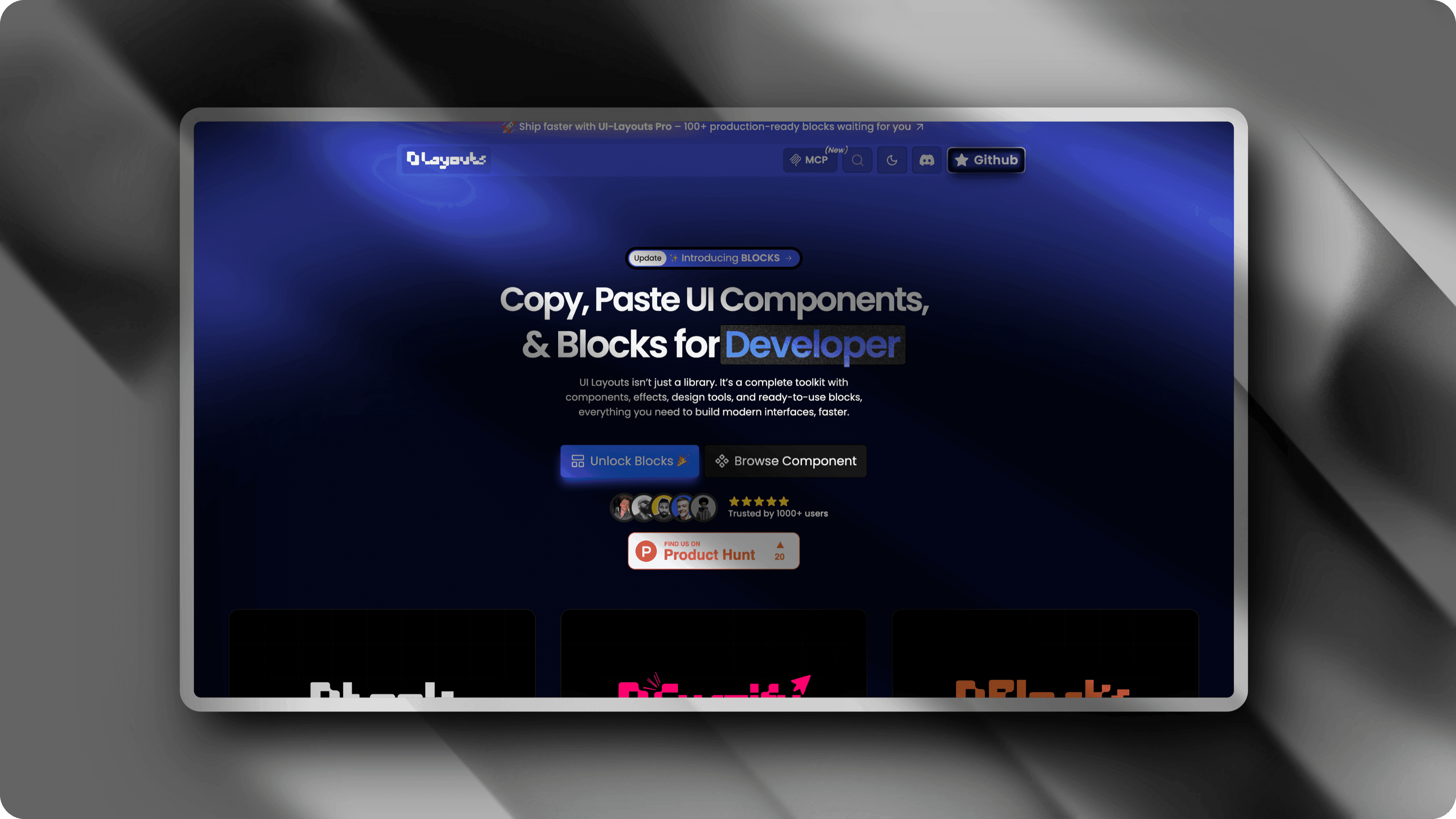
Flat Screenshots Don't Win Clients
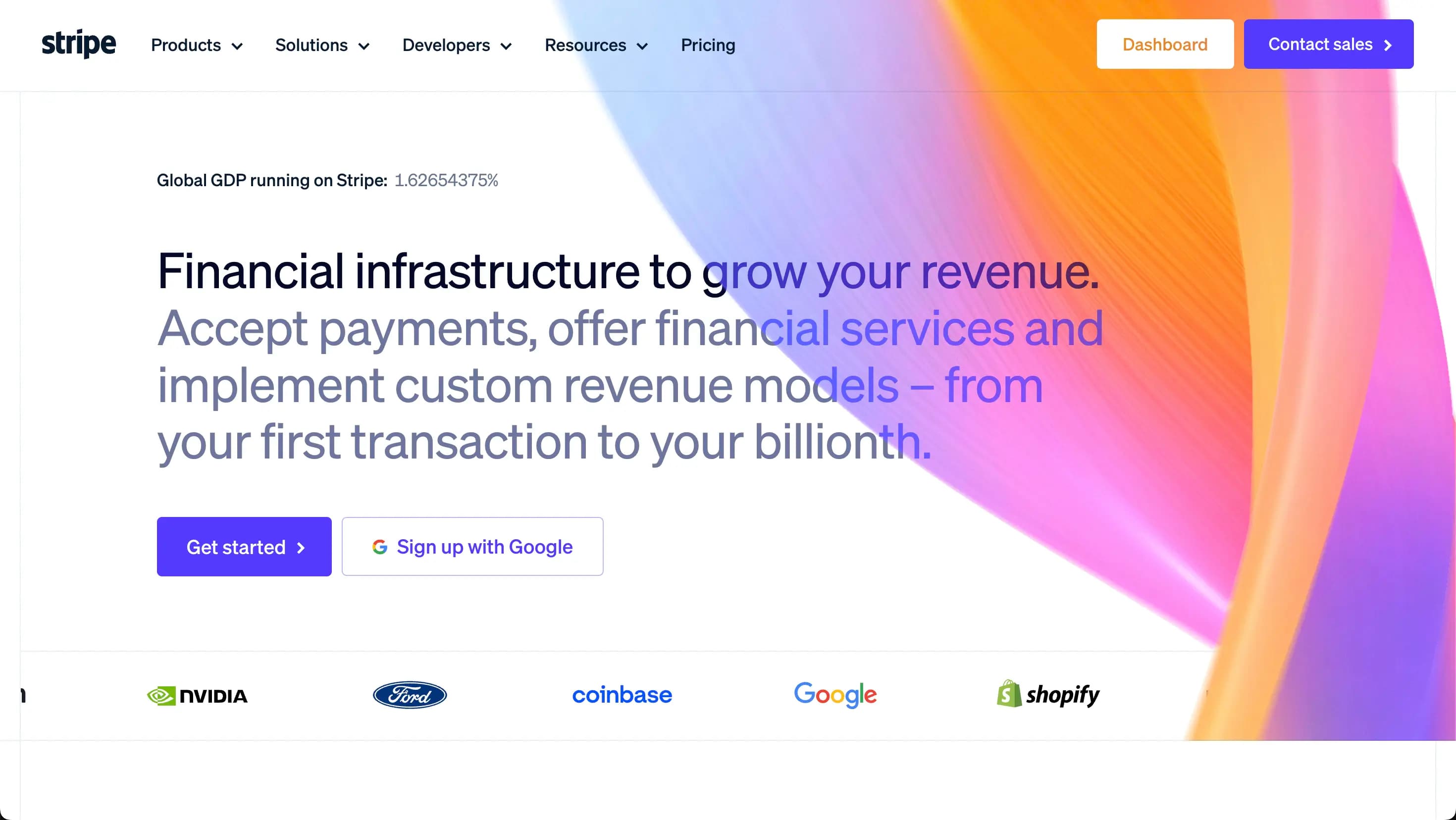
Posting raw screenshots on Dribbble or your portfolio looks lazy. Other creators use polished mockups that make similar work look far more impressive. Your work deserves better presentation.
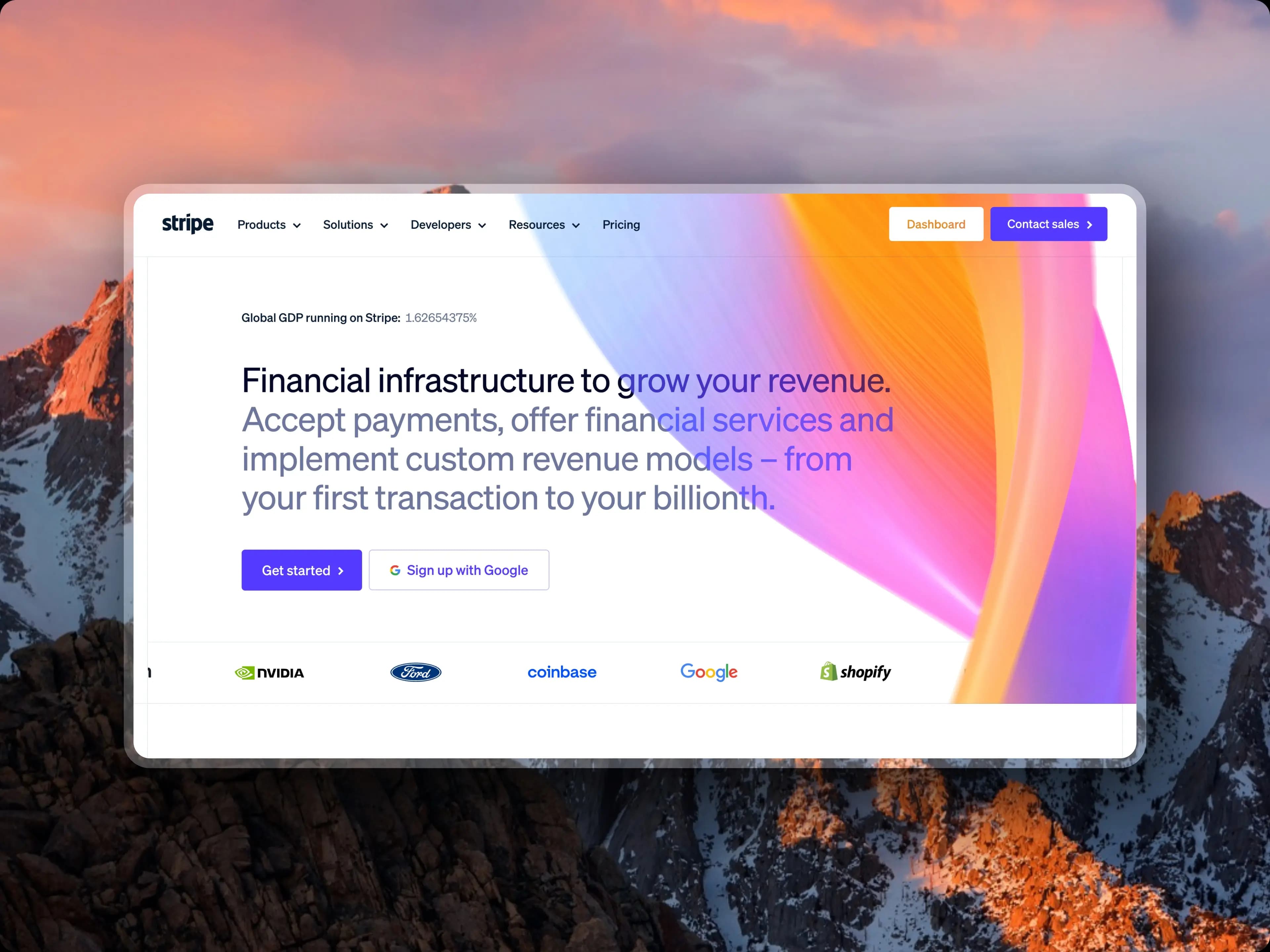
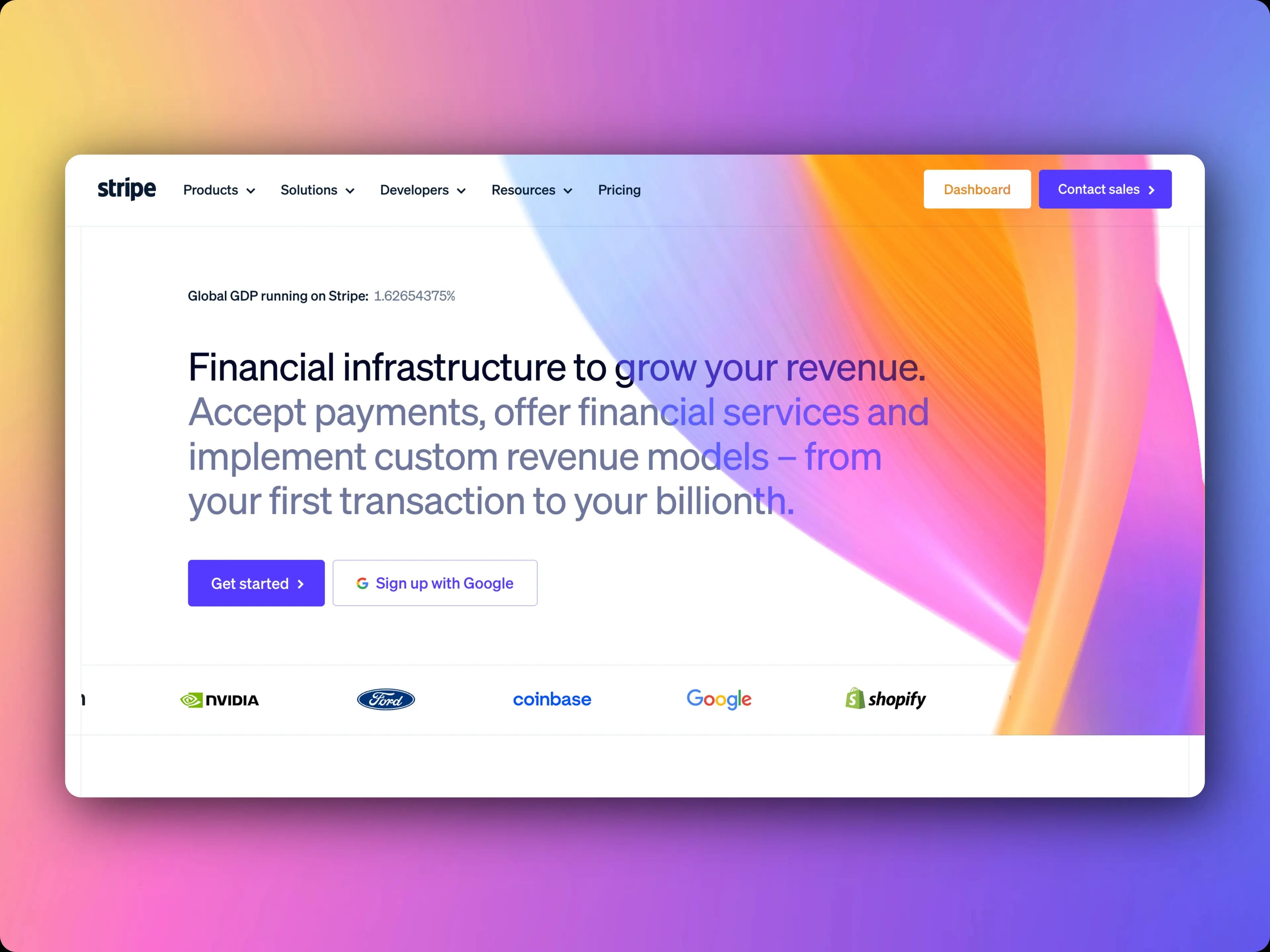
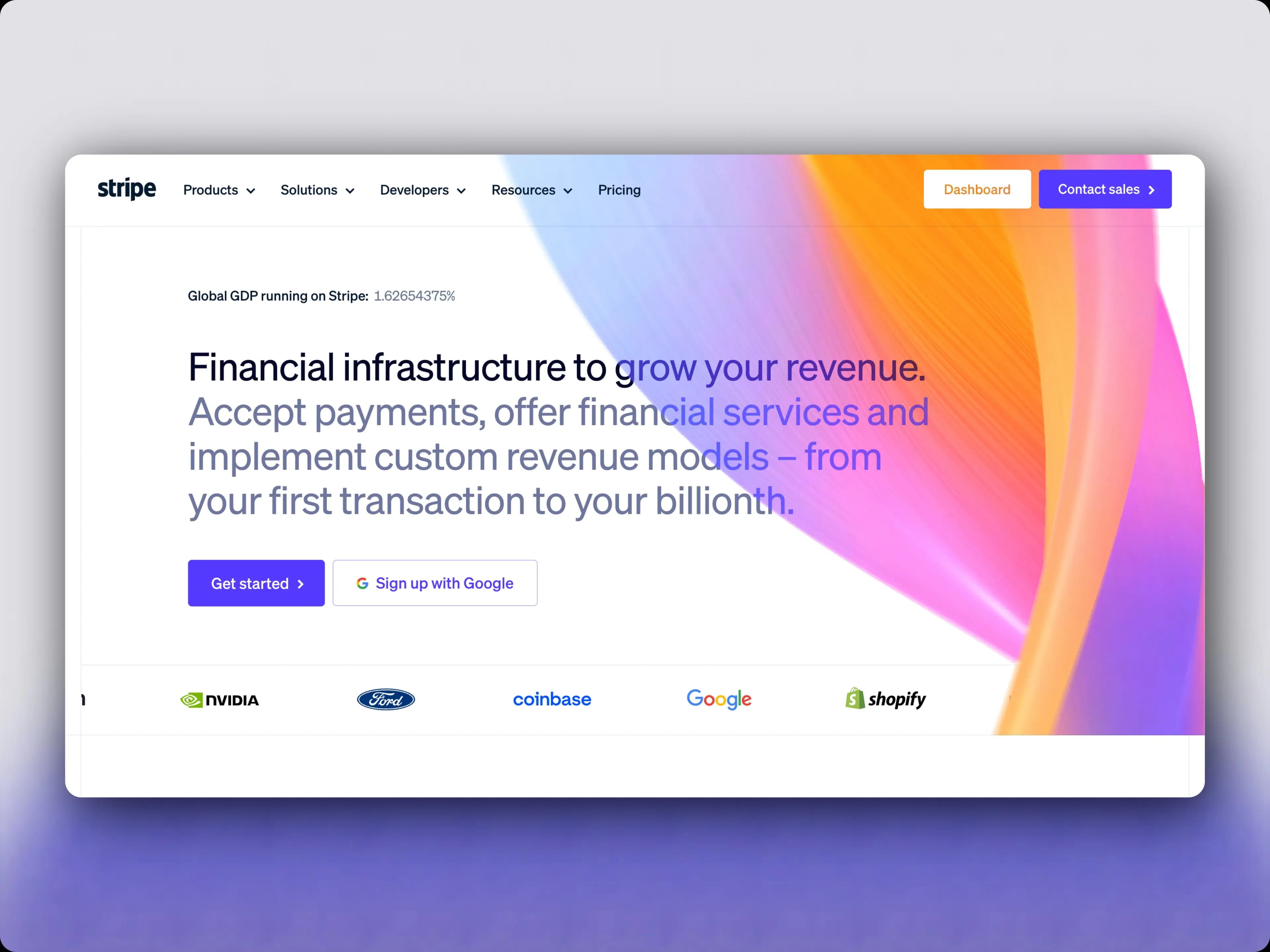
Portfolio-Ready Mockups in Seconds
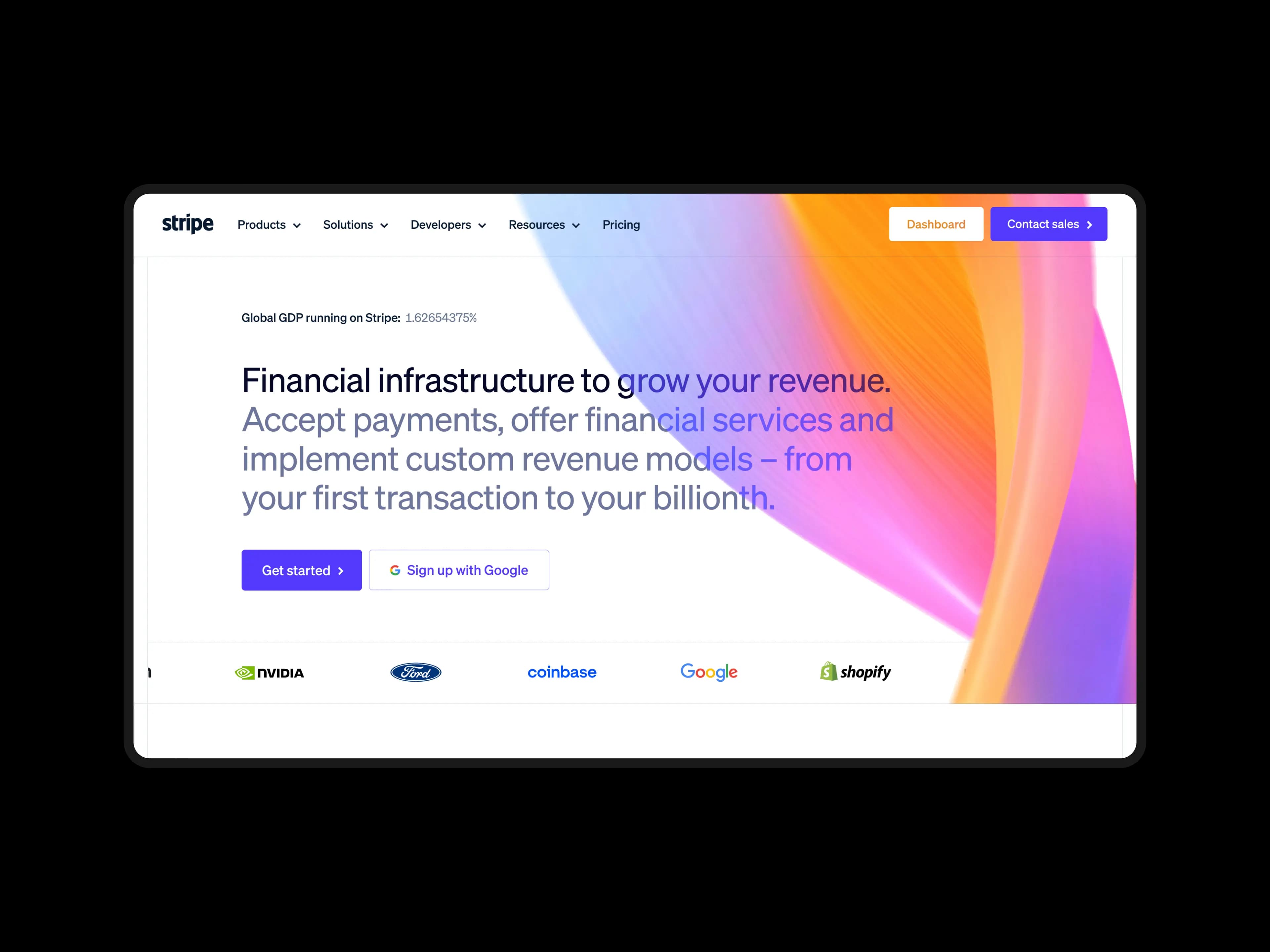
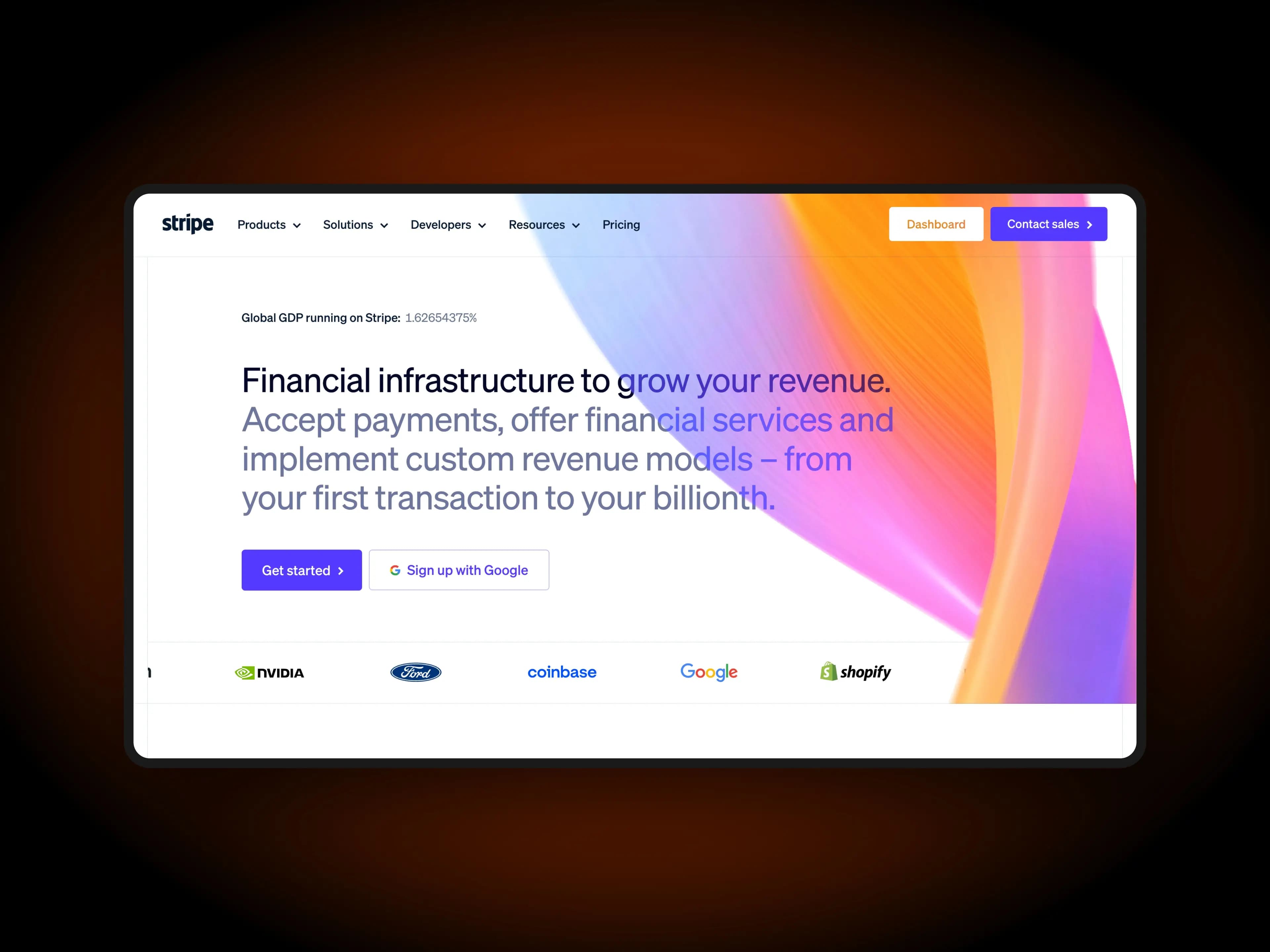
Drop your project screenshots into ScreenshotStyle.com, add 3D perspective and a complementary background, and export portfolio shots that compete with the best on Dribbble and Behance.
What you get
3D Perspective Mockups
Add depth to your work with perspective transforms. Show your designs from angles that feel dynamic and professional.
100+ Background Presets
Curated gradients and solid colors designed to complement UI work. Find the perfect backdrop in seconds.
Device Frame Context
Wrap your designs in macOS, browser, or mobile frames. Show how your work looks in context.
Retina Export (Up to 5x)
Export at high resolution so your portfolio shots look pixel-perfect on any display.
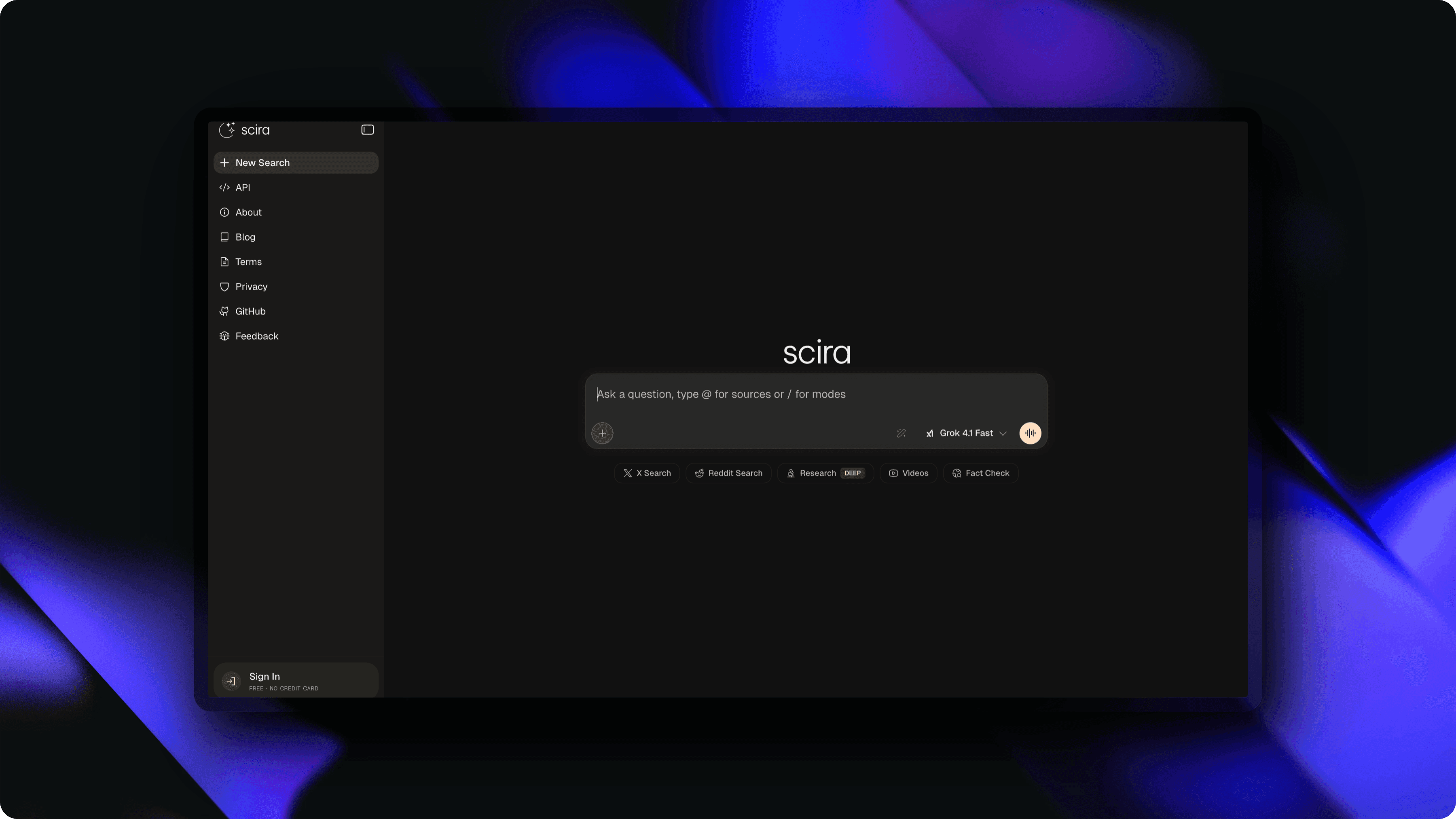
Presentation Matters on Dribbble and Behance
On portfolio platforms like Dribbble and Behance, presentation quality directly impacts whether your work gets noticed. A raw screenshot of a beautiful interface will get scrolled past, while the same design wrapped in a polished mockup with a gradient background earns likes, follows, and client inquiries. The top dribbble shot maker workflows include styled backgrounds, depth effects, and device context — and ScreenshotStyle.com handles all three. Creating behance project images with consistent framing and professional presentation signals that you care about craft at every level, from pixel work to final delivery.
3D Perspective and Mockup Angles
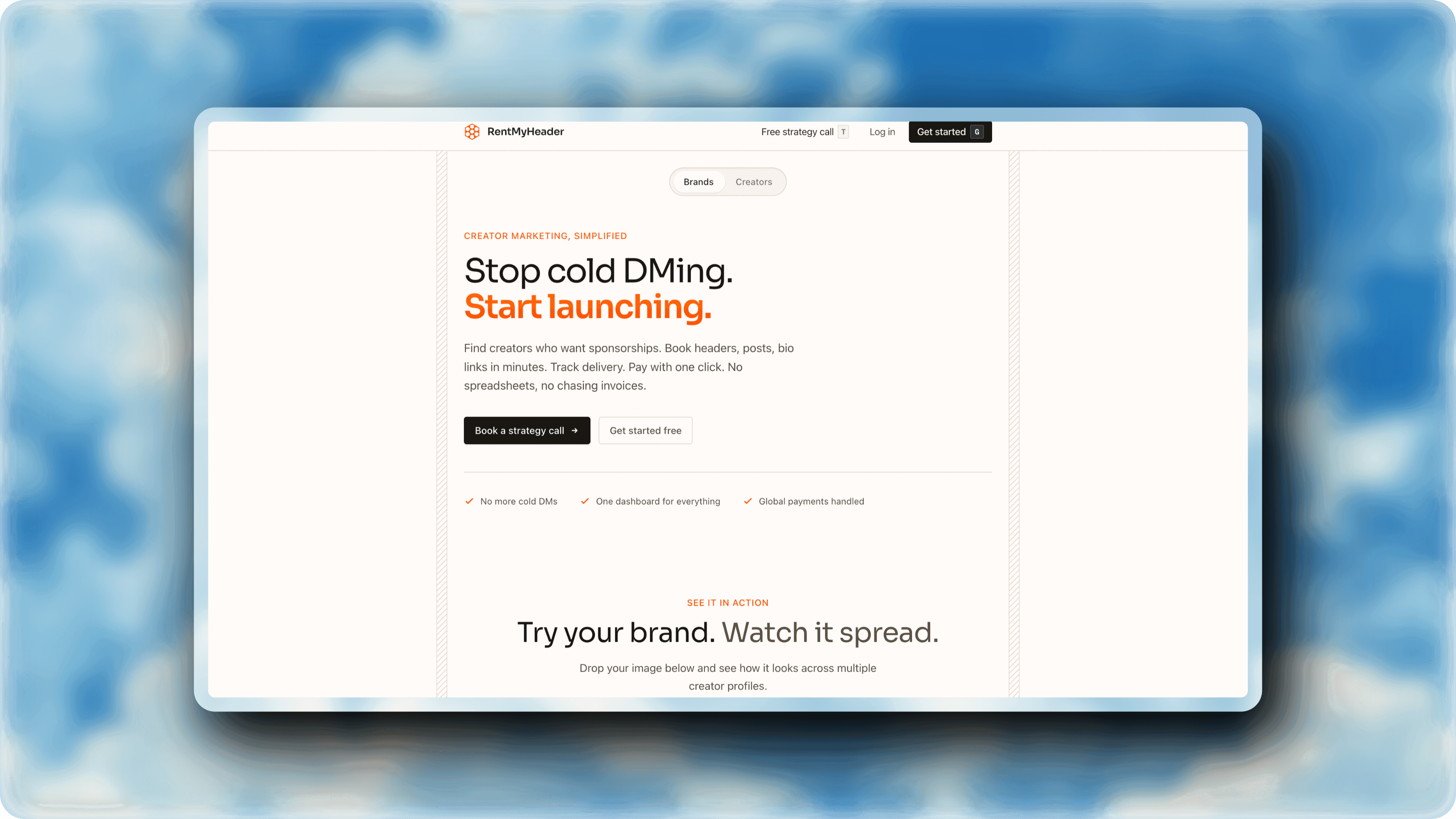
Flat, head-on screenshots are the default — and they look like documentation. Adding 3D perspective transforms to your design portfolio mockup creates visual interest that makes viewers stop and look closer. ScreenshotStyle.com's perspective controls let you rotate and tilt your project screenshots to find the exact angle that best highlights your layout, typography, and visual design. A portfolio showcase tool with perspective support turns a static screenshot into something that feels dynamic and intentional. Pair angled mockups with complementary gradient backgrounds for portfolio presentation images that stand out in any feed.
Building a Consistent Portfolio Style
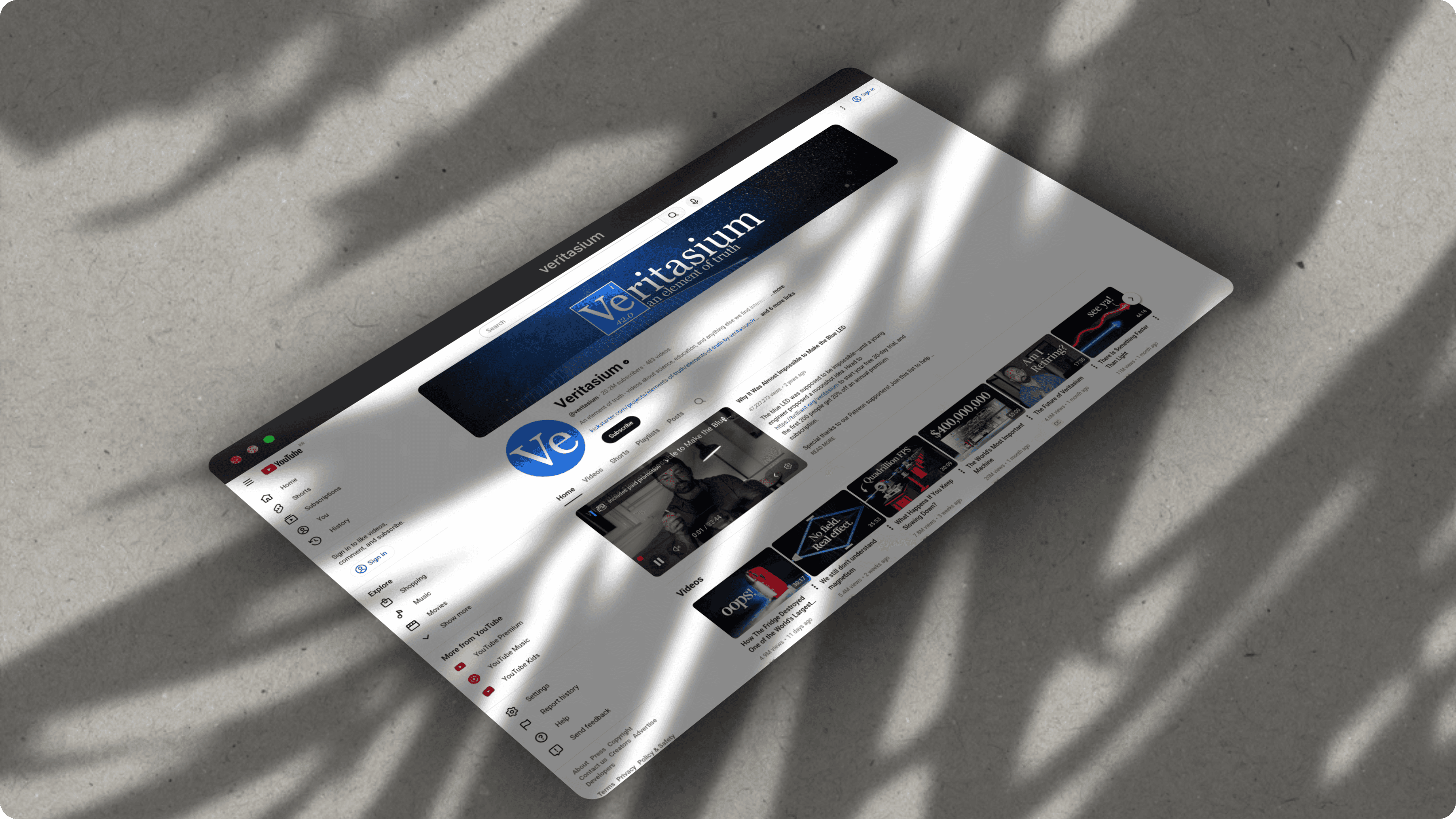
The most impressive portfolios have a consistent visual language across all their projects. When every project screenshot beautifier output uses the same background family, shadow style, and framing approach, your portfolio feels curated and intentional rather than thrown together. ScreenshotStyle.com makes it easy to build consistent creative portfolio mockups by letting you reuse settings across screenshots. Set your preferred gradient, perspective angle, and padding once, then apply it to every project. This consistency builds a recognizable personal brand that clients and hiring managers remember.
See it in action
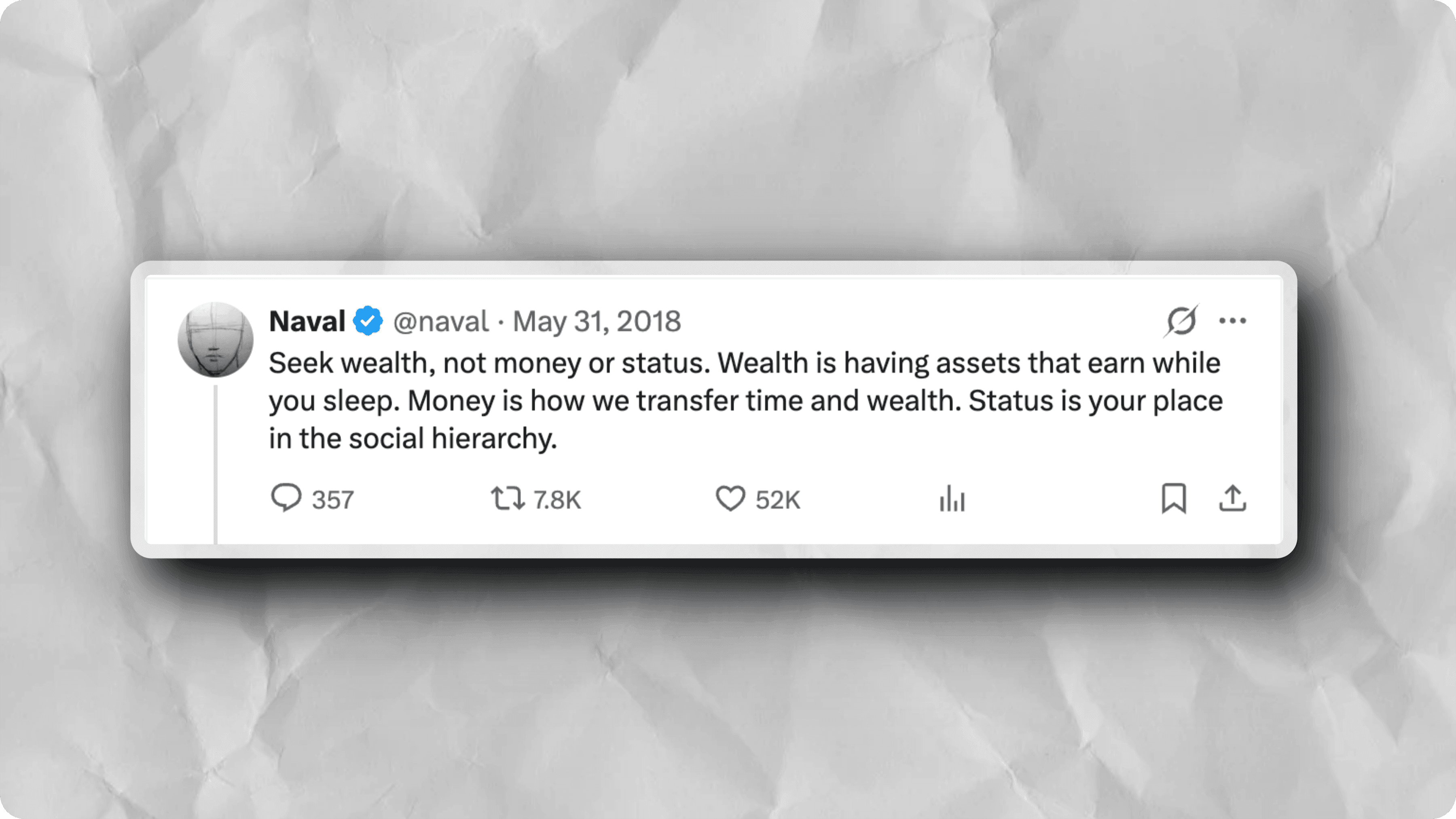
Real examples created with ScreenshotStyle.com
How it works
Upload your project screenshot
Drag in a screenshot from Figma, your browser, or any design tool.
Apply 3D perspective
Rotate and tilt to find the angle that best showcases your work.
Choose a background
Pick a gradient that complements your design's color palette.
Export and share
Download at high resolution and upload to Dribbble, Behance, or your portfolio site.
Common questions
What size should Dribbble shots be?
Dribbble shots are 1600×1200 (4:3) for full size and 800×600 for thumbnails. ScreenshotStyle.com lets you set custom canvas dimensions to match exactly.
Can I use this for development portfolio screenshots?
Absolutely. Add terminal frames to CLI tools, browser frames to web apps, or 3D perspective to any project screenshot. Works for designers and developers alike.
Does it support animated portfolio pieces?
Yes. Create animated walkthroughs with zoom and pan effects, export as GIF or video for portfolio platforms that support animation.