Screenshot Editor for Designers
Present your designs the way they deserve to be seen. Professional mockups, 3D perspective, device frames, and animated showcases. Free in your browser.
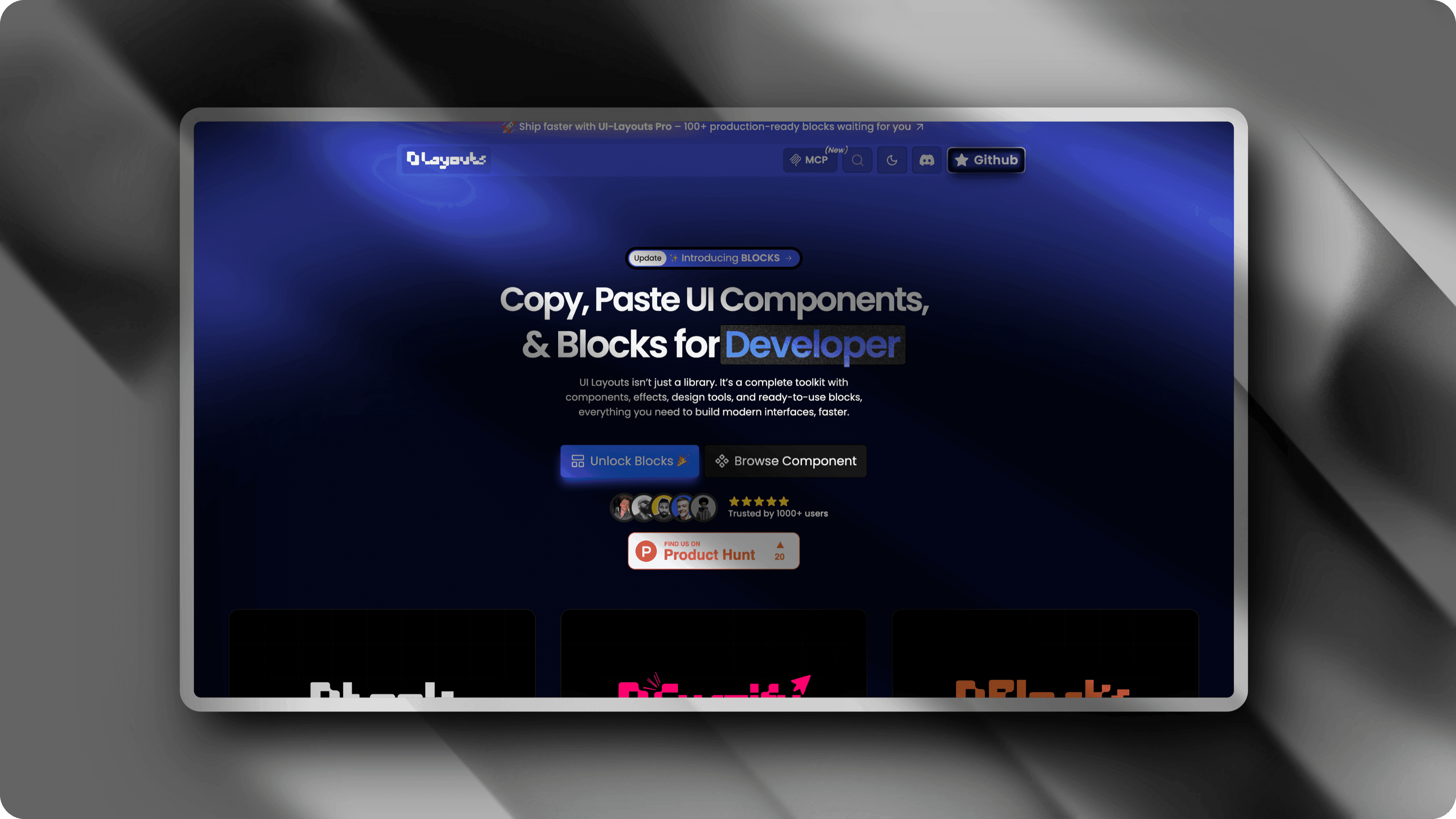
How designers use it
Dribbble & Behance Shots
Present your UI designs with polished mockups that stand out in portfolio feeds. Add depth with 3D perspective, gradient backgrounds, and realistic shadows.
Device Mockups
Wrap your designs in macOS, Windows, or mobile device frames. Show how your work looks in context without separate mockup tools.
Design System Showcases
Document and present your component libraries and design systems with consistent, professional screenshots.
Client Presentations
Impress clients by presenting your work with polished mockups instead of flat screenshots. 3D perspective adds depth and professionalism.
Social Media Portfolio
Share your latest work on Twitter and LinkedIn with perfectly styled screenshots. Platform-optimized dimensions built in.
Case Study Visuals
Create beautiful before/after comparisons and process documentation. Animated transitions show your design thinking in action.
Fits your workflow
100+ Gradient Backgrounds
Curated gradient collection designed to complement any UI. Dark, light, vibrant, and subtle options.
3D Perspective & Rotation
Tilt and rotate on all axes. Create the exact angle that shows off your design best.
High-Res Export (up to 5x)
Export at retina resolution and beyond. Your portfolio deserves pixel-perfect images.
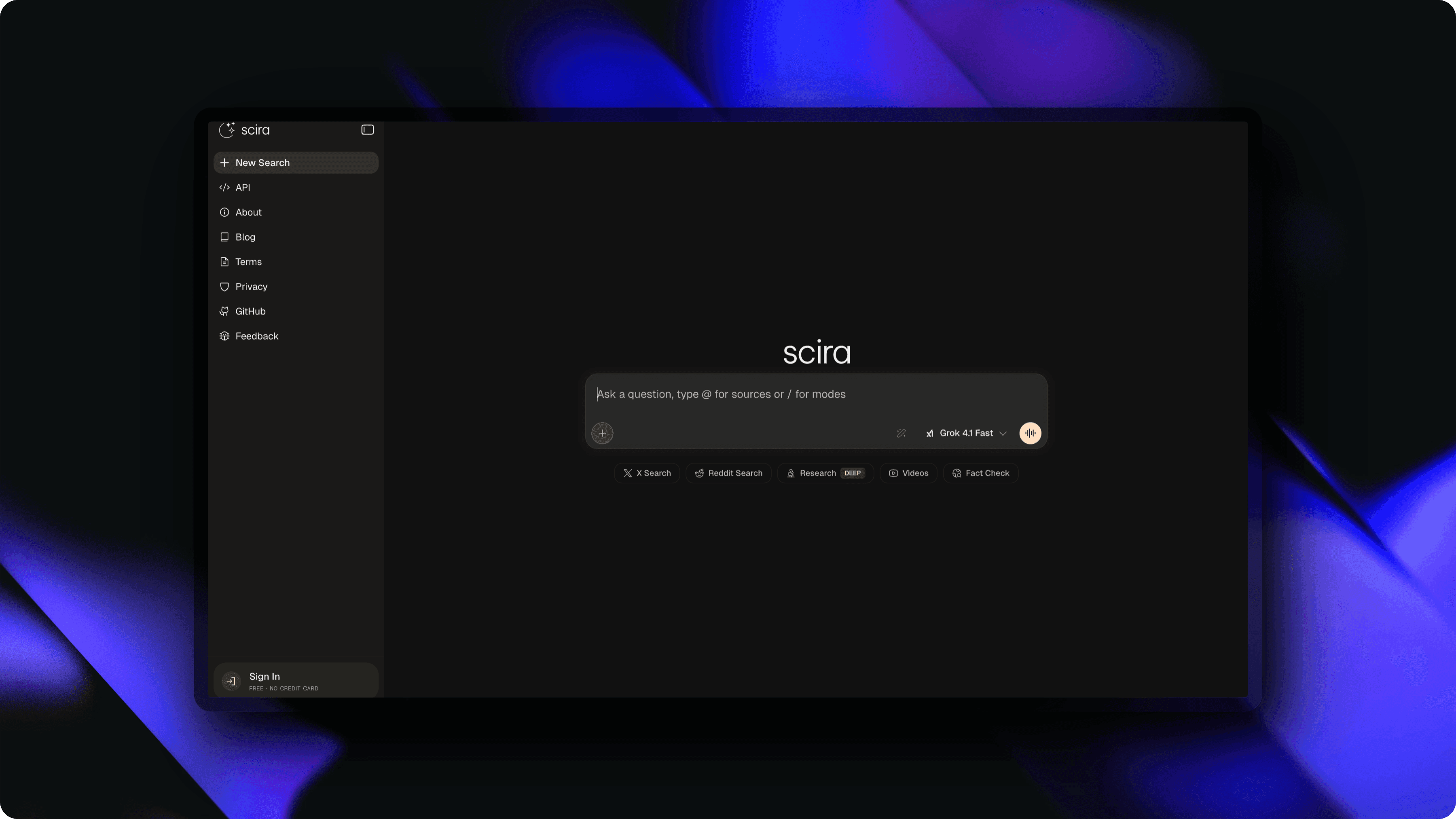
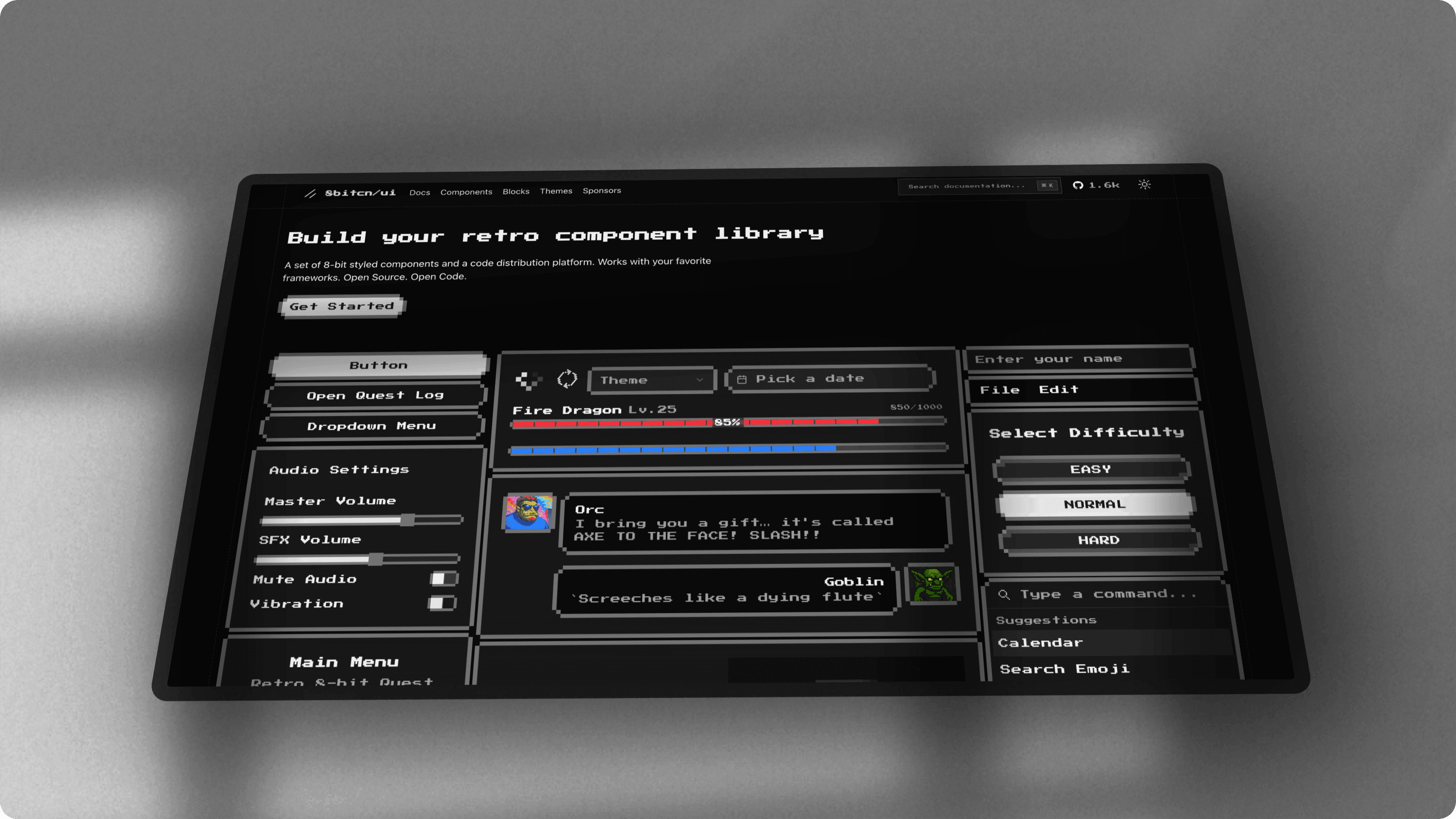
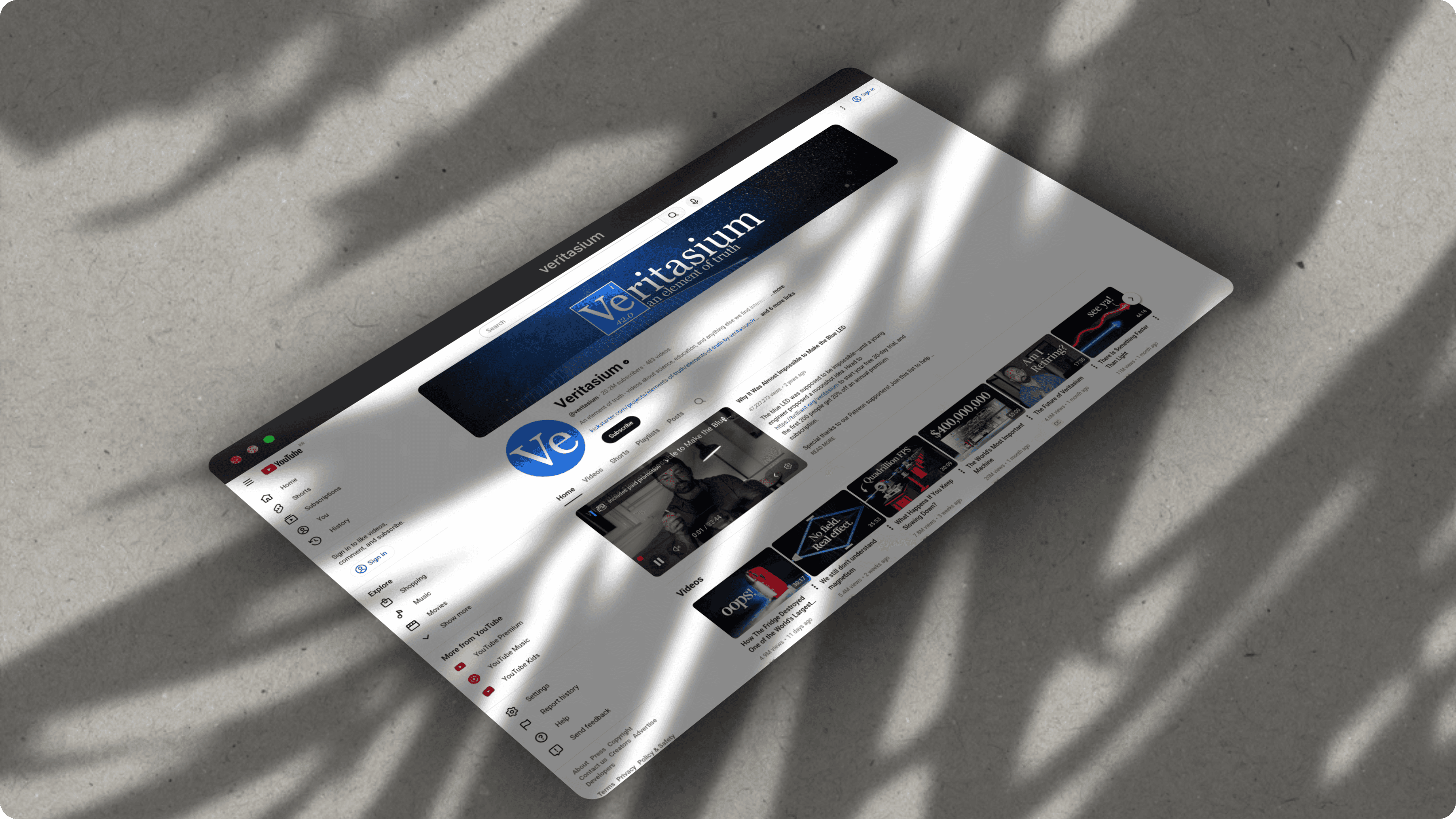
See what you can create
Real examples made with ScreenshotStyle.com by designers
Why designers choose ScreenshotStyle.com
Device Frames
macOS, Windows, Arc, and Polaroid frames. Context matters when presenting UI work.
Animation & Video Export
Create animated walkthroughs of your designs. Zoom into details, pan across layouts, export as MP4 or GIF.
Text & Annotation Overlays
Add labels, callouts, and annotations with 25+ fonts. Explain your design decisions visually.