ScreenshotStyle.com vs Shots.so
Get everything Shots.so offers plus animations, 3D effects, and video export, all for free.
Try ScreenshotStyle.com FreeFeature comparison
| Feature | ScreenshotStyle.com | Shots.so |
|---|---|---|
| Price | Free forever | Freemium ($5+/mo) |
| Backgrounds | 100+ options | Curated set, more on Pro |
| Device Frames | Safari, Chrome (light/dark), Arc, Polaroid | macOS, browser |
| 3D Effects | Perspective tilt & rotation | Not available |
| Animations | 20+ presets, keyframes | Not available |
| Video Export | MP4, WebM, GIF | Not available |
| Text Overlays | 25+ fonts, full styling | Limited |
| Code Snippets | Syntax highlighting, themes | Not available |
| Export Resolution | Up to 5x scale | Up to 2x |
| Signup Required | No | For Pro features |
| Free Forever | Yes, all features | No |
ScreenshotStyle.com
- All features free, no tiers
- Full animation timeline with 20+ presets
- 3D perspective and rotation
- Video export in MP4, WebM, GIF
- Text and image overlay layers
- No account needed
- Free with no limits
Shots.so limitations
- Limited customization on free tier
- No animation or video export
- No 3D perspective effects
- Limited device frame options
- Some features behind paywall
The verdict
Shots.so is polished for basic screenshot beautification. ScreenshotStyle.com matches that quality and adds animations, 3D effects, video export, and code snippet support at no cost.
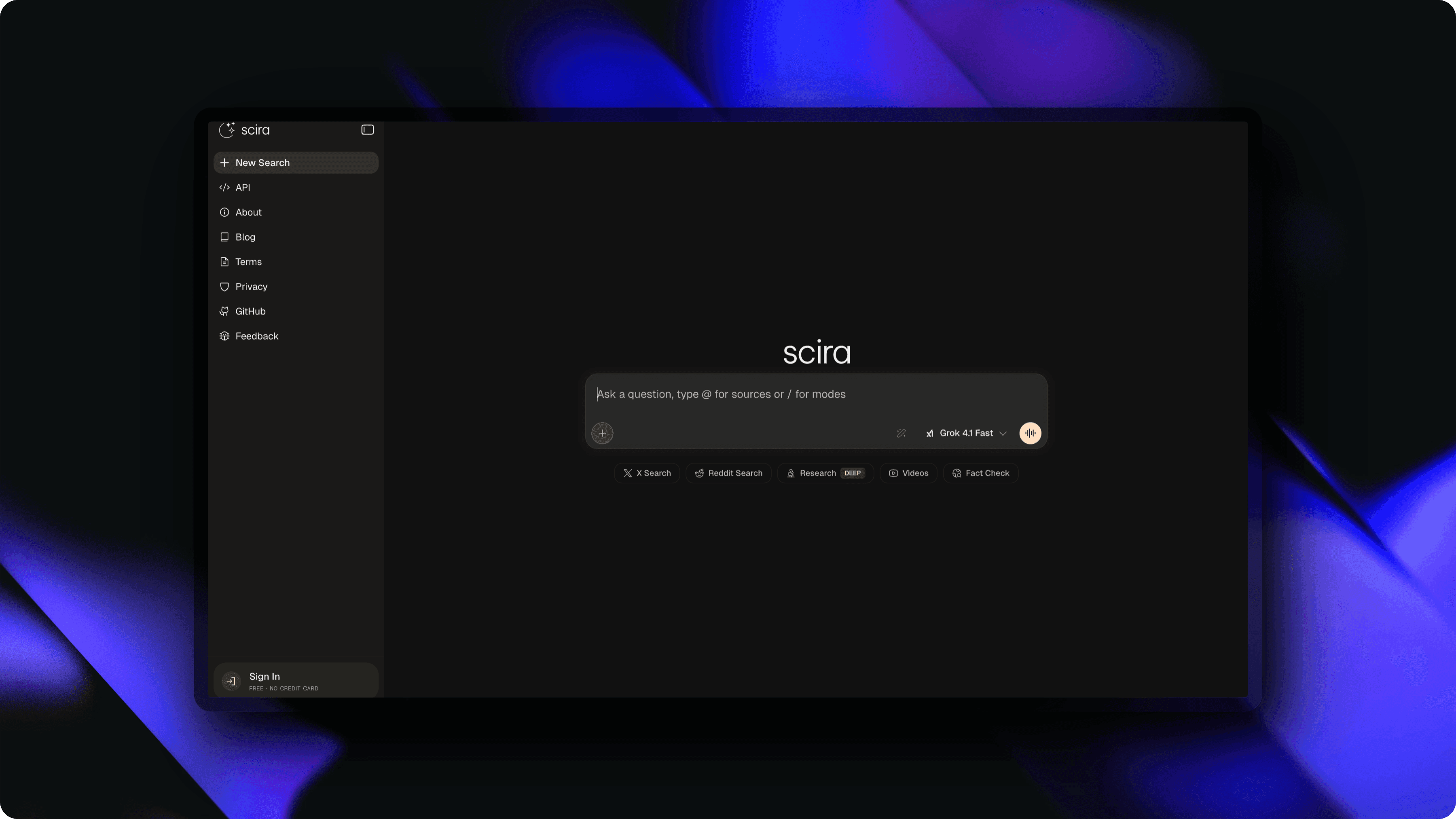
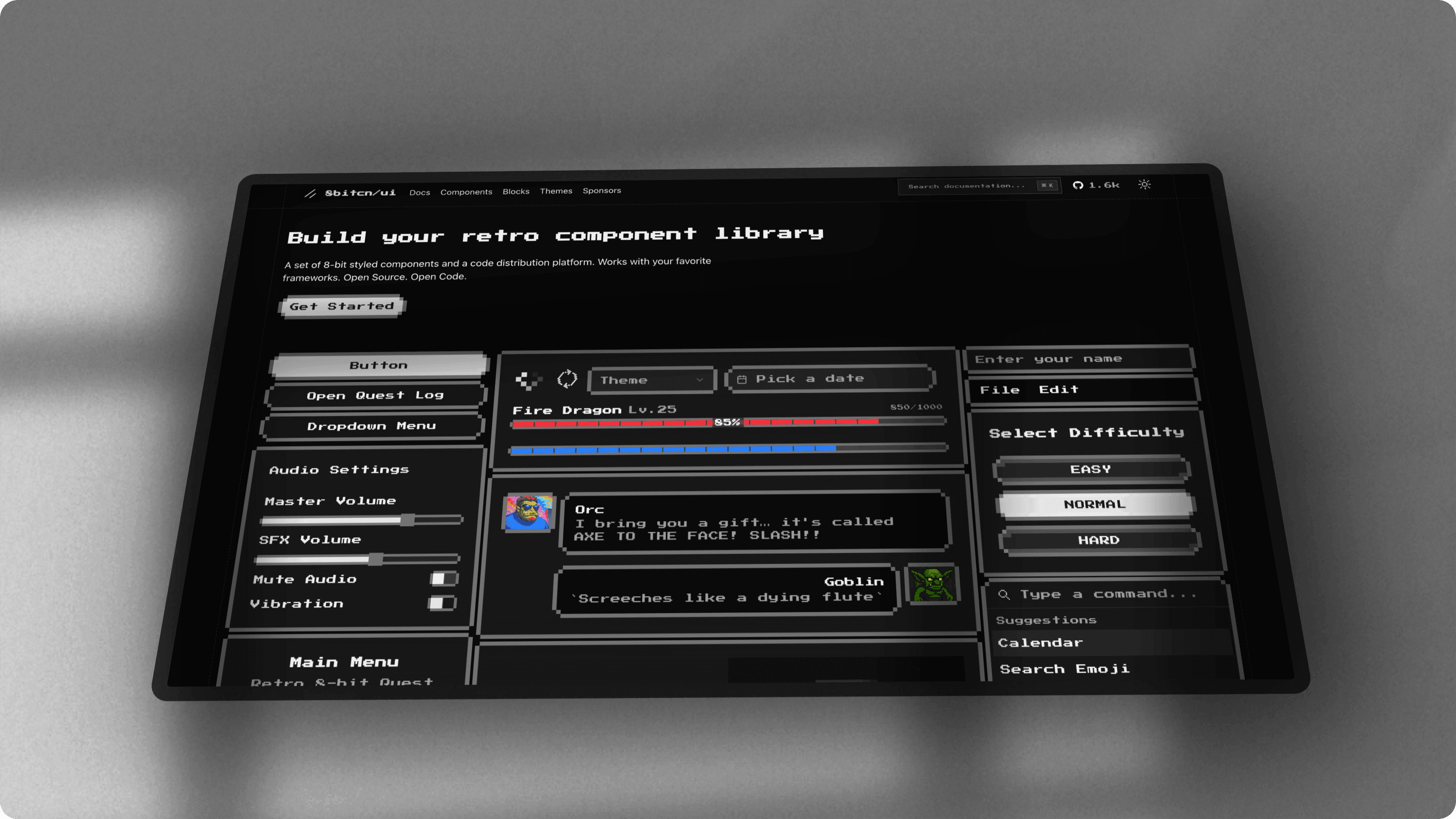
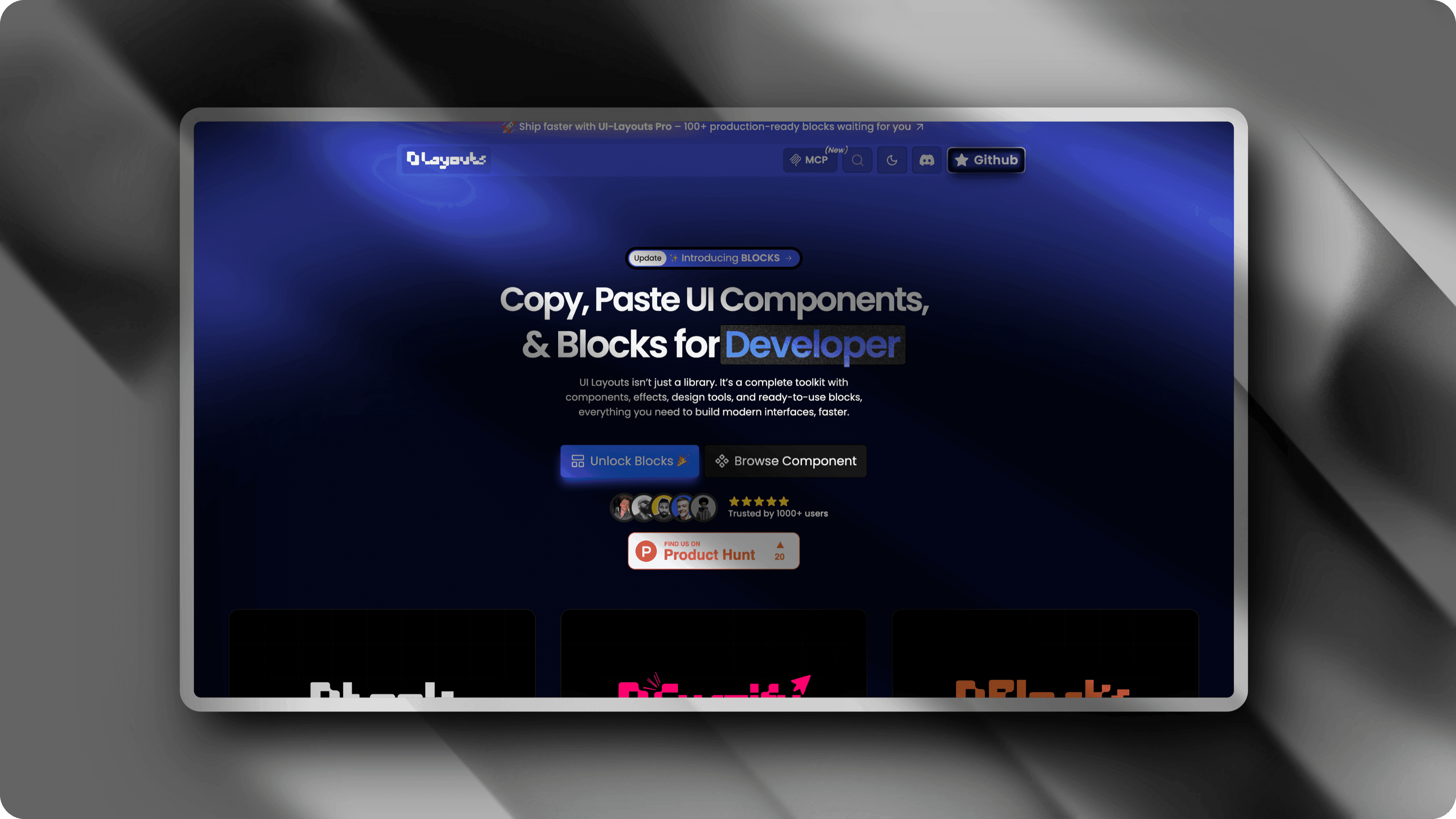
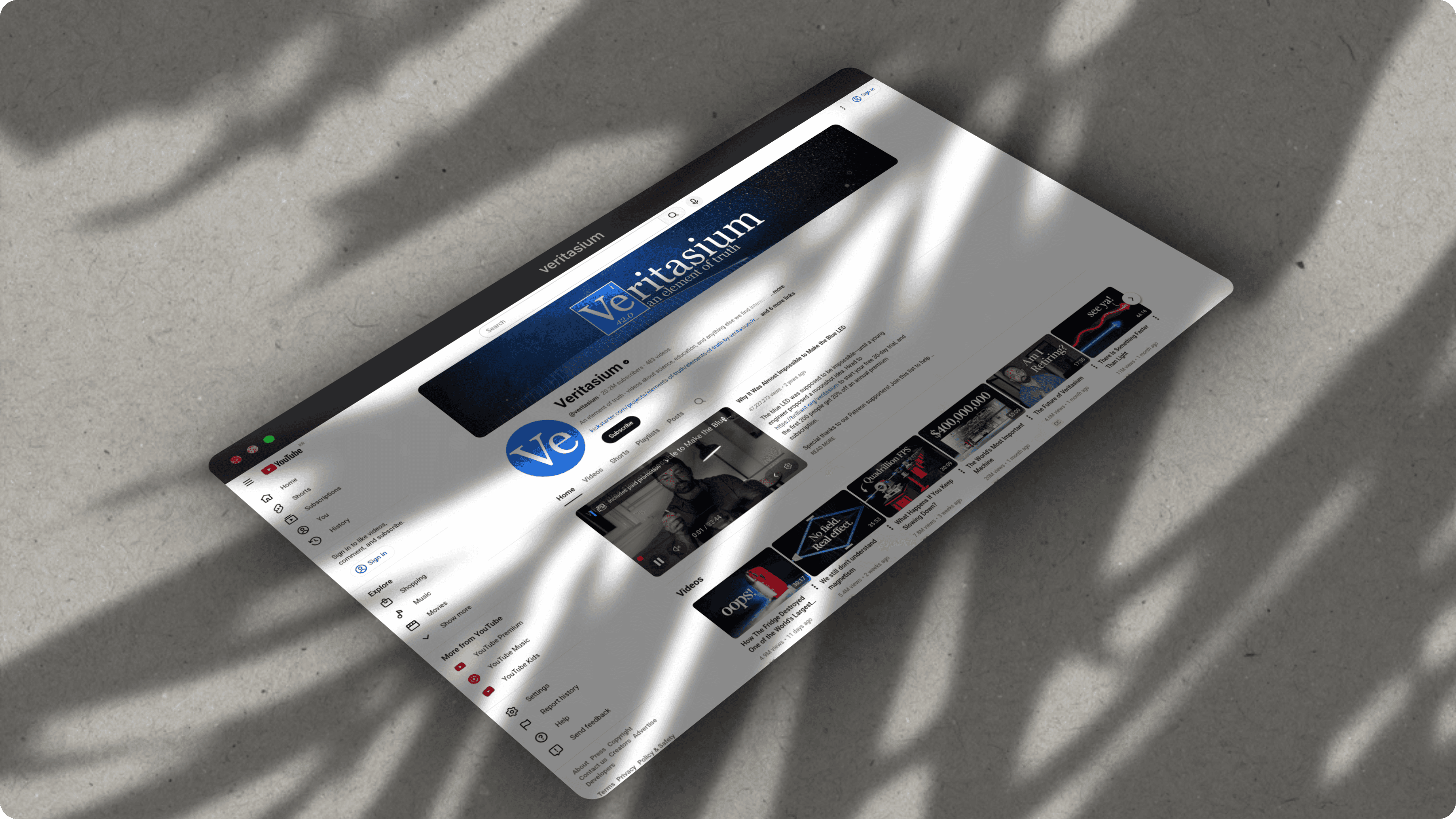
What you can create with ScreenshotStyle.com
Real examples — no design skills needed
Common questions
Is ScreenshotStyle.com better than Shots.so?
ScreenshotStyle.com offers everything Shots.so does plus additional capabilities: 3D perspective effects, a full animation timeline with 20+ presets, video export (MP4/WebM/GIF), code snippet beautification, and text/image overlays. All free with no signup.
Does Shots.so have animation features?
No. Shots.so is a static screenshot editor. ScreenshotStyle.com includes a full animation timeline with keyframe editing and 20+ motion presets like zoom, pan, Ken Burns, and fade effects.
Can I switch from Shots.so to ScreenshotStyle.com?
Yes, the switch is instant. ScreenshotStyle.com requires no account or installation. Just open the editor, drag in your screenshot, and start editing with all features available immediately.