Screenshot Editor for Developers
Make your code, projects, and portfolio look professional. Add backgrounds, device frames, 3D effects, and animations to any screenshot. Free in your browser.
How developers use it
GitHub README Images
Make your projects stand out with polished screenshots in README files. Add backgrounds and shadows to app screenshots that show off your work at its best.
Code Snippet Sharing
Share beautiful code screenshots on Twitter, LinkedIn, or dev blogs. Add gradient backgrounds and device frames that make your code pop in any feed.
Terminal & CLI Output
Turn raw terminal output into clean visuals for documentation and tutorials. Add macOS window frames and subtle shadows for a professional finish.
Technical Blog Posts
Create eye-catching hero images and inline screenshots for dev.to, Hashnode, or your personal blog. Consistent styling across all your content.
Portfolio & Case Studies
Showcase your projects with 3D perspective mockups and professional styling. Present your work the way it deserves to be seen.
Demo Videos & GIFs
Create animated walkthroughs of your apps with zoom, pan, and transition effects. Export as MP4 or GIF for issue trackers and pull requests.
Fits your workflow
Paste from Clipboard
Take a screenshot with your OS shortcut, then Cmd+V directly into the editor. No saving files first.
Drag & Drop
Drag any image file from your file manager straight onto the canvas. Supports PNG, JPG, WebP.
One-Click Presets
Pick a preset that matches your style — dark mode gradients, minimal whites, or vibrant colors. Done in seconds.
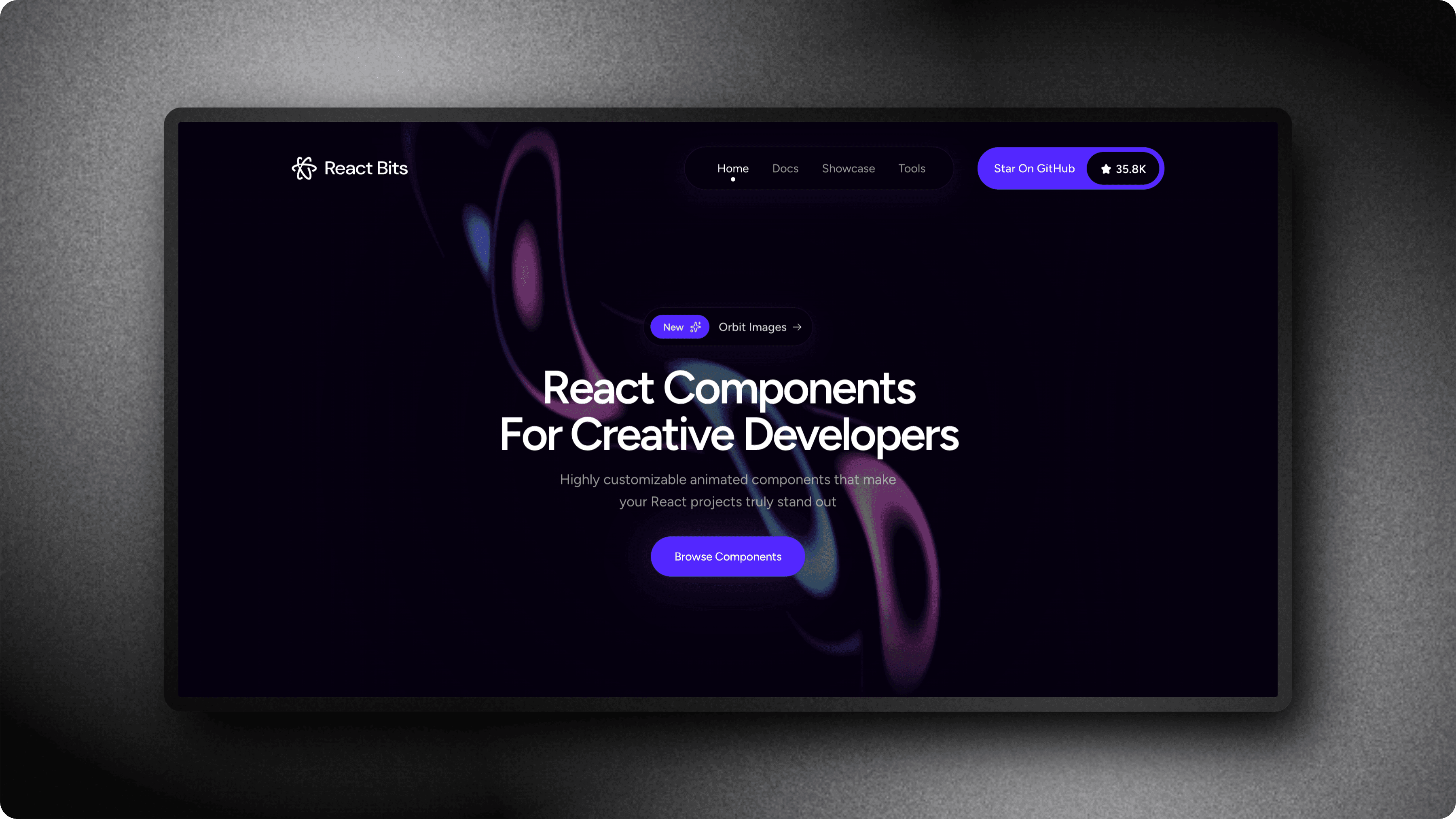
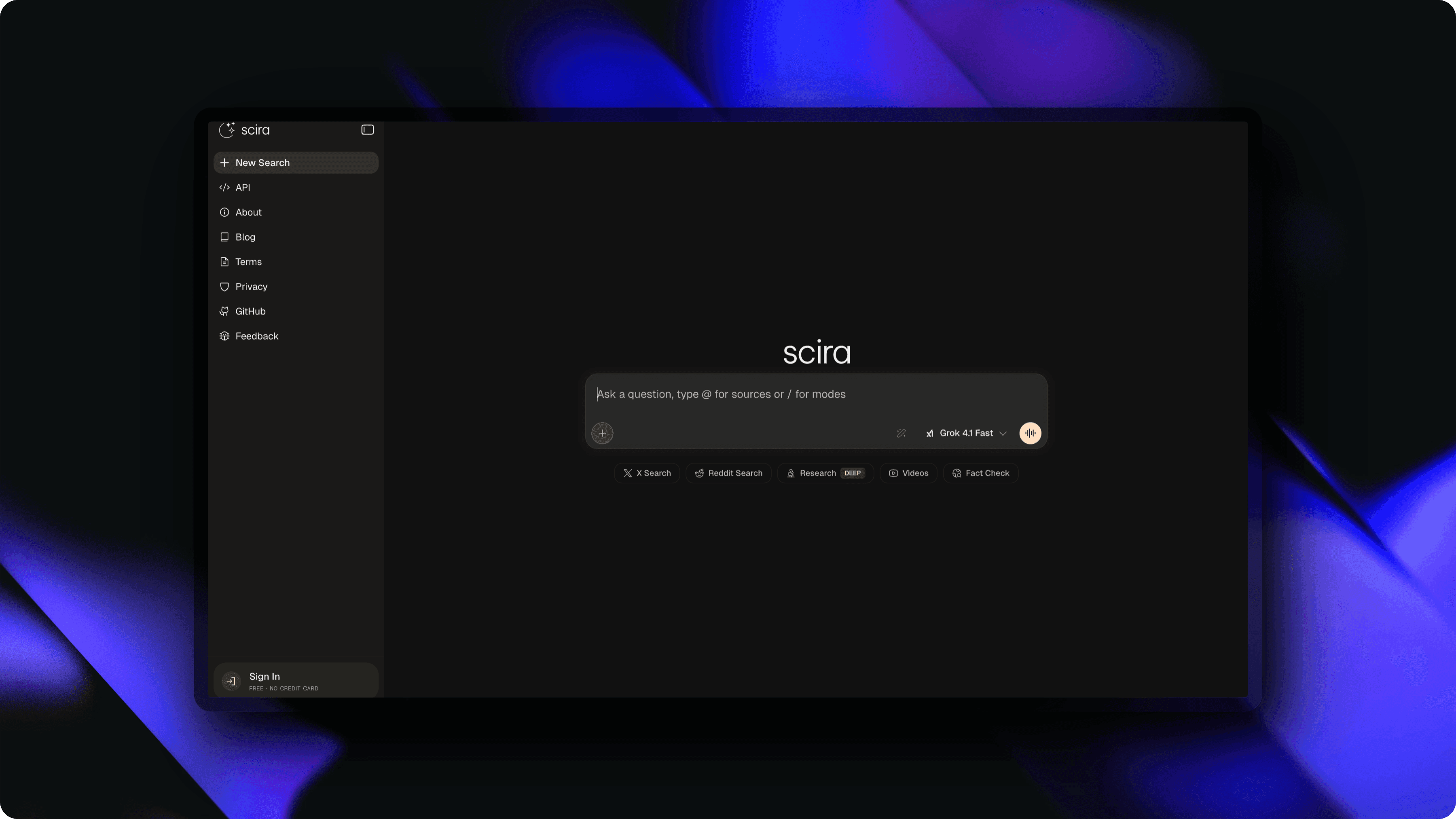
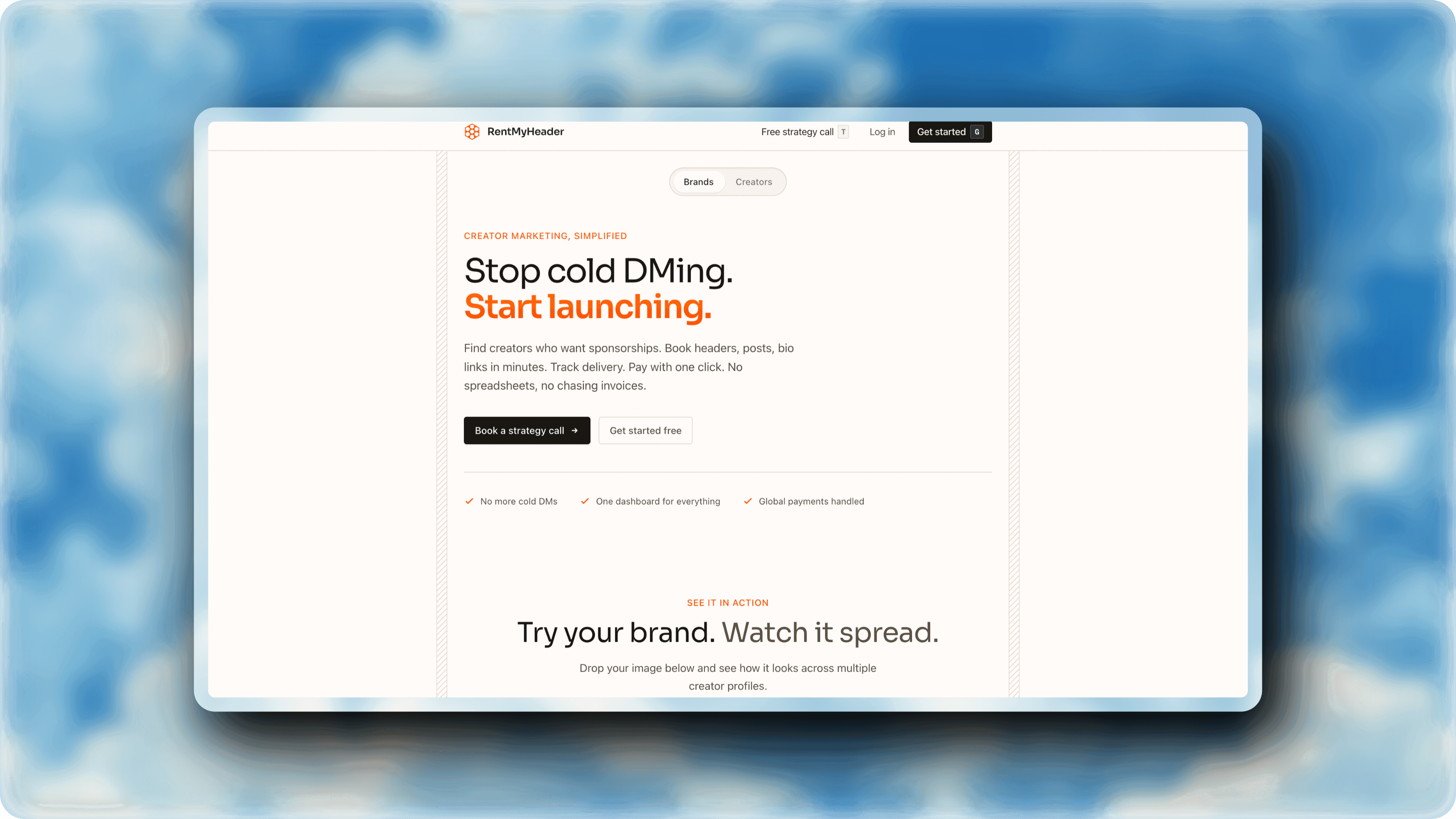
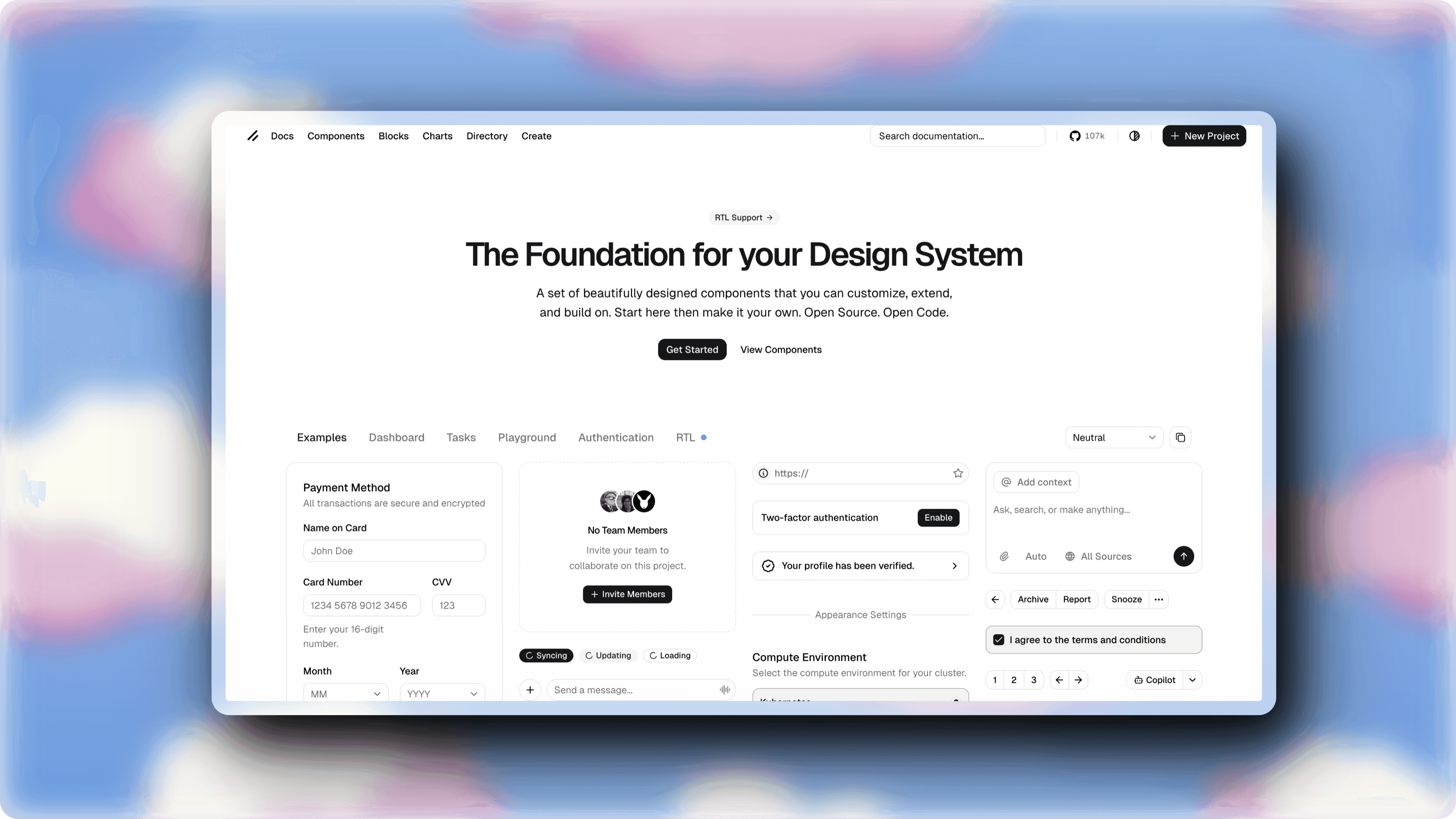
See what you can create
Real examples made with ScreenshotStyle.com by developers
Why developers choose ScreenshotStyle.com
Privacy First
Everything runs in your browser. Your images never leave your machine.
Fast & Lightweight
No heavy downloads or Electron apps. Just open a browser tab and start editing.