Screenshot Editor for Freelancers
Create polished screenshots for client deliverables, portfolio pieces, and proposals. Professional visuals that help you win and retain clients.

How freelancers use it
Client Deliverables
Present your work with polished screenshots that impress clients. Professional backgrounds and framing show the quality of your output.
Portfolio Pieces
Showcase past projects with 3D perspective mockups on Upwork, Fiverr, or your personal site. Stand out from other freelancers.
Proposals & Quotes
Include polished mockups in project proposals. Visual examples of your work are more persuasive than text descriptions.
Progress Updates
Send styled progress screenshots to clients. Polished visuals communicate professionalism and care.
Social Proof
Share your best work on LinkedIn and Twitter with styled screenshots. Build your reputation and attract inbound clients.
Case Studies
Create visual case studies with before/after screenshots, annotations, and professional styling.
Fits your workflow
Impress Every Client
Even simple screenshots look premium with the right background and framing. Elevate your perceived value without extra effort.
Build Your Portfolio Fast
Turn raw project screenshots into portfolio-ready pieces in under a minute. No Photoshop or Figma skills needed.
Consistent Personal Brand
Use the same visual style across your portfolio, proposals, and social media. Build a recognizable freelance brand.
See what you can create
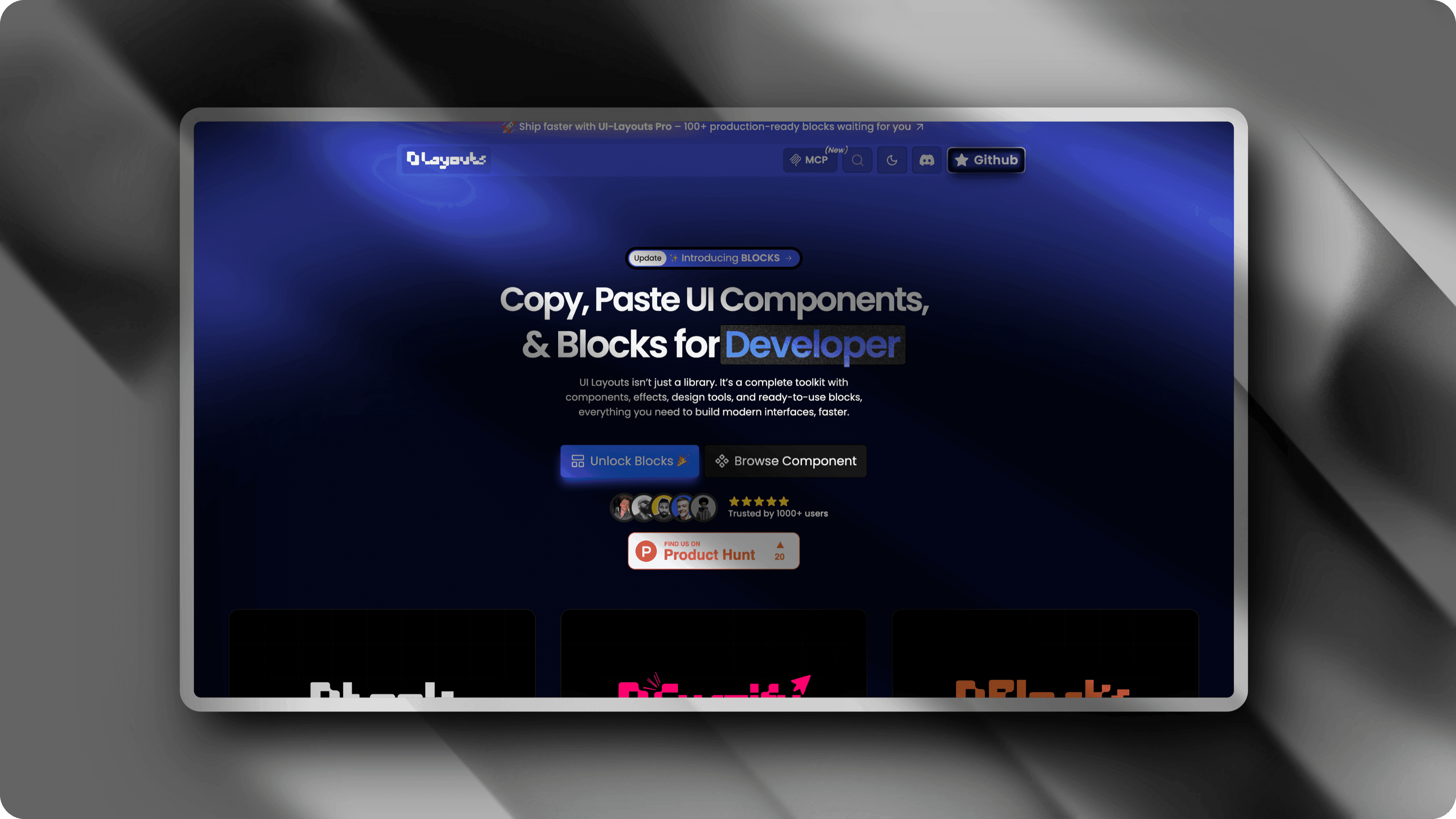
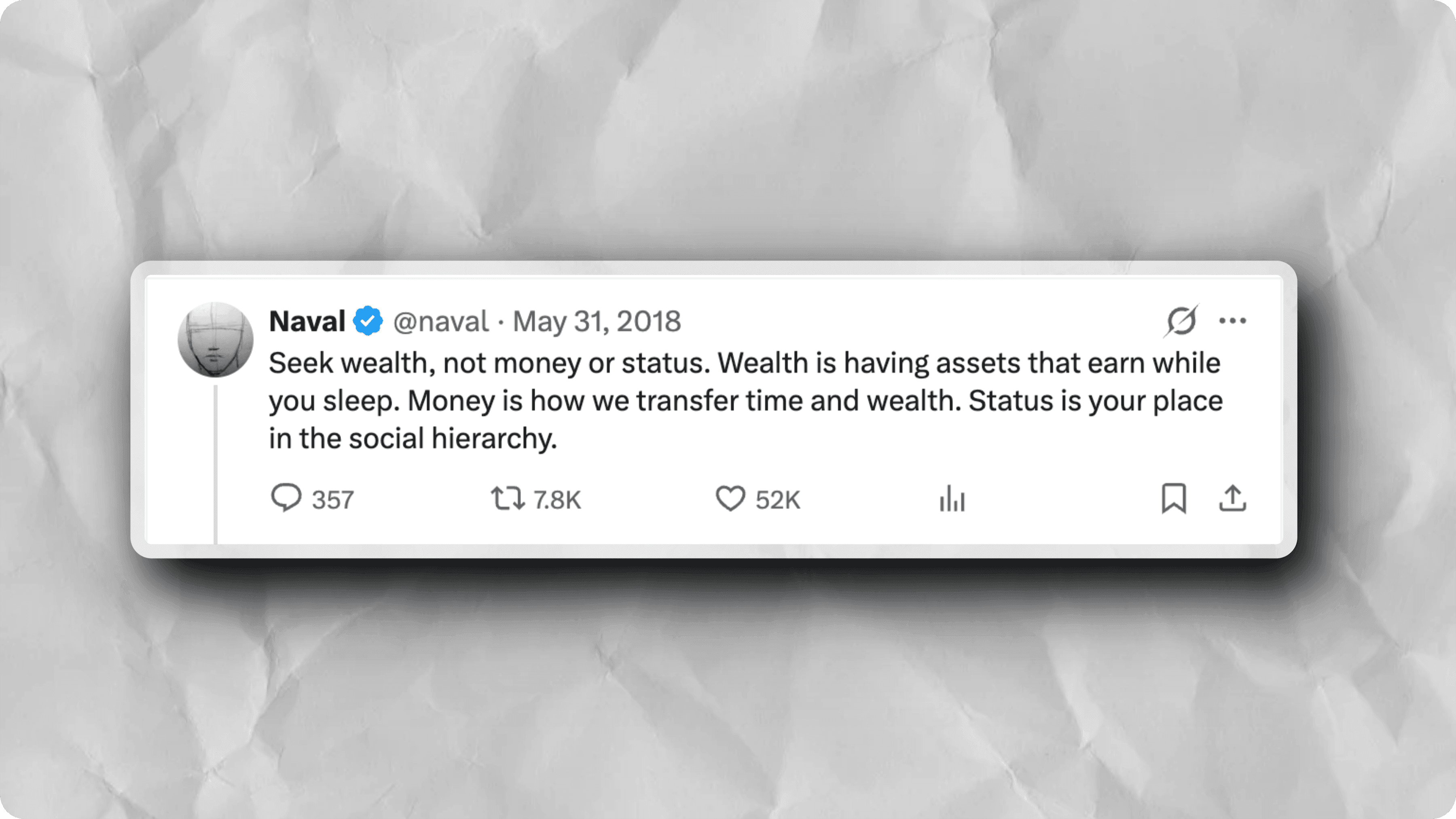
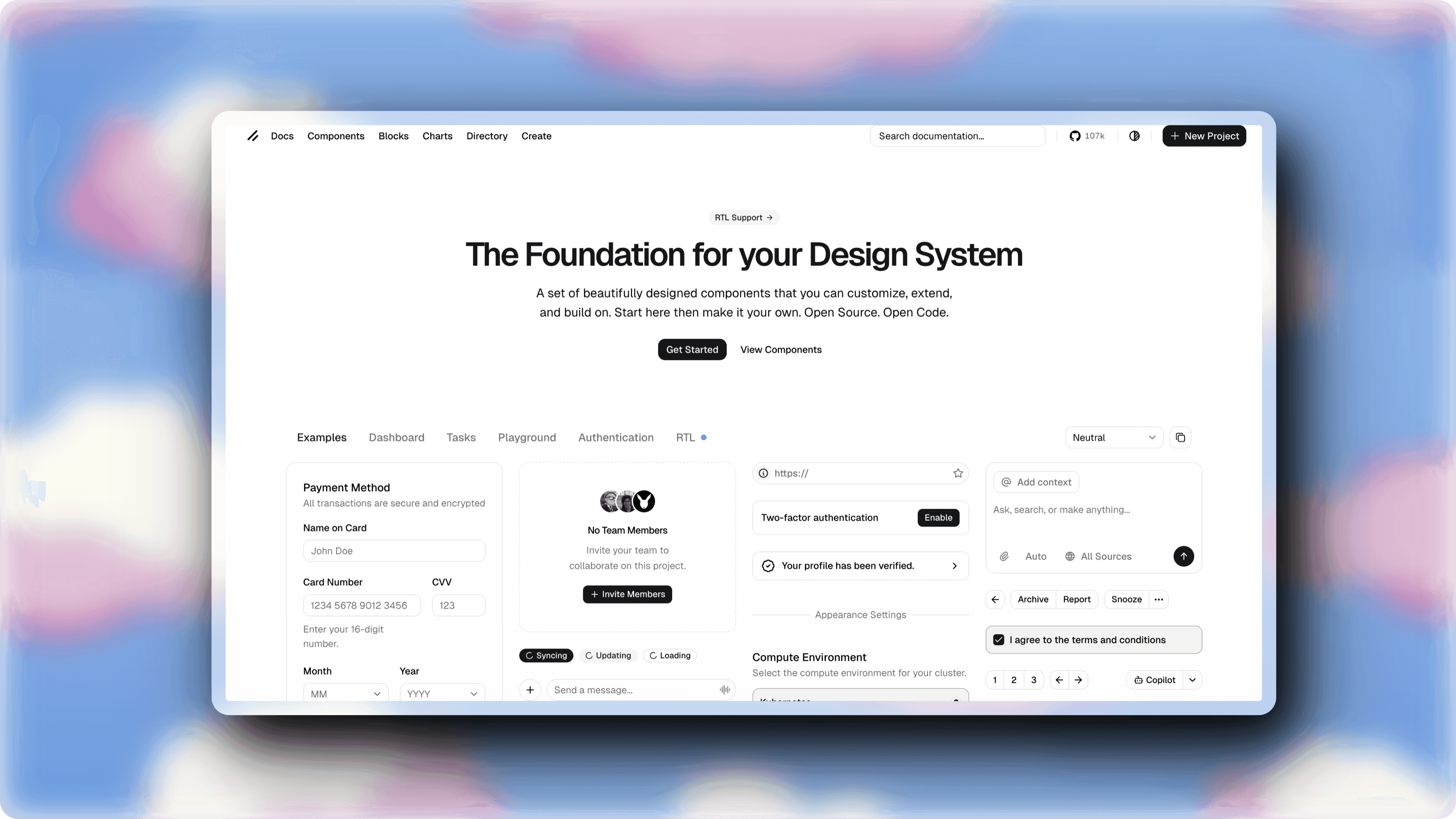
Real examples made with ScreenshotStyle.com by freelancers
Why freelancers choose ScreenshotStyle.com
No Software Costs
Free forever — no subscriptions cutting into your freelance income. All features included.
Fast Turnaround
Create polished visuals in 30 seconds. Spend your time on billable work, not image editing.
Works for Any Niche
Whether you're a developer, designer, marketer, or writer — screenshot beautification works for any client-facing visual.