ScreenshotStyle.com vs Figma
Beautify screenshots in seconds instead of minutes. No design skills required.
Try ScreenshotStyle.com FreeFeature comparison
| Feature | ScreenshotStyle.com | Figma |
|---|---|---|
| Price | Free forever | Freemium ($15+/mo) |
| Purpose | Screenshot beautification | Full design tool |
| Signup Required | No | Yes (account required) |
| Learning Curve | None | Steep (design tool) |
| Time to Mockup | Seconds | Minutes (manual setup) |
| Screenshot Backgrounds | 100+ presets | None built-in |
| Device Frames | Safari, Chrome (light/dark), Arc, Polaroid | Via plugins/community |
| 3D Effects | Perspective tilt & rotation | Not available |
| Animations | 20+ presets, keyframes | Prototype transitions |
| Video Export | MP4, WebM, GIF | Not available |
| Free Forever | Yes, all features | No |
ScreenshotStyle.com
- Zero learning curve — anyone can use it
- Purpose-built for screenshot beautification
- No account required
- 100+ backgrounds included
- 3D perspective transforms
- Animation timeline with 20+ presets
- Video export (MP4, WebM, GIF)
- Free forever, no watermarks
Figma limitations
- Full design tool with steep learning curve
- Requires account creation
- Screenshot mockups need manual setup or plugins
- No built-in screenshot backgrounds
- No 3D perspective for screenshot mockups
- No animation export from screenshot mockups
- Overkill for simple screenshot tasks
The verdict
Figma is the industry-leading design tool, but it's overkill for screenshot beautification. ScreenshotStyle.com handles screenshot mockups in seconds with purpose-built features — 3D effects, animations, and video export — that would take minutes to set up manually in Figma.
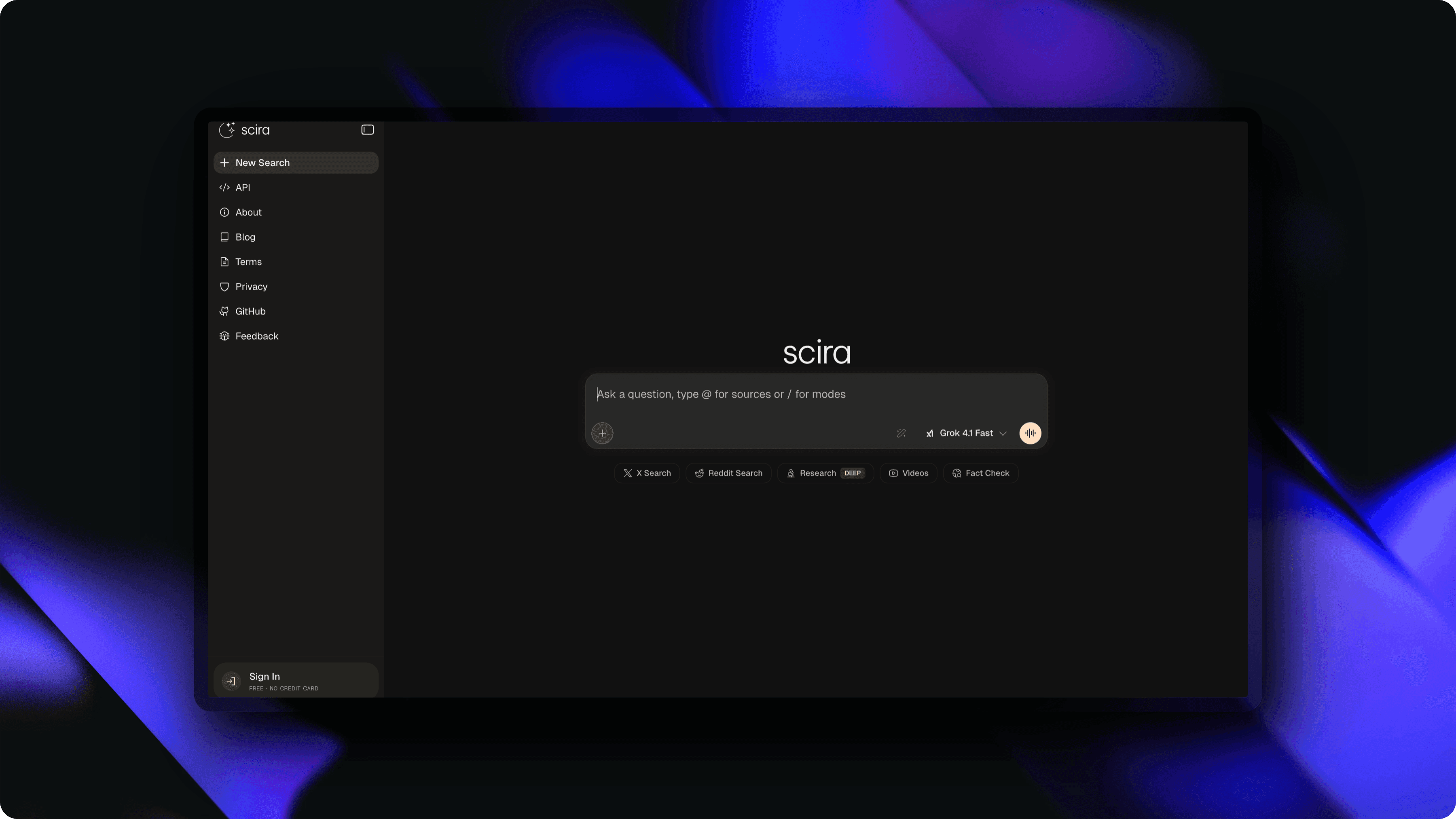
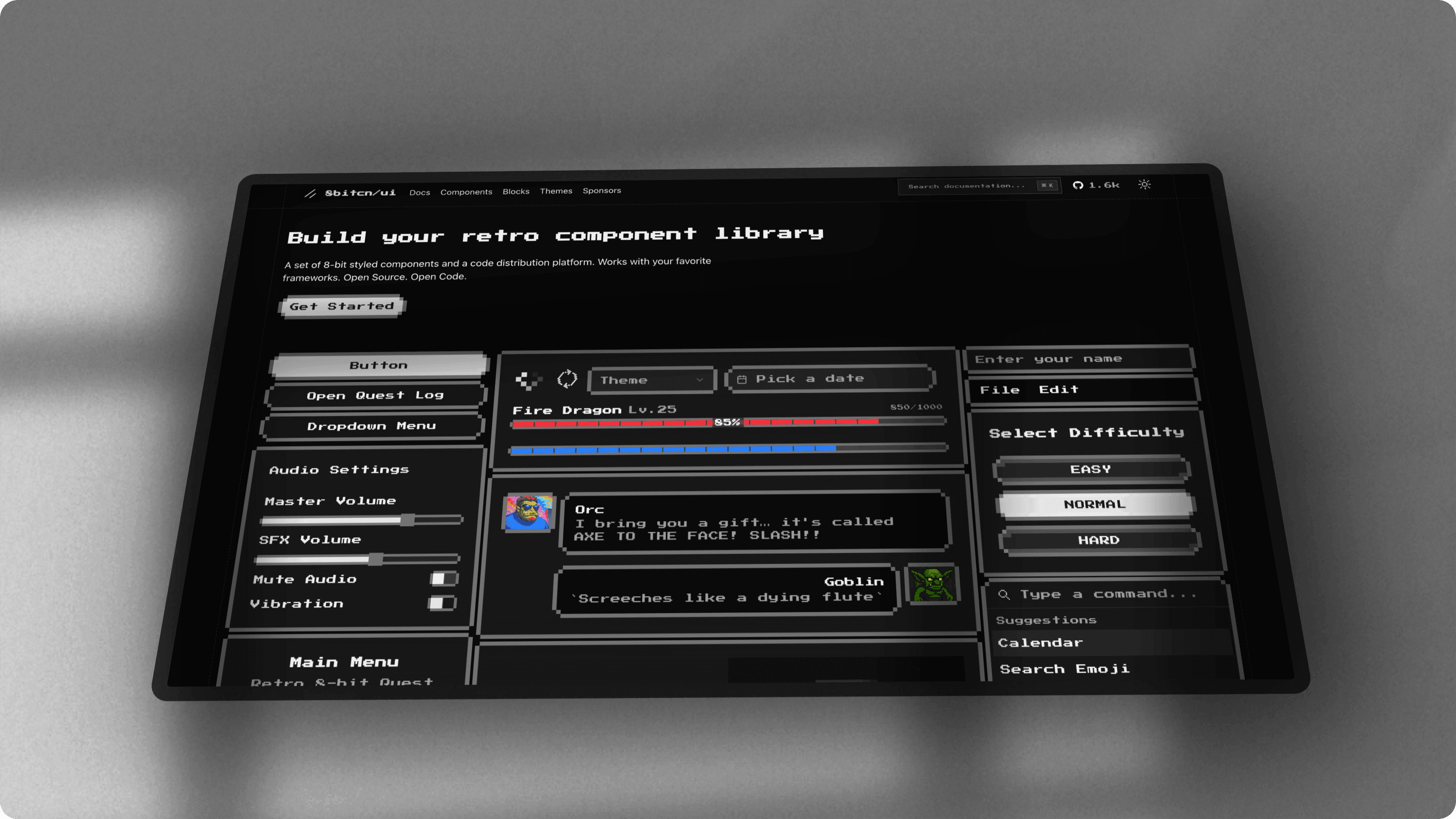
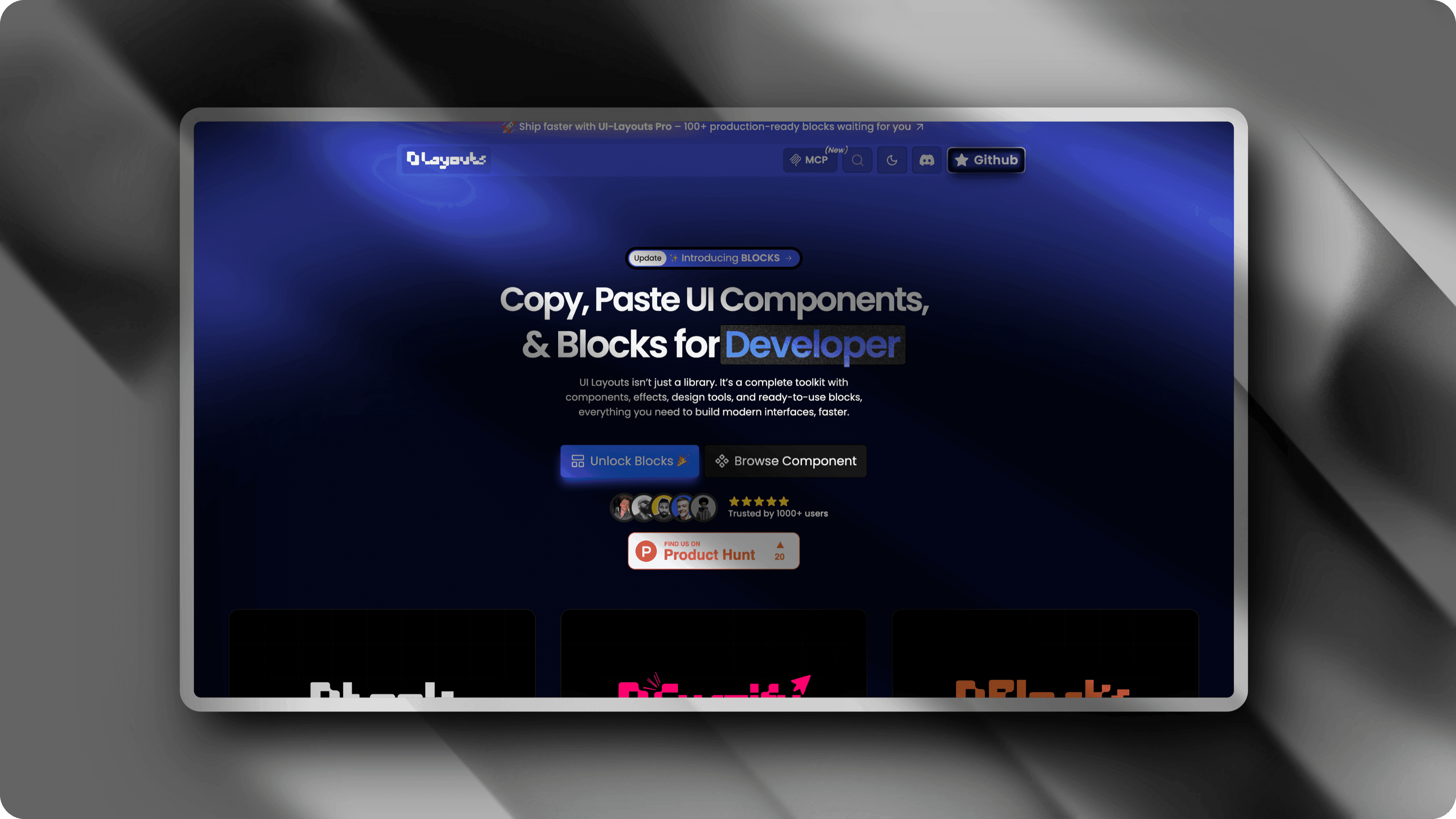
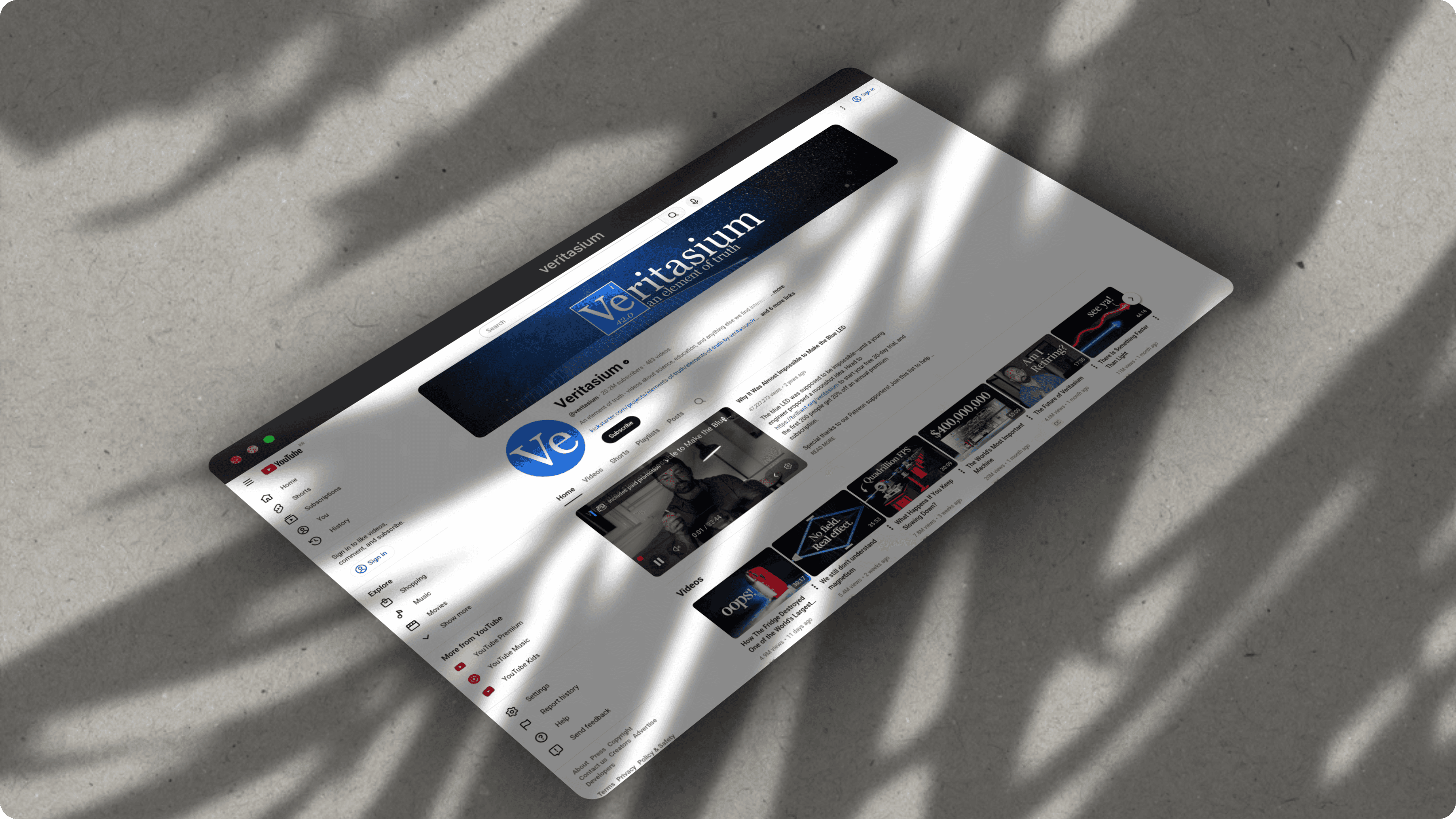
What you can create with ScreenshotStyle.com
Real examples — no design skills needed
Common questions
Is ScreenshotStyle.com a good Figma alternative for screenshots?
Yes, for screenshot-specific tasks. ScreenshotStyle.com creates polished screenshot mockups in seconds with 100+ backgrounds, 3D effects, device frames, and animation presets. Figma requires manual frame setup, plugins, or community templates to achieve similar results.
Why use ScreenshotStyle.com instead of Figma for mockups?
Speed and simplicity. ScreenshotStyle.com is purpose-built — drag in a screenshot, pick a background, add effects, and export. No artboards, no layers, no design skills needed. Figma is powerful but requires setup time and design knowledge for screenshot mockups.
Can Figma create 3D screenshot mockups?
Figma does not have built-in 3D perspective transforms. You would need third-party plugins or manual workarounds. ScreenshotStyle.com offers native 3D perspective, rotation, and depth controls with real-time preview.
Does Figma export animated screenshots as video?
No. Figma's prototyping features create interactive transitions but cannot export screenshot animations as MP4, WebM, or GIF. ScreenshotStyle.com includes a full animation timeline with 20+ presets and direct video export.