ScreenshotStyle.com vs Pika Style
ScreenshotStyle.com offers more backgrounds, 3D effects, animations, and video export at no cost.
Try ScreenshotStyle.com FreeFeature comparison
| Feature | ScreenshotStyle.com | Pika Style |
|---|---|---|
| Price | Free forever | Freemium ($5+/mo) |
| Backgrounds | 100+ gradients, solids, images | Limited free set |
| Device Frames | Safari, Chrome (light/dark), Arc, Polaroid | macOS, Windows |
| 3D Effects | Full perspective transforms | Not available |
| Animations | 20+ presets, keyframe editor | Not available |
| Video Export | MP4, WebM, GIF | Not available |
| Text Overlays | 25+ fonts, shadows, layers | Basic text |
| Image Overlays | Arrows, stickers, icons | Limited |
| Export Resolution | Up to 5x scale | Standard |
| Watermarks | Never | On free tier |
| Signup Required | No | For some features |
| Free Forever | Yes, all features | No |
ScreenshotStyle.com
- 100+ backgrounds included free
- Full animation timeline with 20+ presets
- 3D perspective transforms
- Video export (MP4, WebM, GIF)
- No watermarks ever
- No signup required
- Free forever
Pika Style limitations
- Limited free backgrounds
- No animation or video export
- No 3D perspective effects
- Watermark on free tier exports
- Requires account for some features
The verdict
ScreenshotStyle.com is the stronger choice if you want animations, 3D effects, and video export. Pika Style is simpler but charges for features ScreenshotStyle.com includes for free.
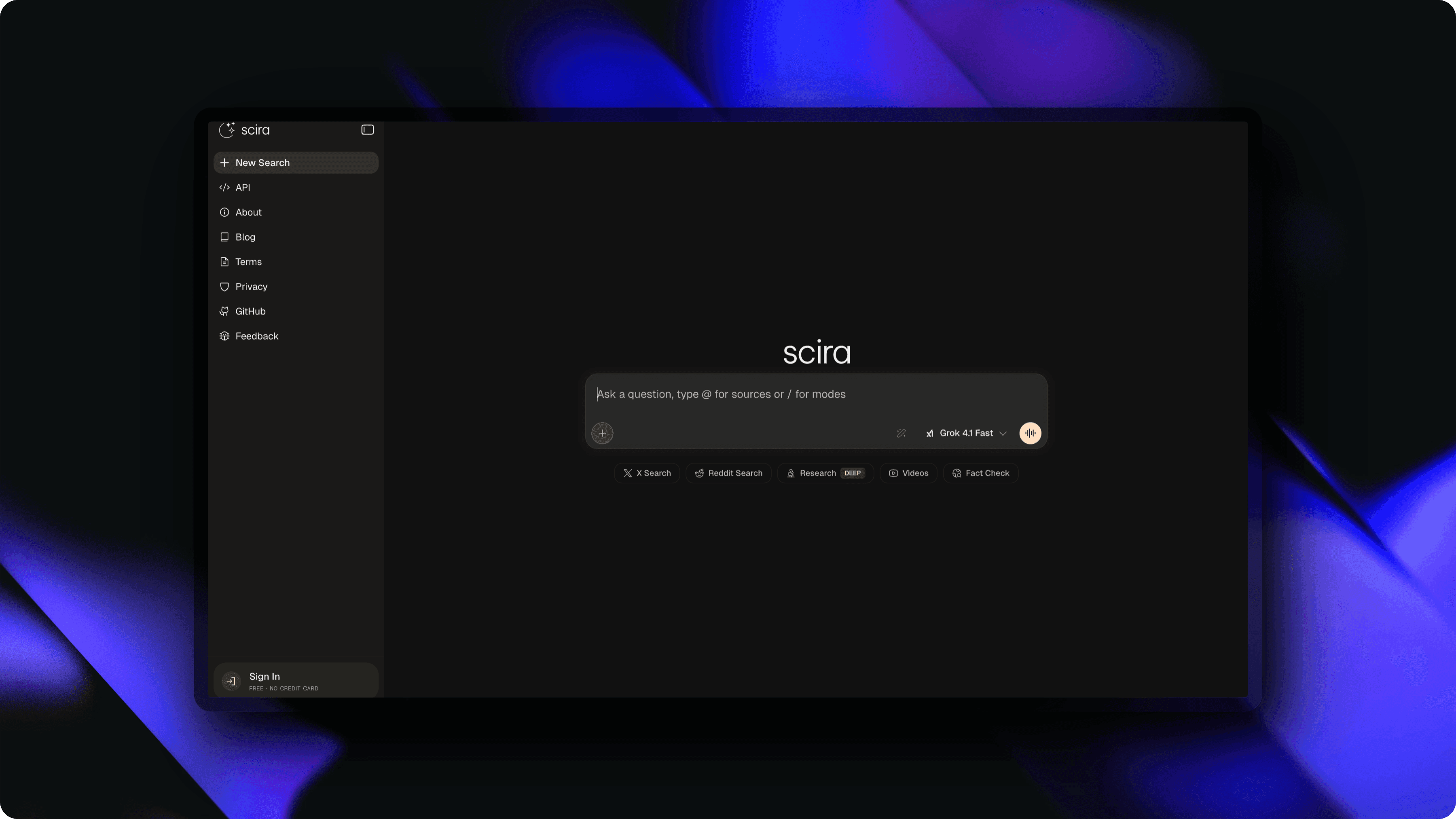
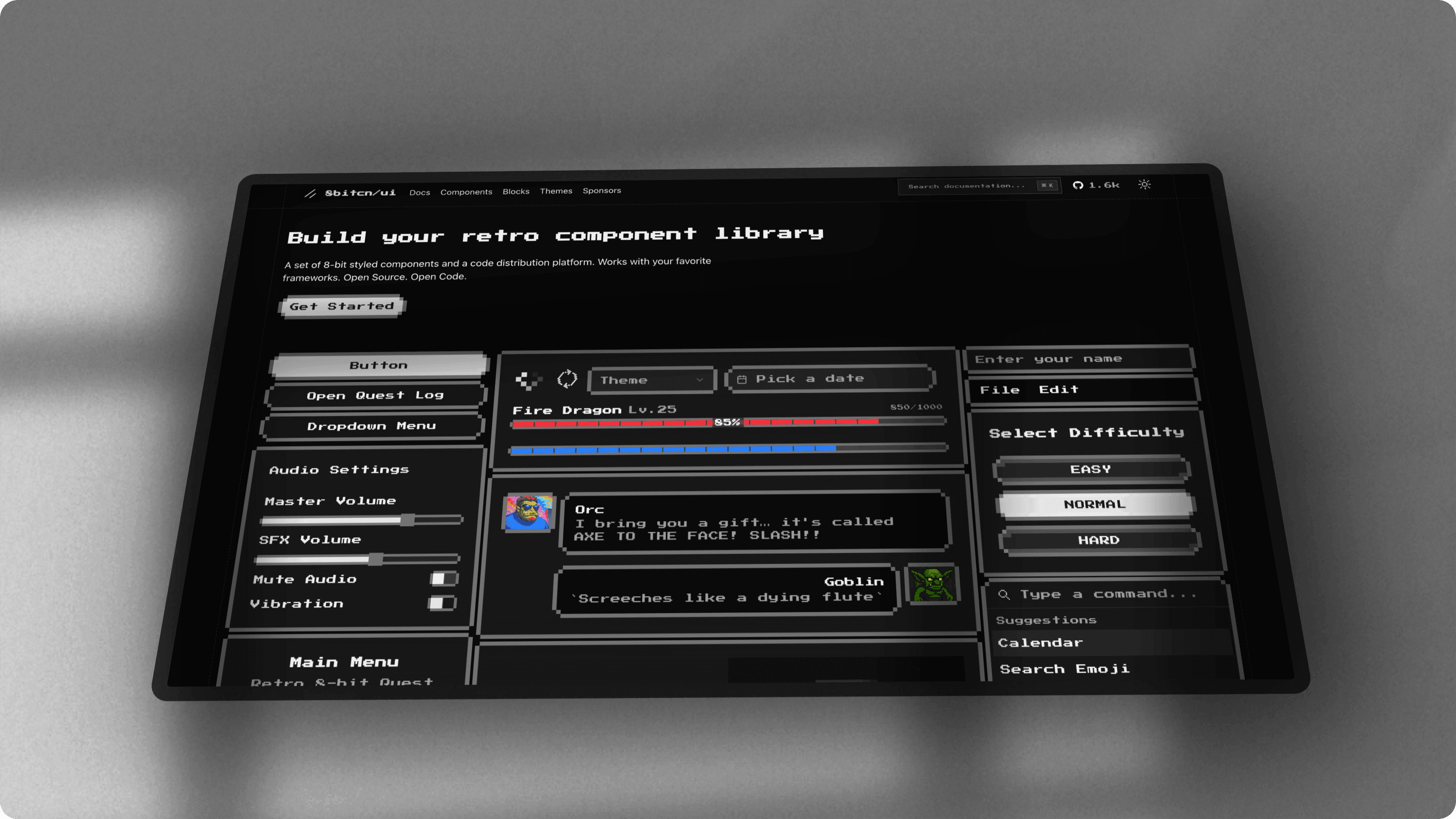
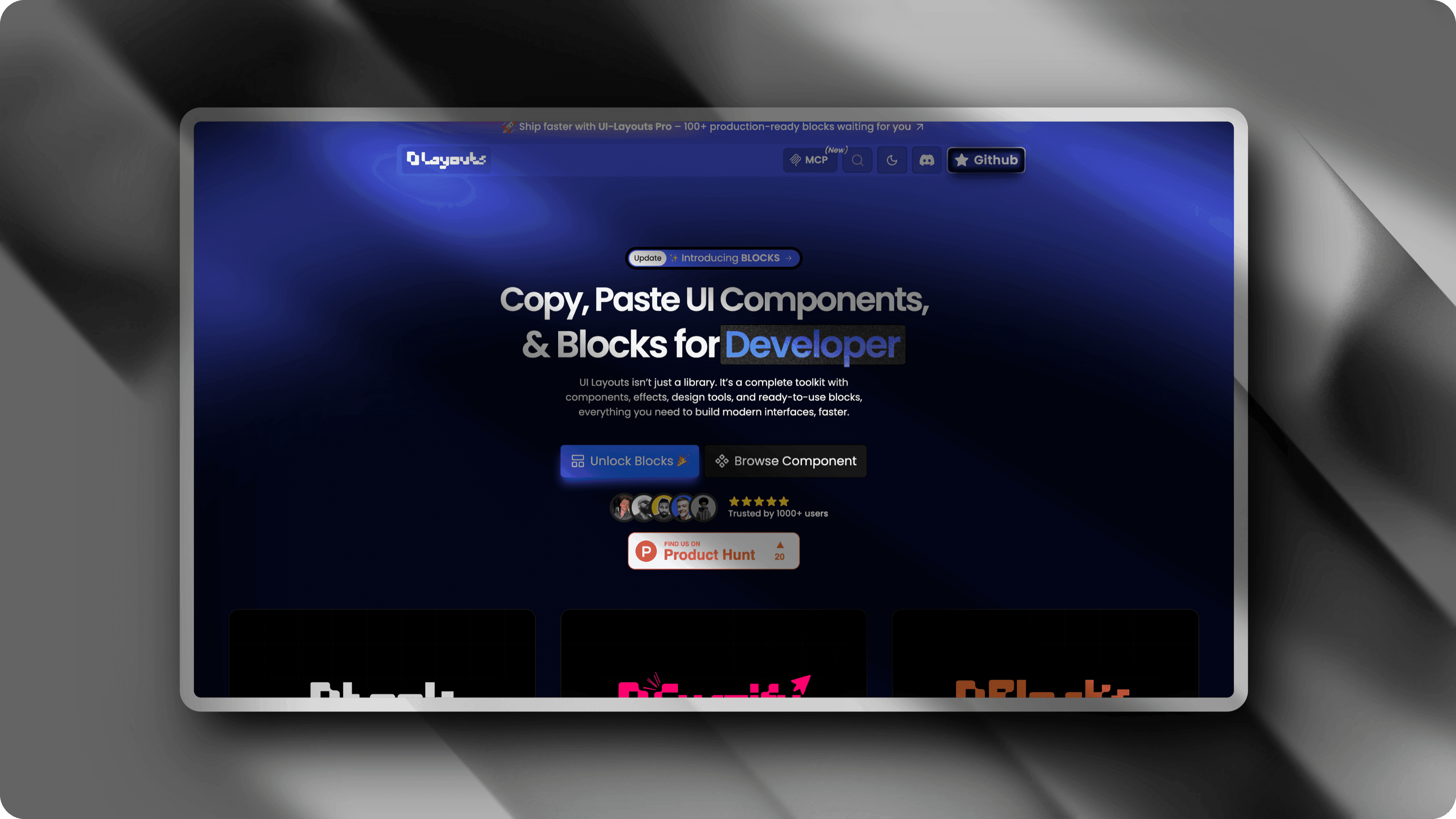
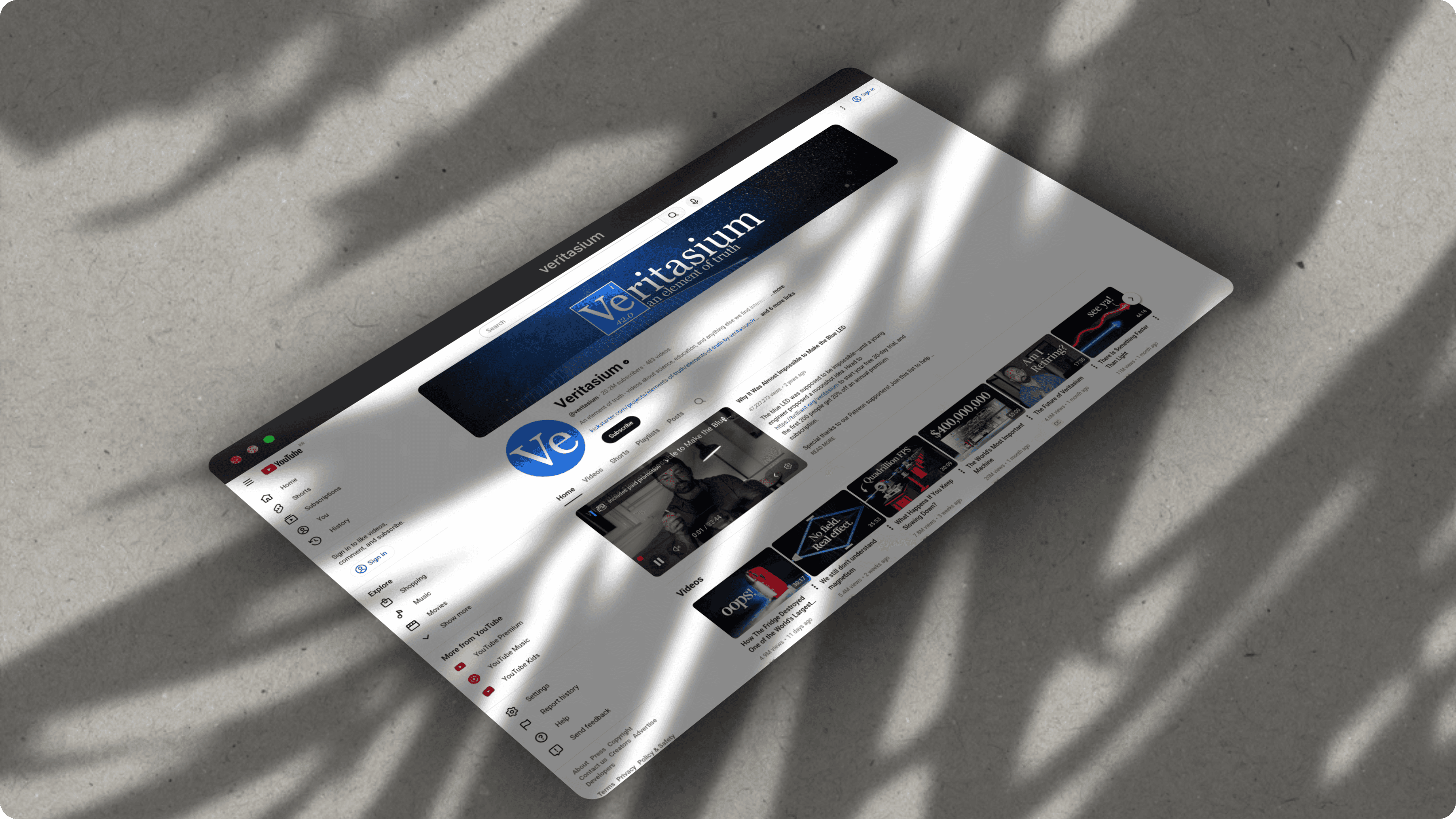
What you can create with ScreenshotStyle.com
Real examples — no design skills needed
Common questions
Is ScreenshotStyle.com a good Pika Style alternative?
Yes. ScreenshotStyle.com covers all of Pika Style's core features (backgrounds, shadows, device frames) and adds 3D perspective transforms, an animation timeline with 20+ presets, and video export in MP4, WebM, or GIF. All features are free with no signup.
Does Pika Style offer animation or video export?
No. Pika Style focuses on static screenshot beautification. ScreenshotStyle.com includes a full animation timeline with keyframe editing, 20+ motion presets, and exports to MP4, WebM, and GIF formats.
Which tool has more backgrounds?
ScreenshotStyle.com includes 100+ gradient, solid, mesh, and custom backgrounds for free. Pika Style offers a smaller set of free backgrounds with more available on paid plans.